
The Team Planner is a tool for building a six-Pokemon party and seeing where it breaks down. You pick a game, drop Pokemon into slots, and it tells you what types your team is weak to and where your coverage is thin. It's the thing most Pokedex sites don't have, and it's what I wish I had the first time I tried to build a Scarlet team without looking up every matchup by hand.
Step 1
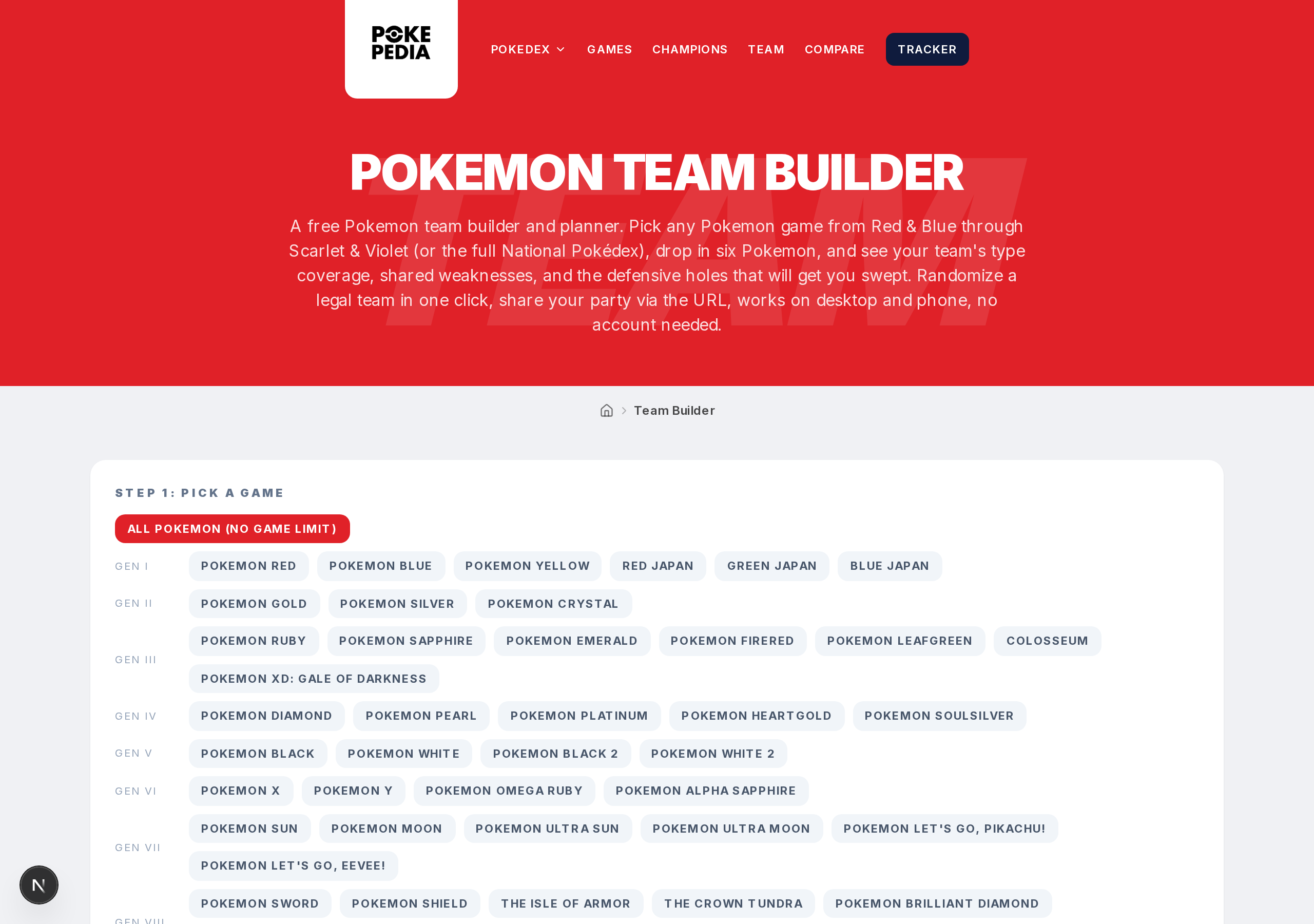
Open the Team Planner from the top menu.
Step 2
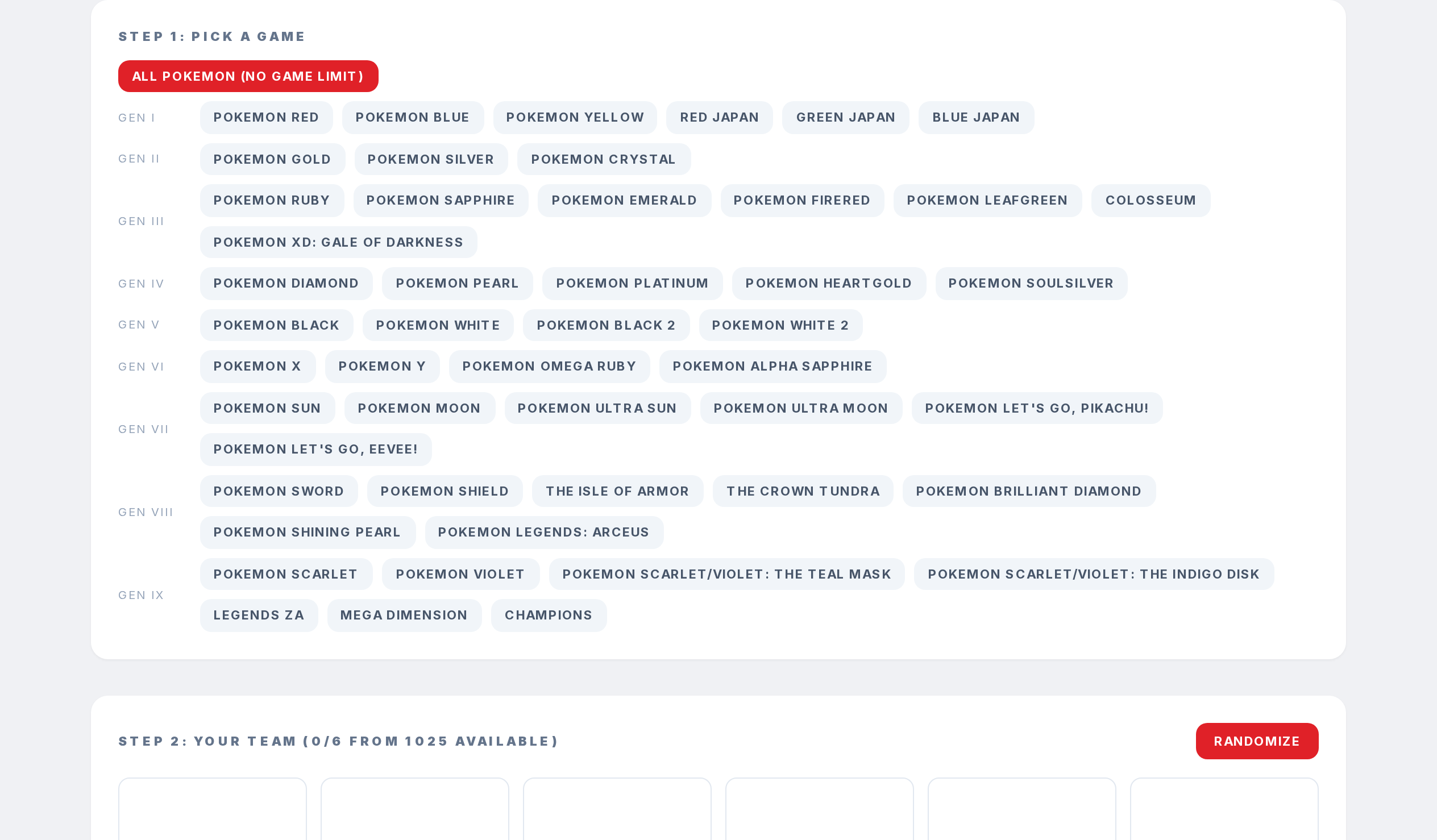
Pick a game from the buttons at the top. This matters because not every Pokemon is catchable in every game. If you're playing Pokemon Red, you won't see Fairy types at all.
Step 3
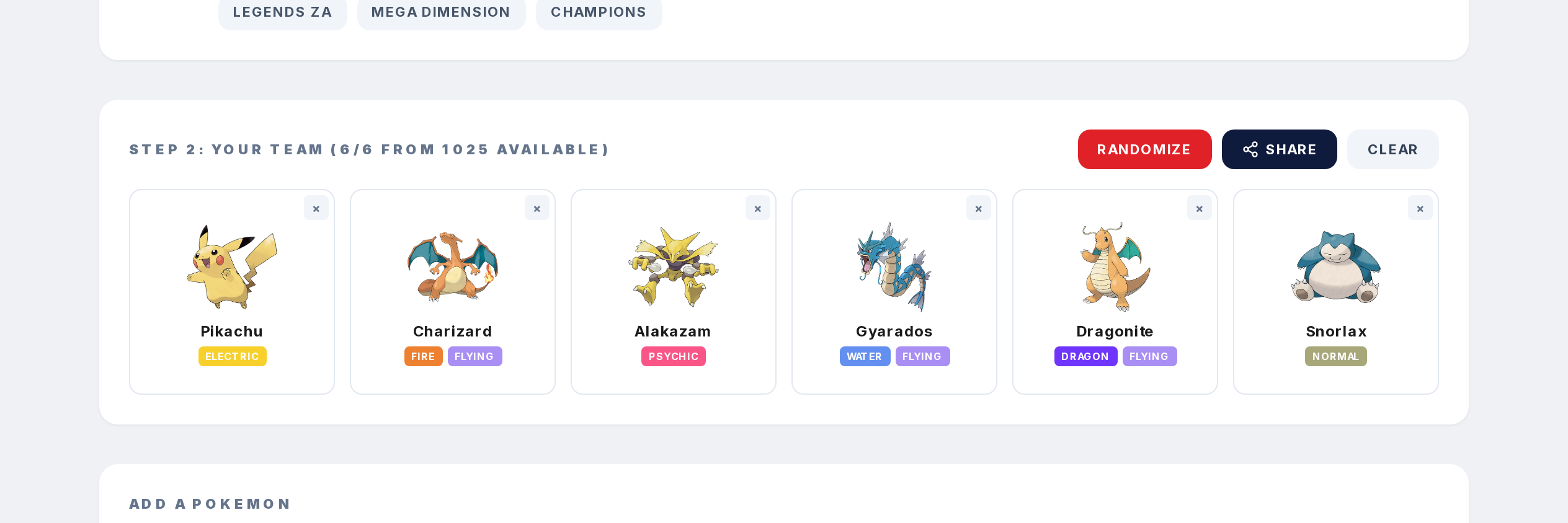
Search and add Pokemon to your six slots. Each one shows its types and sprite.
Step 4
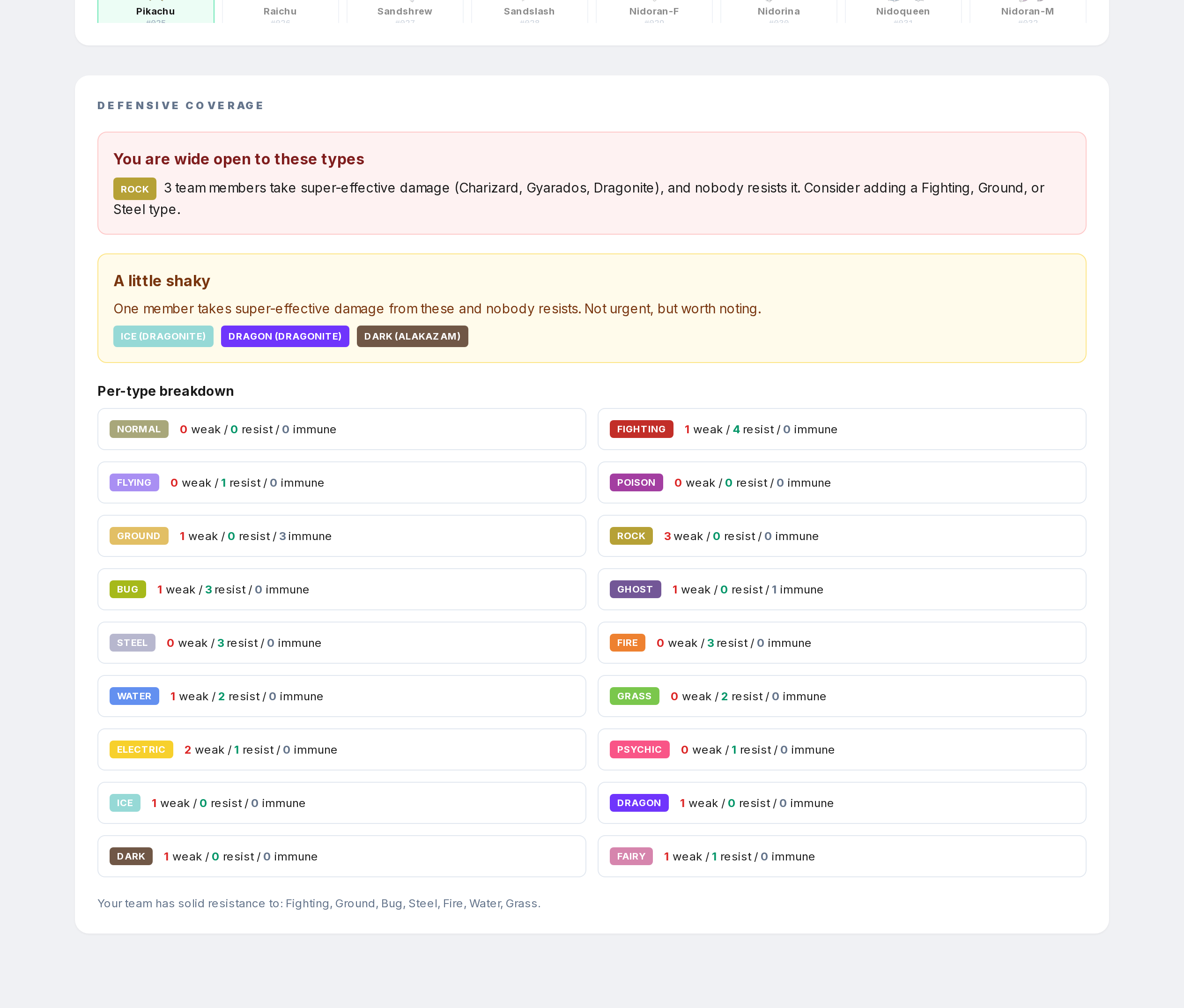
Scroll down to see defensive coverage. The panel shows which types your team is wide open to, which are shaky with one weak spot, and which are solid. It also suggests what types to add if you want to fix the gaps.