
The Randomize button picks six random Pokemon from whichever game you selected. Useful for nuzlockes, random challenges, or just seeing what a team of chaos looks like.
Step 1
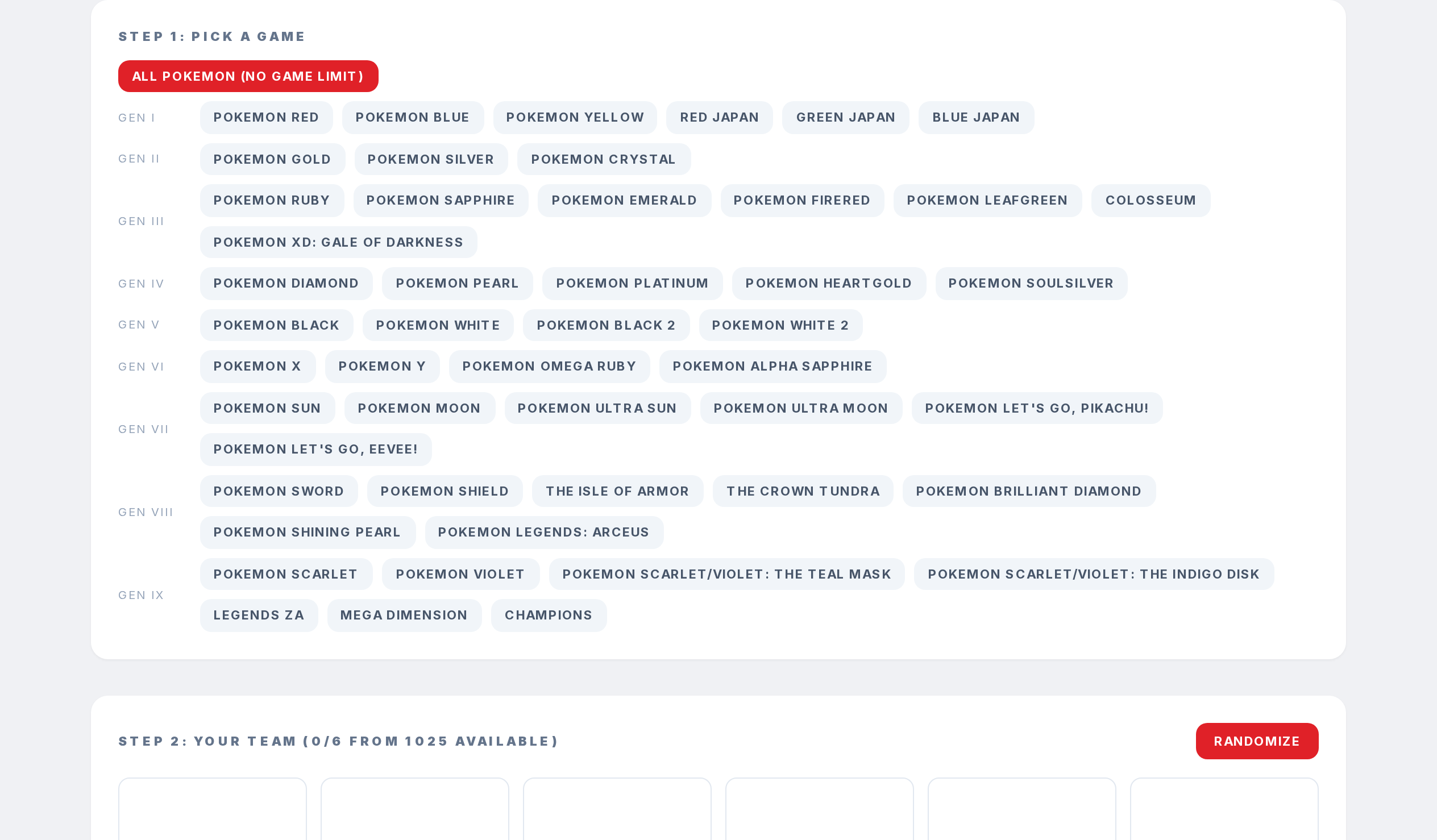
Pick a game on the Team Planner.
Step 2

Click Randomize in the top right of the team area.
Step 3
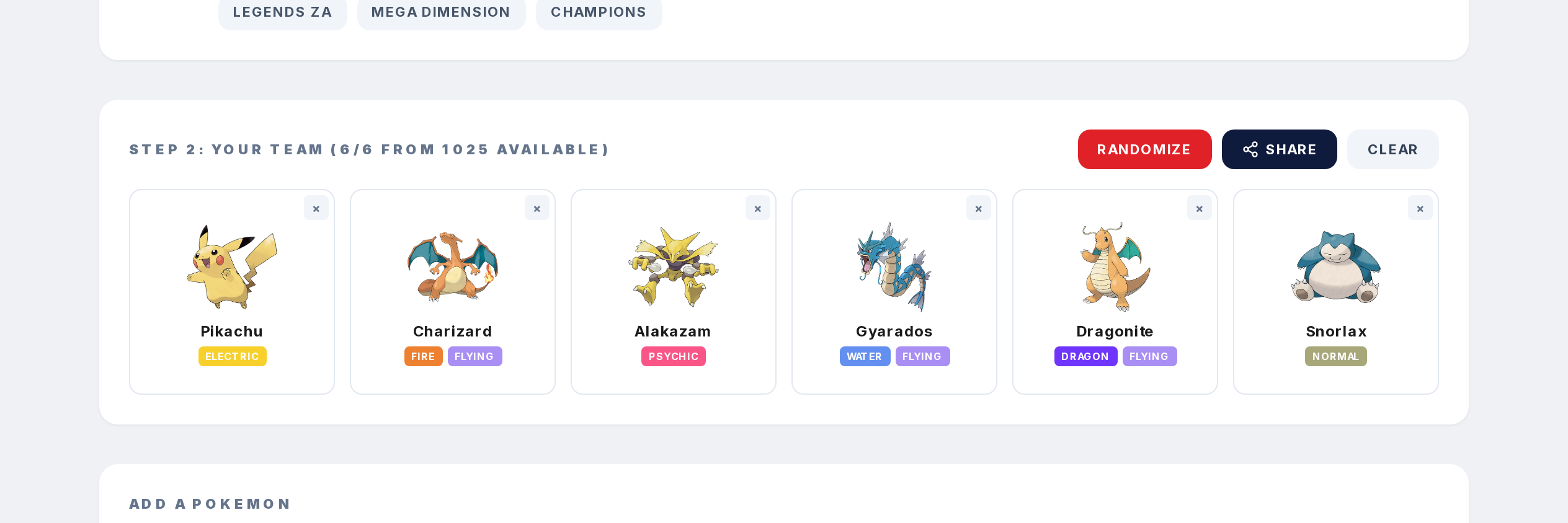
Your six slots fill with random Pokemon from the game's available pool. Click Randomize again for another set, or clear to start over.
Step 4
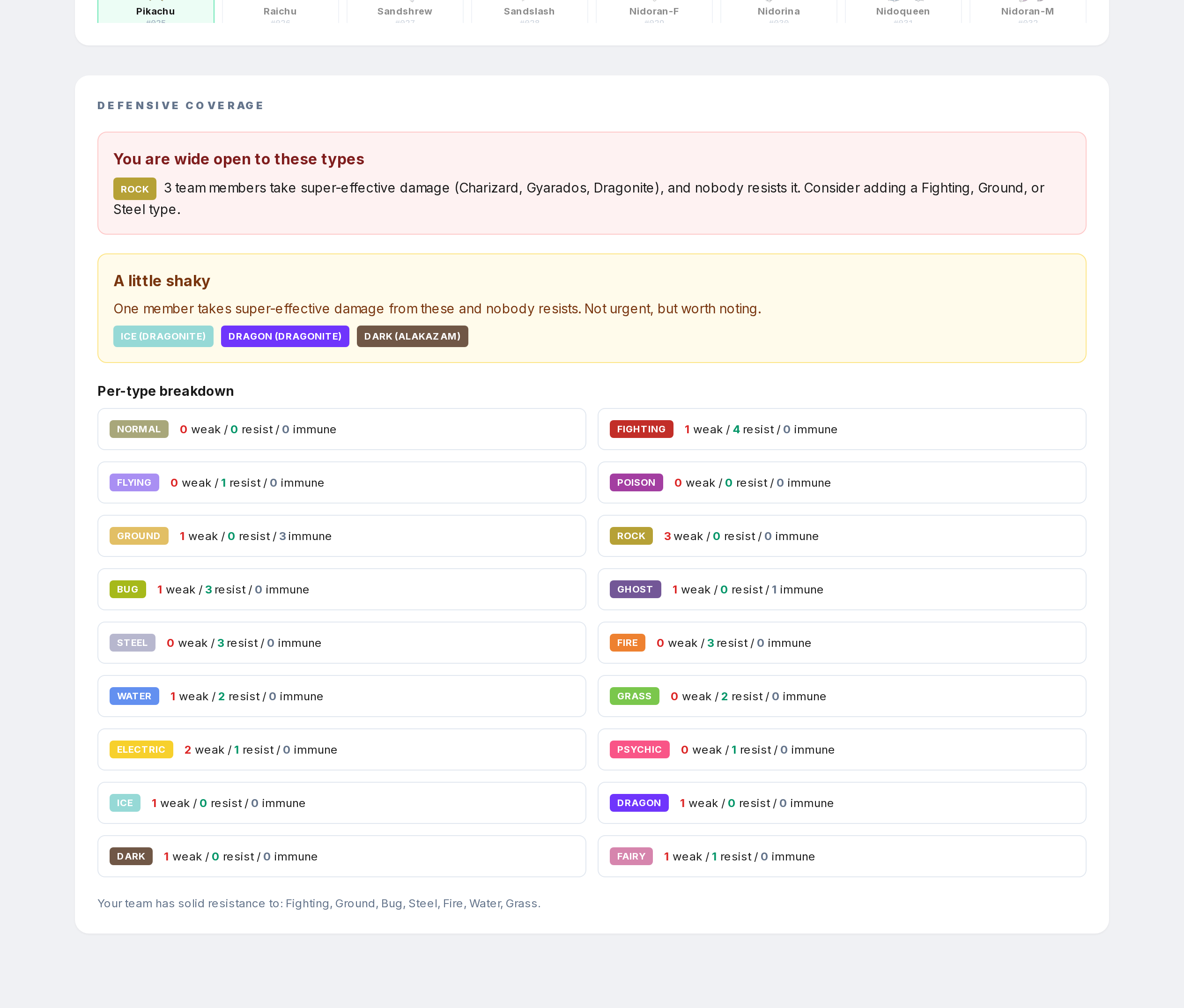
The defensive coverage updates instantly so you can see what the random team is weak to.