
The Random Pokemon generator can build a full team of six at once. Useful for randomized playthroughs, Nuzlocke runs, or just seeing what kind of squad you end up with.
Step 1
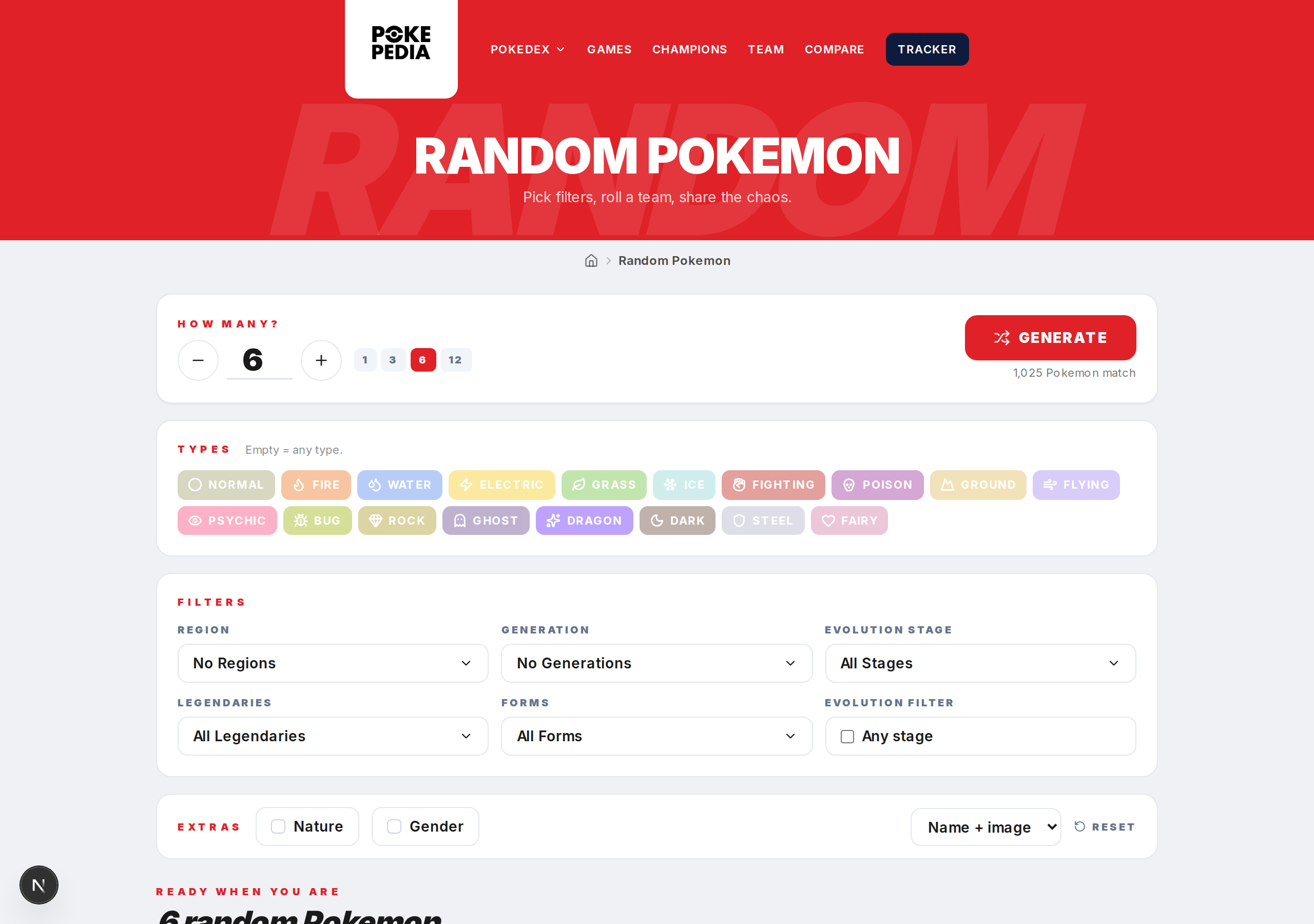
Go to the Random Pokemon page on Pokepedia.com.
Step 2

Set up your filters first if you want constraints. Generation, region, type, category, evolution stage all work the same way for teams as they do for single picks.
Step 3
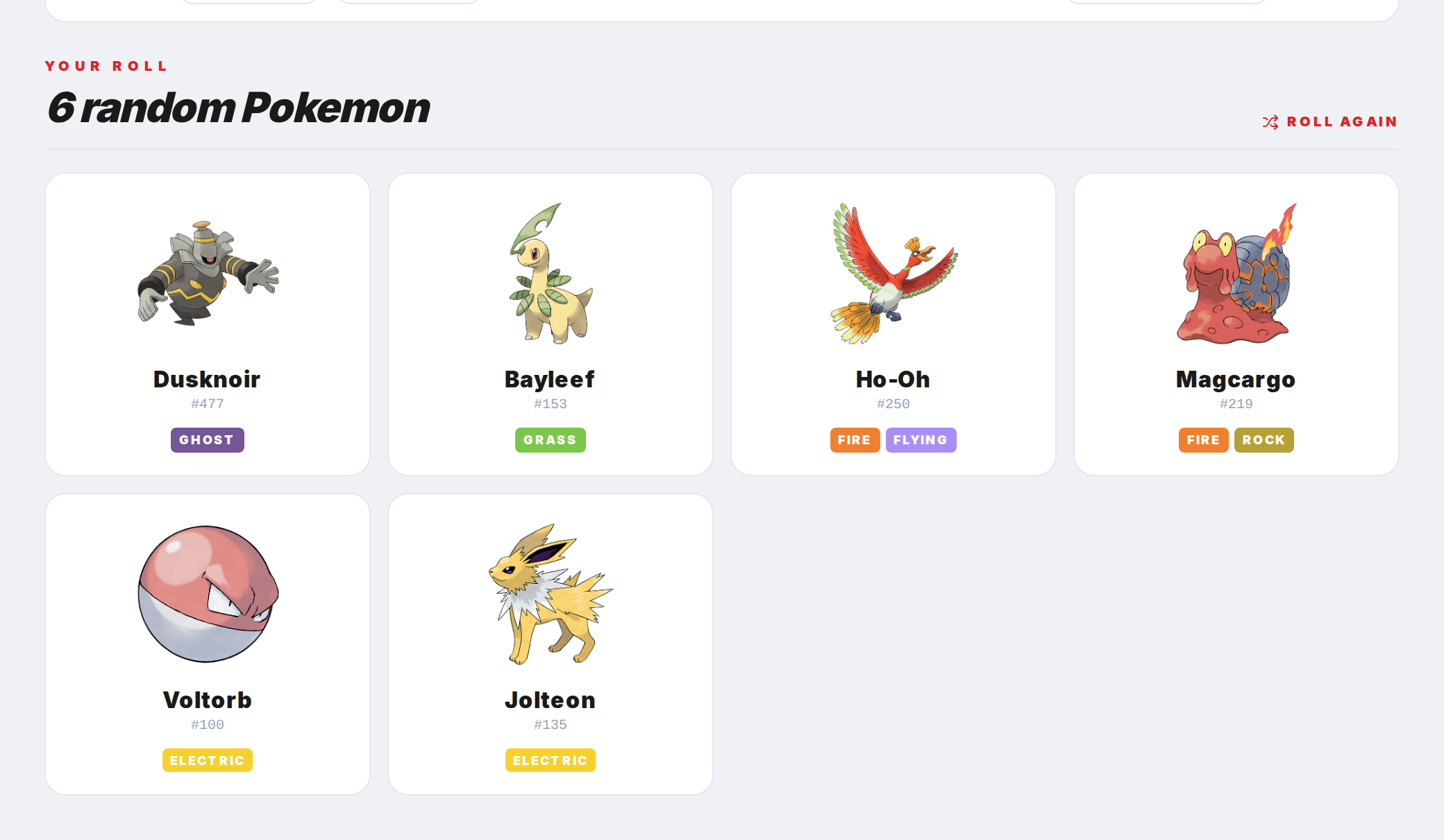
Click Generate. Six random Pokemon are picked from the current pool and shown together.
Step 4
Each Pokemon in the team shows its key info. Click any one to open its full detail page and check stats, evolution chain, weaknesses, and game availability.
Step 5

Don't like the team? Click Generate again for a completely new set. Change your filters between rolls to try different scenarios, like a team of only Johto Pokemon or a team with no Legendaries.