
The game you pick decides which Pokemon are eligible. The planner won't let you drop Scarlet-only Pokemon into a Pokemon Red team, because that would lead to team builds you can't actually use. There's also an All Pokemon option if you want to build without restrictions.
Step 1
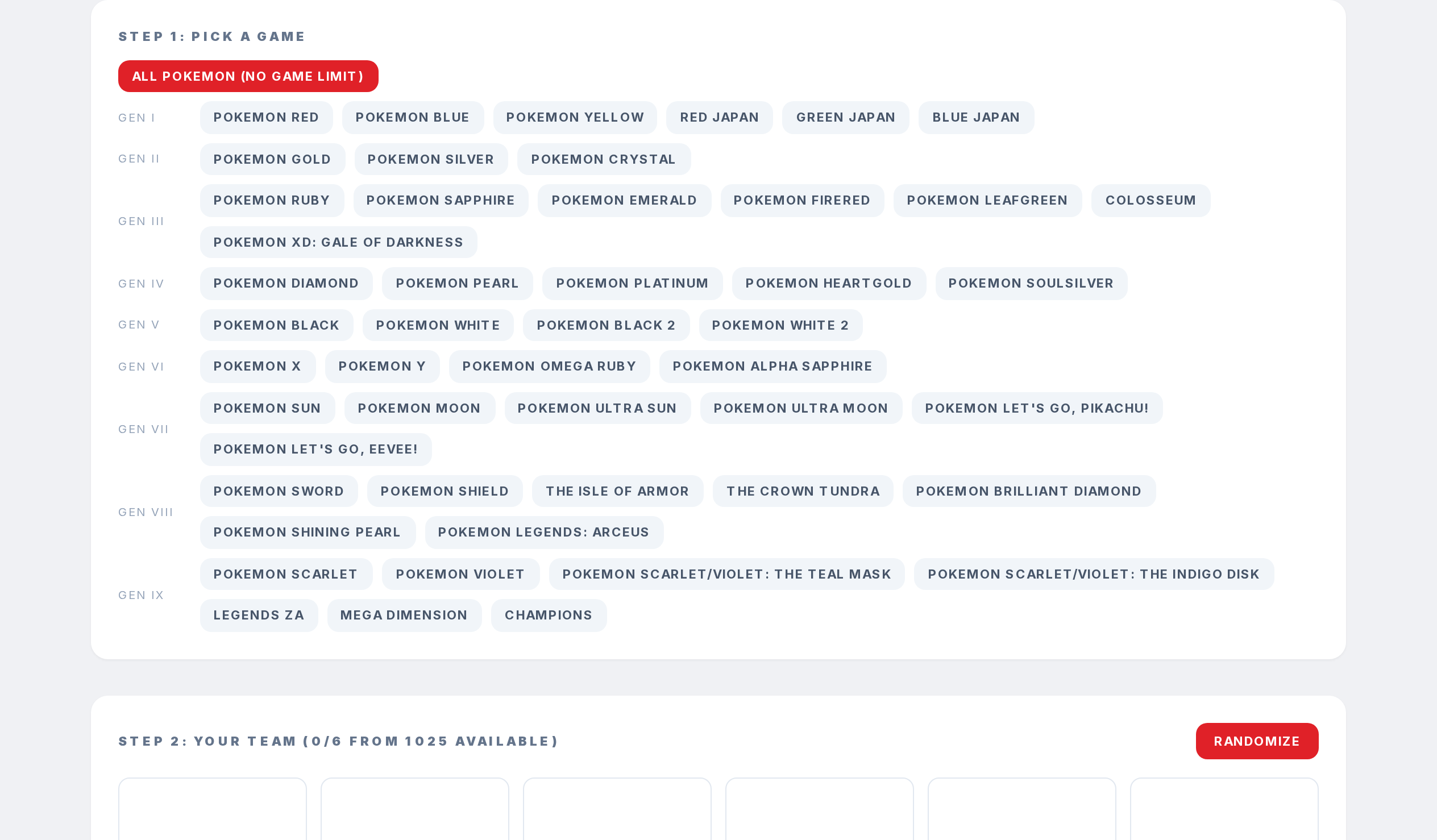
On the Team Planner, scroll to Step 1.
Step 2
Pick one of the game buttons. Games are grouped by generation so you can find them fast.
Step 3
If you want to plan without limits, use the All Pokemon (no game limit) button at the top.
Step 4
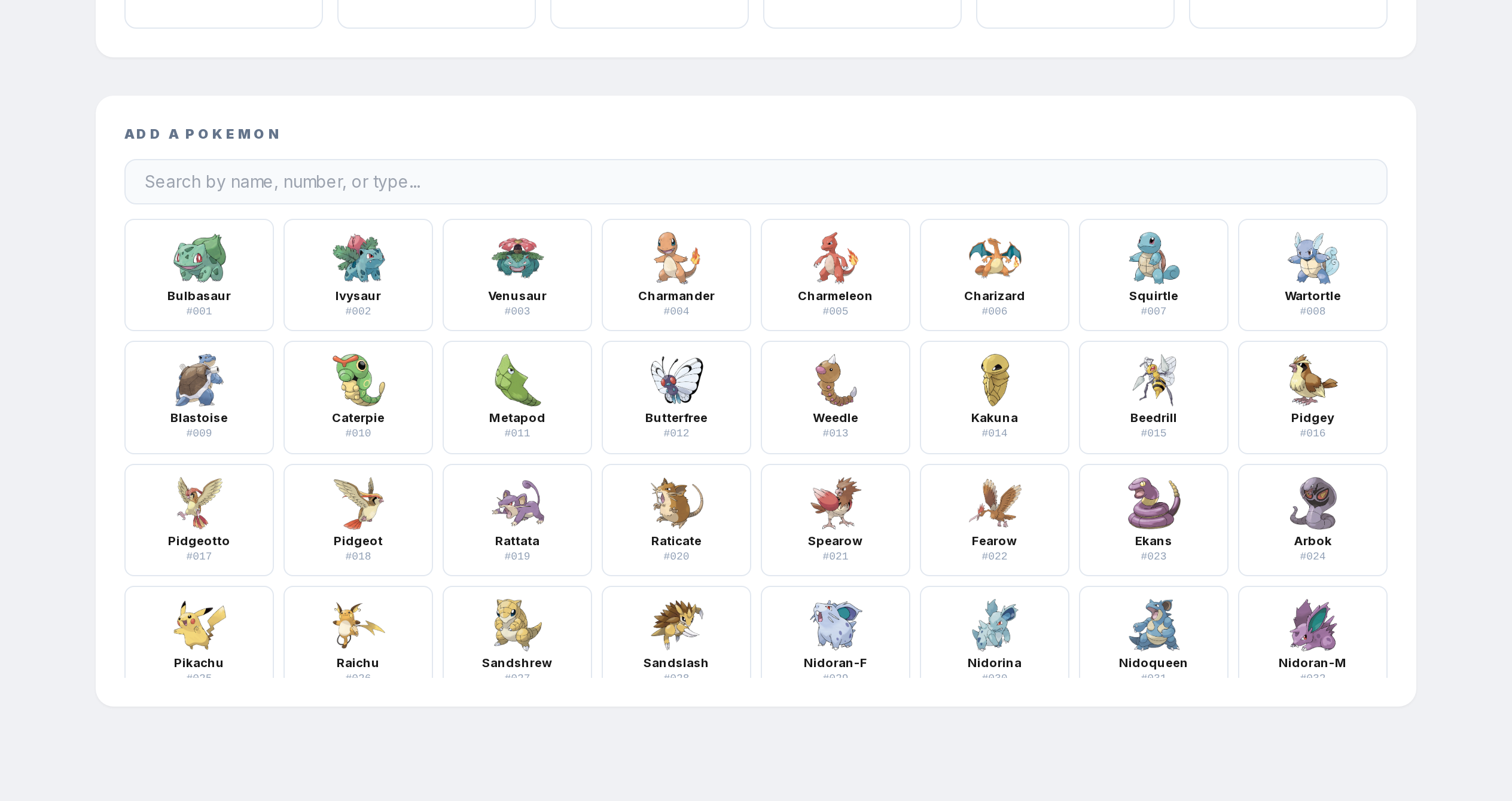
After picking a game, only the Pokemon catchable in that game will show up in the search below. You'll see the count beside Step 2 so you know how many you're working with.