
Pokepedia.com has a separate Pokedex page for every mainline Pokemon game. Each one shows only the Pokemon available in that game. If you want to know exactly what you can catch in Pokemon Yellow or Pokemon Scarlet, these pages have the answer.
Step 1
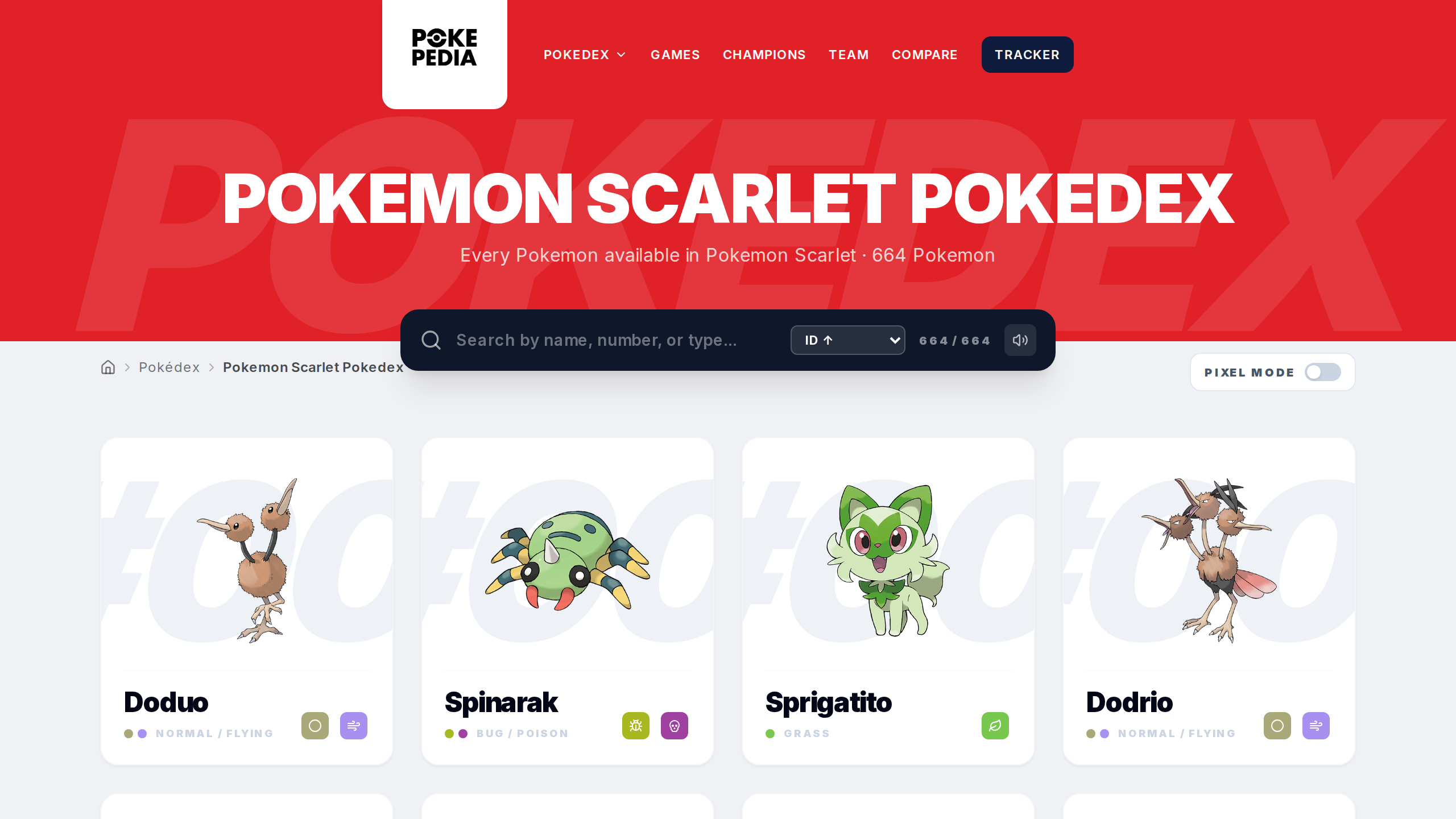
Game-specific pages follow the URL pattern pokepedia.com/pokemon-scarlet-pokedex. For example, pokepedia.com/pokemon-yellow-pokedex shows only Pokemon available in Pokemon Yellow.
Step 2
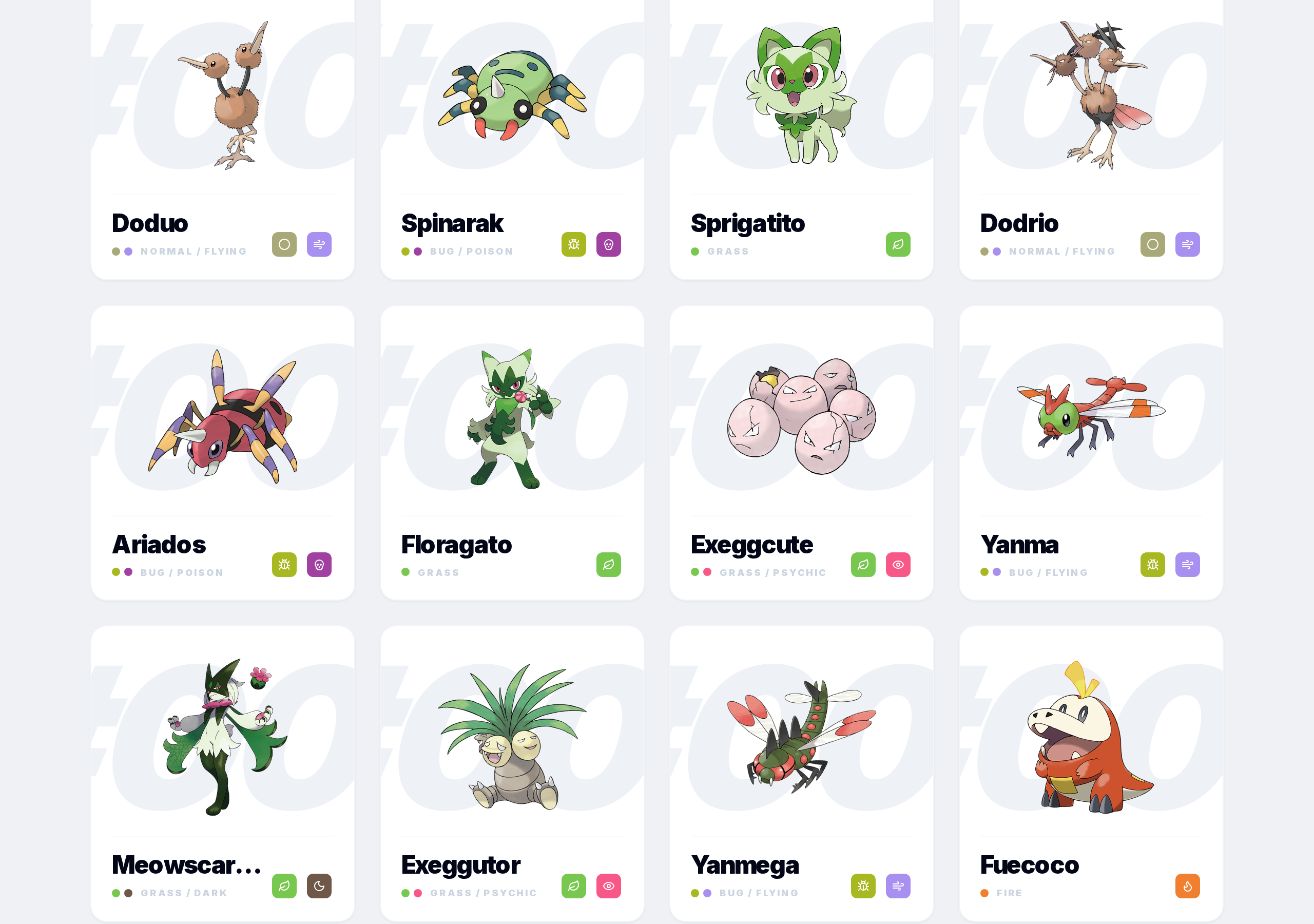
Each card shows the Pokemon's sprite, name, and its Pokedex number for that game. This number can be different from the National Pokedex number. Pikachu is #25 nationally but might have a different number in a regional Pokedex.
Step 3
Search and type filters work the same way on game pages. Same real-time search, same filter panel.
Step 4
Click any card to go to that Pokemon's detail page in the context of that specific game, with the right sprites, encounter data, and moves.
Step 5
These pages cover every mainline title including DLC. The Isle of Armor, The Crown Tundra, The Teal Mask, and The Indigo Disk each have their own page.