
The Pokepedia Trainer Card Maker is a browser tool at /pokemon-trainer-card-maker for designing a personal trainer ID card with a background, portrait, party of Pokemon, and gym badges. The card renders live in the page and exports as a PNG image.
Step 1
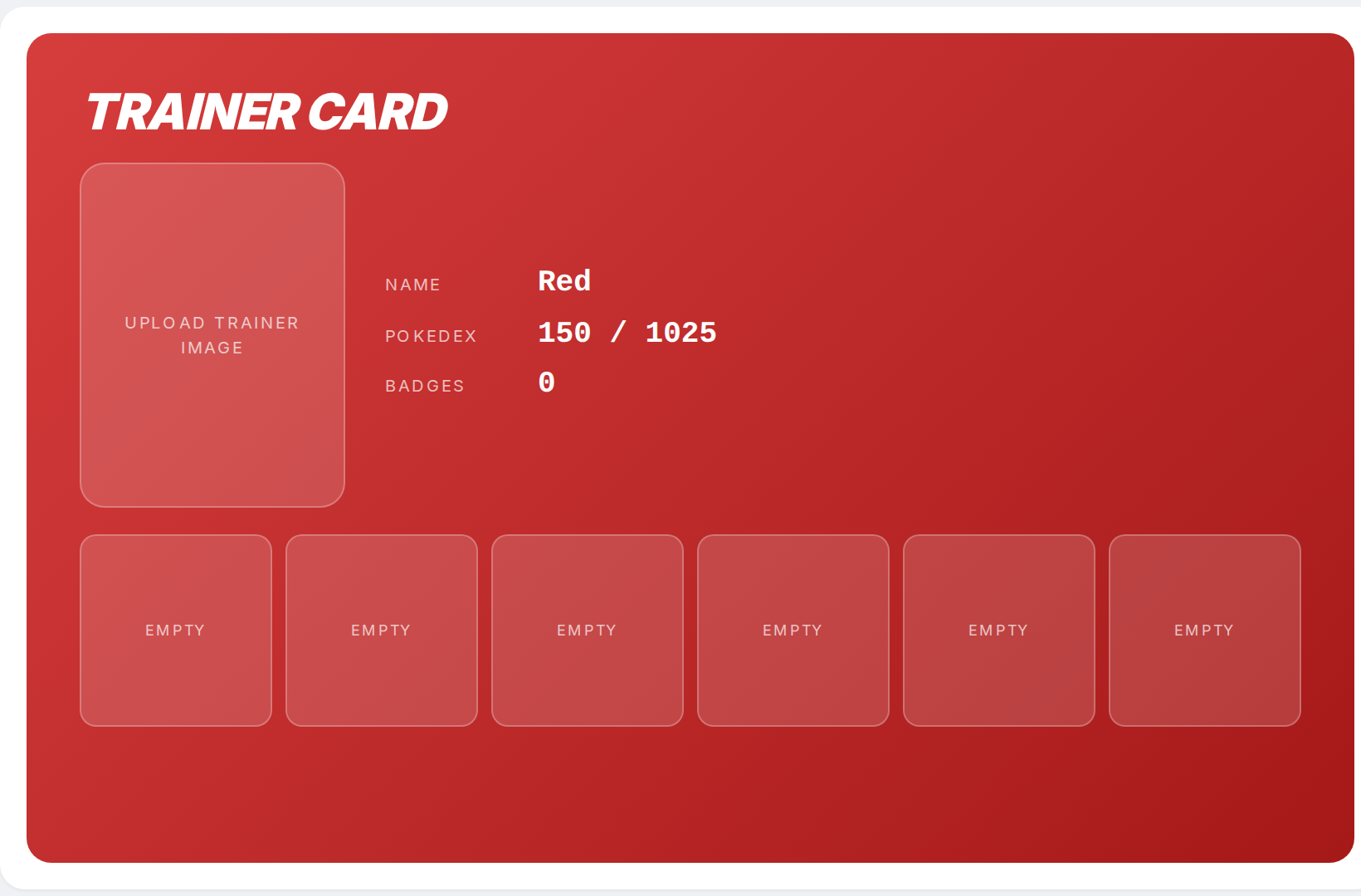
Open /pokemon-trainer-card-maker. The tool loads with a default card on the left and an edit sidebar on the right. Every change you make in the sidebar updates the preview immediately.
Step 2

The edit sidebar has four sections: Background, Trainer image, Details, and Badges. A compact control strip under the card sets the Ratio, Layout, Font, Frames toggle, and Slots counter.
Step 3

When the card looks the way you want, click Download PNG to save it, or Copy image to put the PNG on your clipboard. Reset returns every field to defaults.