
The Trainer image section in the right sidebar of /pokemon-trainer-card-maker sets the portrait on the left of the card. You can upload a file or paste a direct image URL.
Step 1
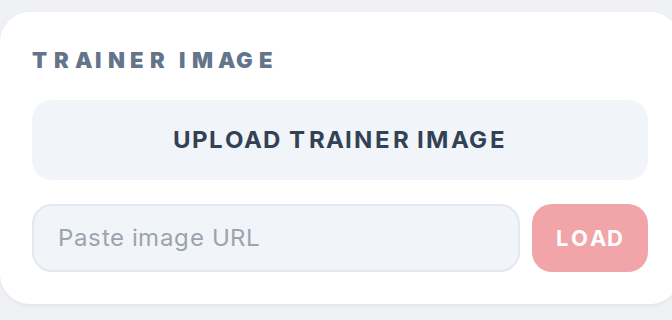
Scroll to the Trainer image section below Background. Click Upload trainer image to pick a file from your device.
Step 2
Or, paste a direct image URL into the Paste image URL field and click Load. The link must end in .png or .jpg and point to the image file itself.
Step 3
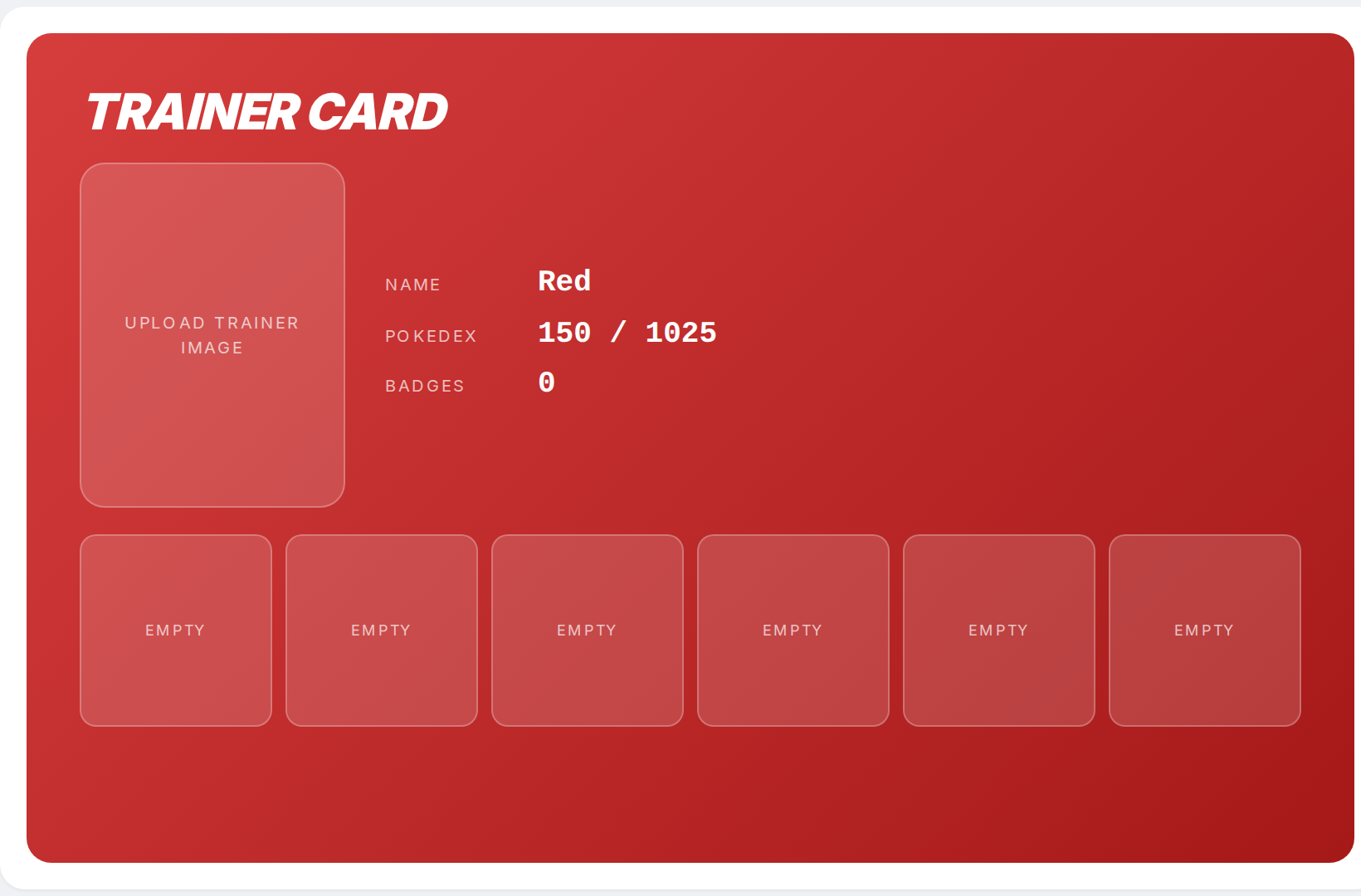
The portrait fills the tall chip on the left side of the card. Click Remove under the URL field to clear it and return to the Upload trainer image placeholder.
Bulbapedia catalogs every official piece of trainer artwork. See the linked Pokemon Trainer and Badge resources in the footer of /pokemon-trainer-card-maker for image sources. Next: How to add gym badges to a trainer card.