
The Badges section in the right sidebar of /pokemon-trainer-card-maker stacks gym, league, and contest badge images onto the card. You can upload several files at once or paste many URLs at once.
Step 1
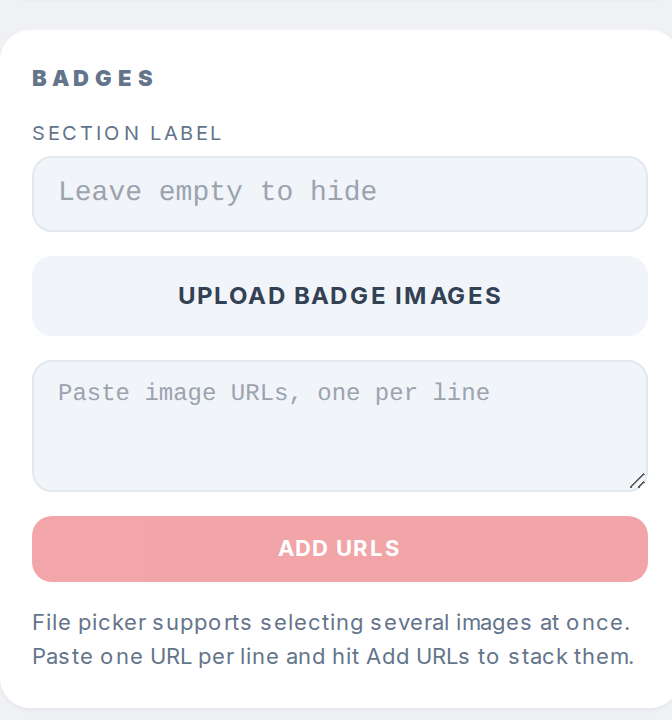
Scroll to the Badges section below Details. Click Upload badge images and pick one or more image files. The file picker accepts multiple selections.
Step 2
Or paste image URLs into the textarea, one per line, and click Add URLs to stack them. Each URL must point directly at a .png or .jpg file.
Step 3
Each badge shows as a small tile under the inputs. Hover a tile and click the red x in the corner to remove that badge.
Step 4

Badge count is unlimited. The card layout you pick controls where the badges render: inline in the header, in a strip at the bottom, or in a side column.