
The Pokemon group and the Badges group on the Pokepedia trainer card both take an optional label. Empty labels hide the label row entirely.
Step 1
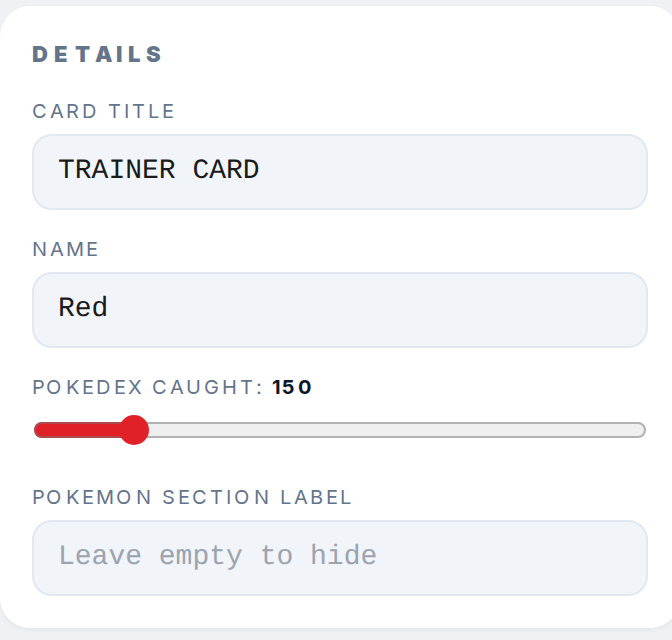
Open the Details section in the right sidebar. The Pokemon section label field sets the small uppercase label above the party grid on the card.
Step 2
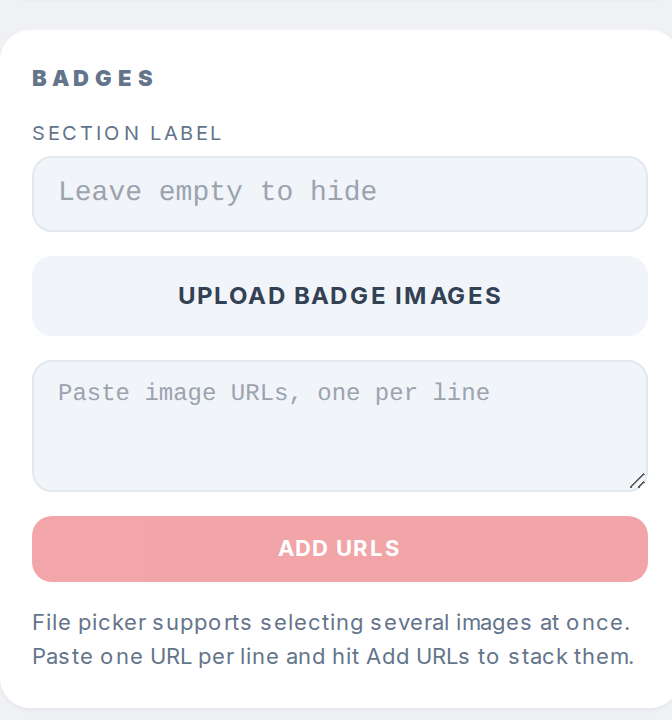
Open the Badges section. Section label sets the small uppercase label above the badges group. It only renders when Layout is set to Stacked bottom or Side by side.
Step 3
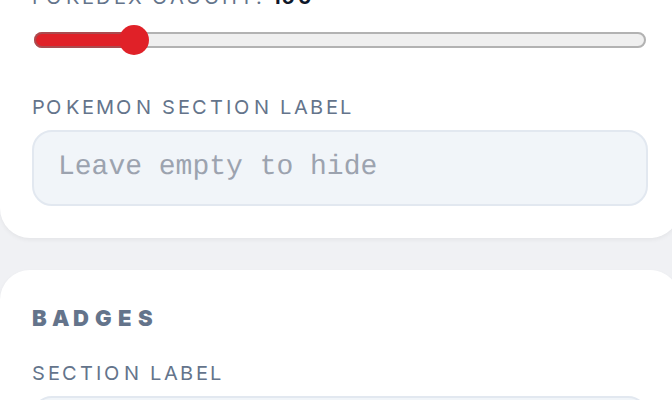
Clear either field to hide that group label. The groups still render, just without a label row on top.
Related: How to change the trainer card aspect ratio and layout controls where each group is placed.