
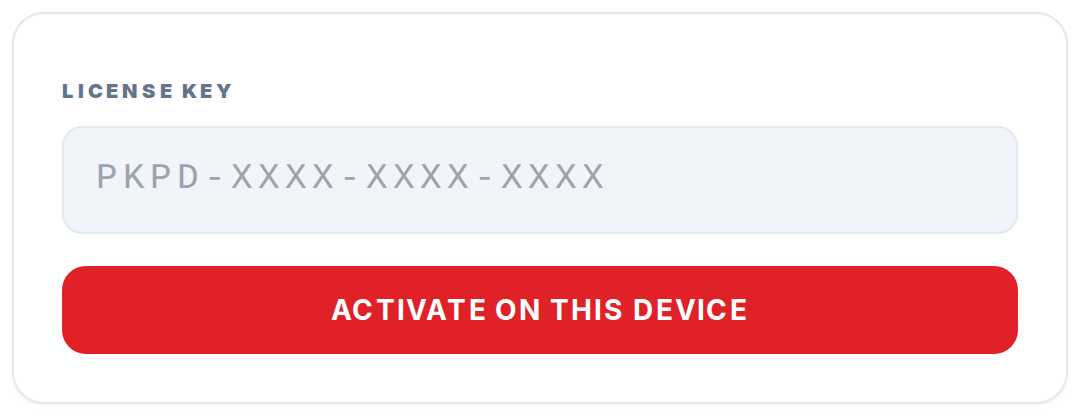
A Pokepedia ad-free license key is a 16-character code in the format PKPD-XXXX-XXXX-XXXX that is issued at the end of Stripe checkout and serves as your proof of purchase. It is tied to your order, not your browser, and is the only way to activate ad-free on a second device because Pokepedia has no user accounts. The key is delivered in three places at once: the /ad-free/success page, the Stripe receipt email, and the Pokepedia server record of your purchase.
Step 1
The key is generated on the /ad-free/success page immediately after Stripe confirms payment. It sits in a large monospace code block with a Copy button.
Step 2

Stripe emails the same key on your receipt. The key appears in the description line of the receipt, so save the email.
Step 3

The key matches the pattern PKPD-XXXX-XXXX-XXXX exactly. The Restore input at /ad-free/restore uppercases everything you paste, so case does not matter at activation.
Step 4
Treat the key as private. Anyone who has it can activate ad-free on their own device against your purchase, which would void the supporter tier that keeps the site free for everyone.
Step 5

If you ever lose the key, check your Stripe receipt email first. If you cannot recover it from either source, use the contact form and support will verify your purchase and reissue manually.