
Ad-free on Pokepedia is activated per device through /ad-free/restore. Paste the license key issued at checkout into the License key field, click Activate on this device, and the ad-free cookie is set in that browser for the life of the purchase. The same key can be used on every device you own. Pokepedia has no accounts, so the key itself is the credential.
Step 1
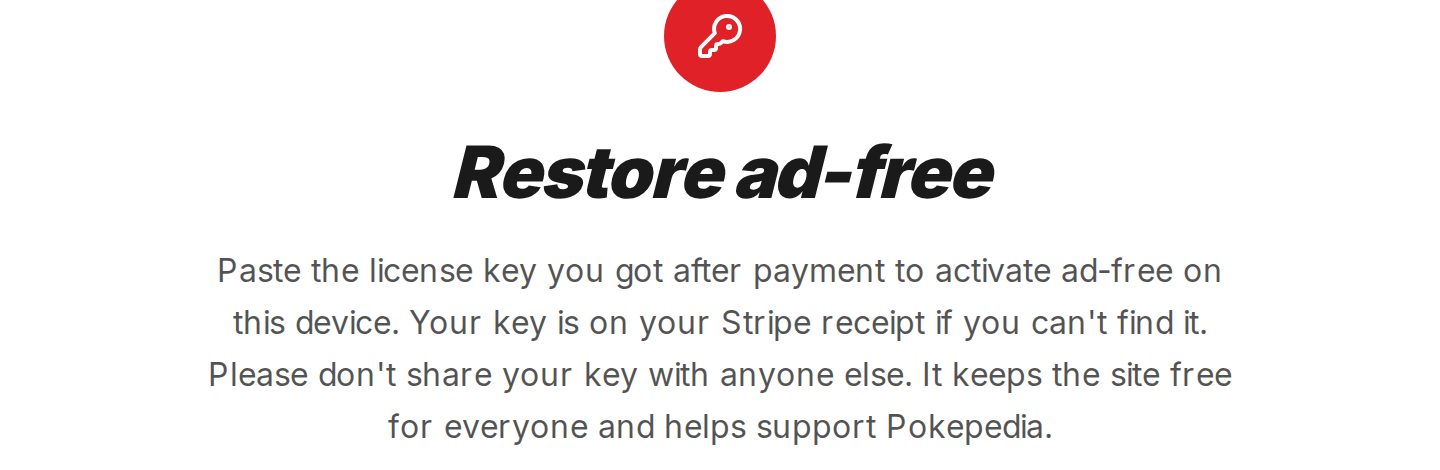
On the new device, open /ad-free/restore. The page shows a red key icon, the Restore ad-free title, and a single input field.
Step 2

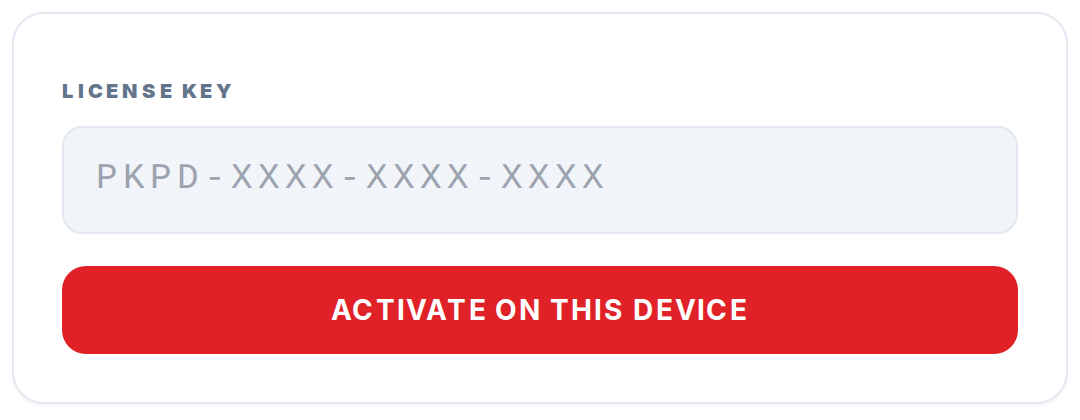
Paste your license key into the License key input. The format is PKPD-XXXX-XXXX-XXXX; the input auto-uppercases whatever you type.
Step 3

Click Activate on this device. The form submits to /api/ad-free/restore.
Step 4
On success the browser redirects to /ad-free/success and the You are ad-free message confirms activation. Ads are hidden on every page from this point forward in that browser.
Step 5

If the page shows That license key was not found or That license is not active, double-check the key against your Stripe receipt email. If the key is correct and activation still fails, use the Contact support link below the form.