
A one-time $10 payment on /ad-free unlocks ad-free access for the lifetime of Pokepedia. Checkout is handled by Stripe, and a license key is issued at the end of checkout so the same purchase can unlock ad-free on every device you own. There is no subscription and no recurring charge on the lifetime plan.
Step 1

Open /ad-free. The hero explains the two plans: $1 per month and $10 once, forever.
Step 2
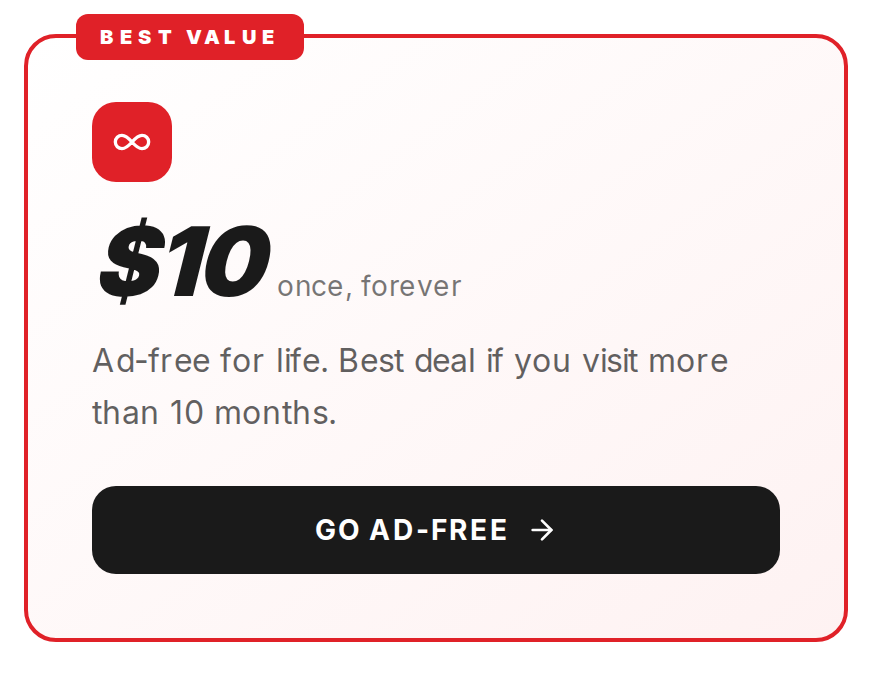
Pick the lifetime card. It carries the Best value badge and reads $10 once, forever.
Step 3
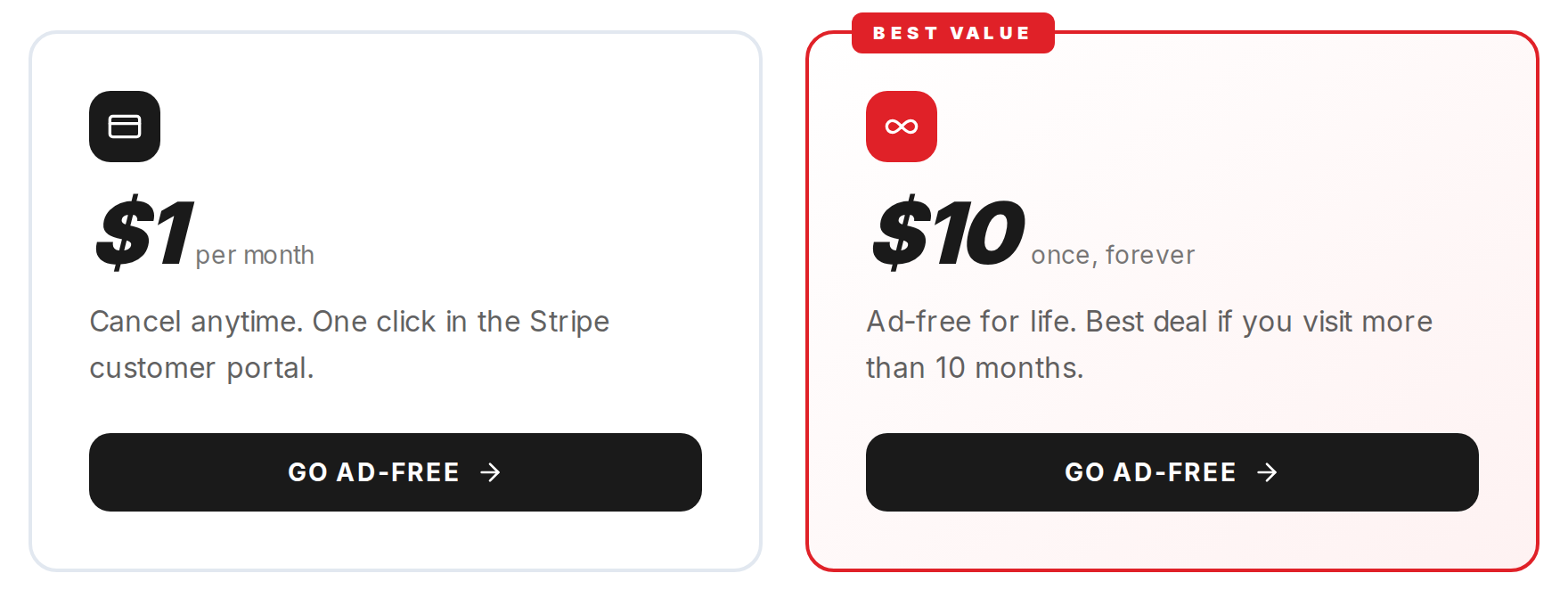
Click Go ad-free on the lifetime card. Pokepedia posts to /api/ad-free/checkout and Stripe opens its hosted checkout. Card, Apple Pay, Google Pay, and most local methods work.
Step 4
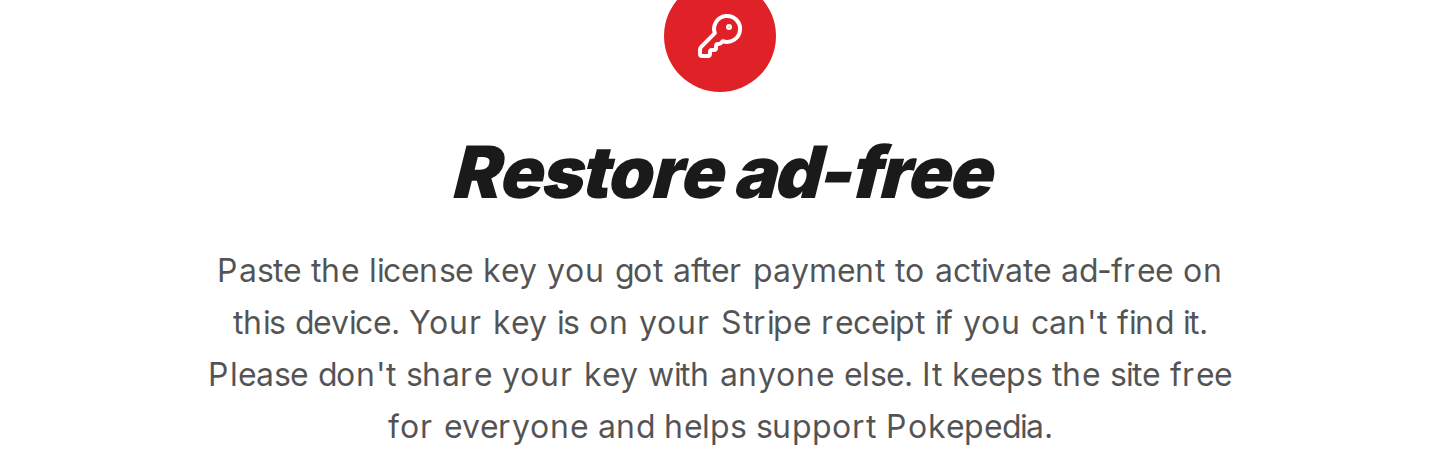
Complete the Stripe checkout. Stripe sends you back to /ad-free/success with an emerald check and the text You are ad-free.
Step 5
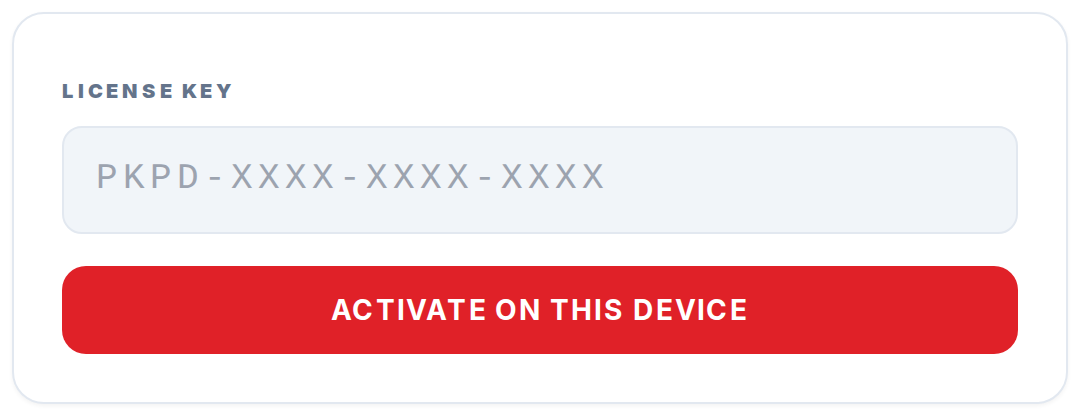
Copy the license key shown on the success page into your notes. Stripe also emails the same key on your receipt. This key is how you unlock ad-free on any other device you own.