
The compare tool puts two Pokemon next to each other and works out who wins what. Stats, type matchup, moves they both learn, games they both appear in. Every matchup also gets its own URL you can share.
Step 1

Open Compare Pokemon from the top menu.
Step 2
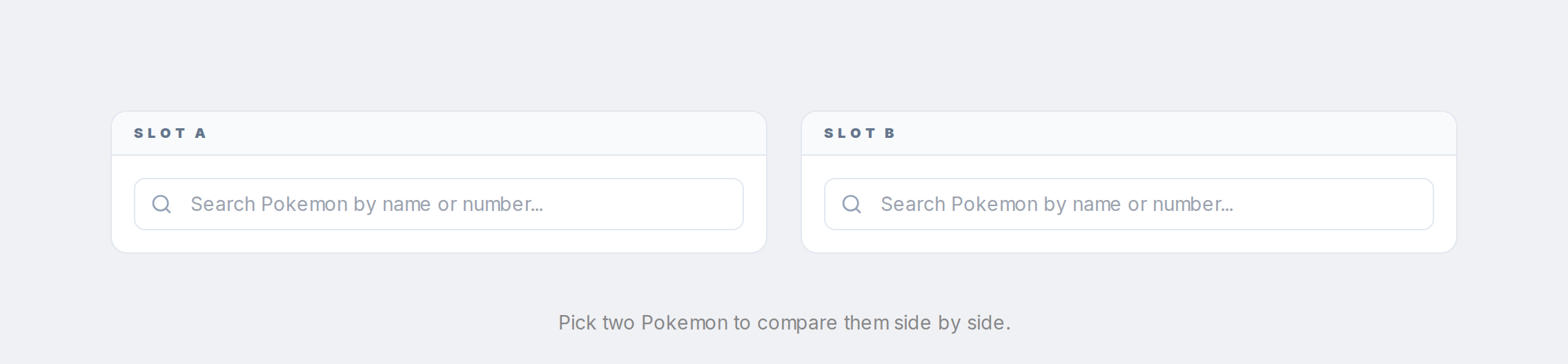
Pick two Pokemon in the slots. Each slot has a search that filters the full Pokedex as you type.
Step 3
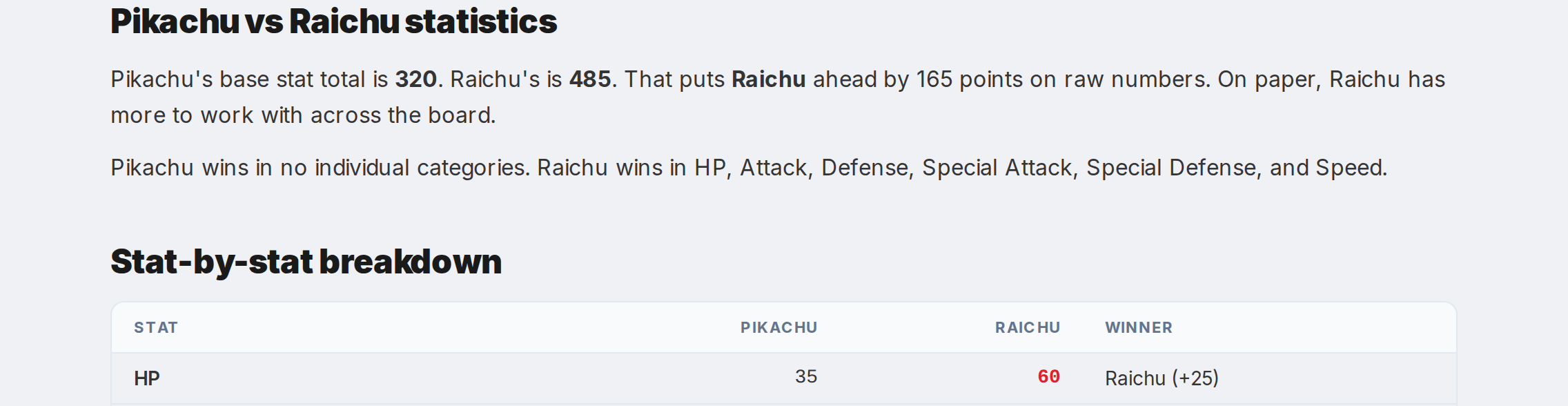
Scroll down to see the full breakdown: stat winners, type effectiveness for each, shared moves, and games where both appear.
Step 4

The URL updates to something like /compare-pokemon/pikachu-vs-raichu so you can link to the exact matchup.