
Pick one Pokemon in each slot and the comparison renders as soon as both are filled. You can swap either one at any time without losing your scroll position.
Step 1
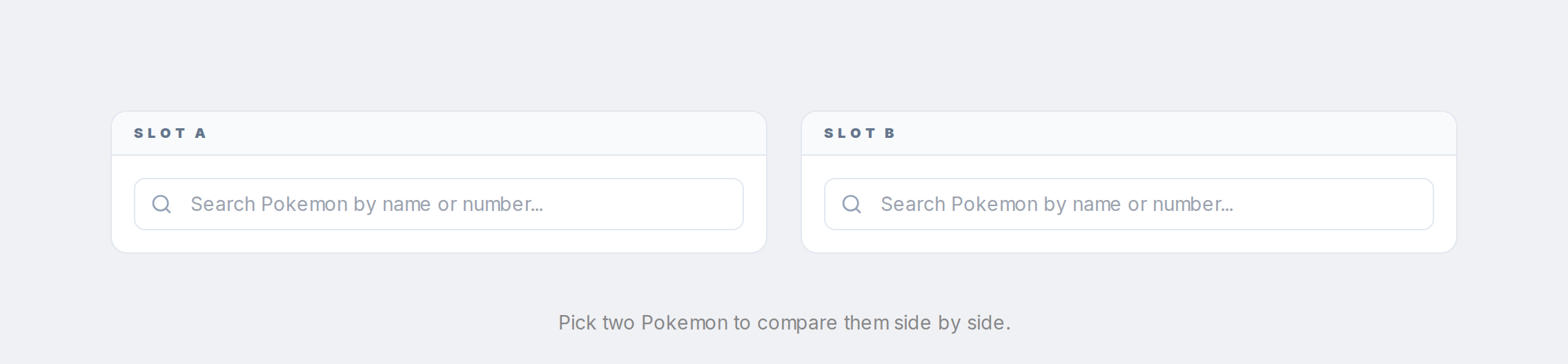
On the compare page, click the first slot and type a name or dex number.
Step 2
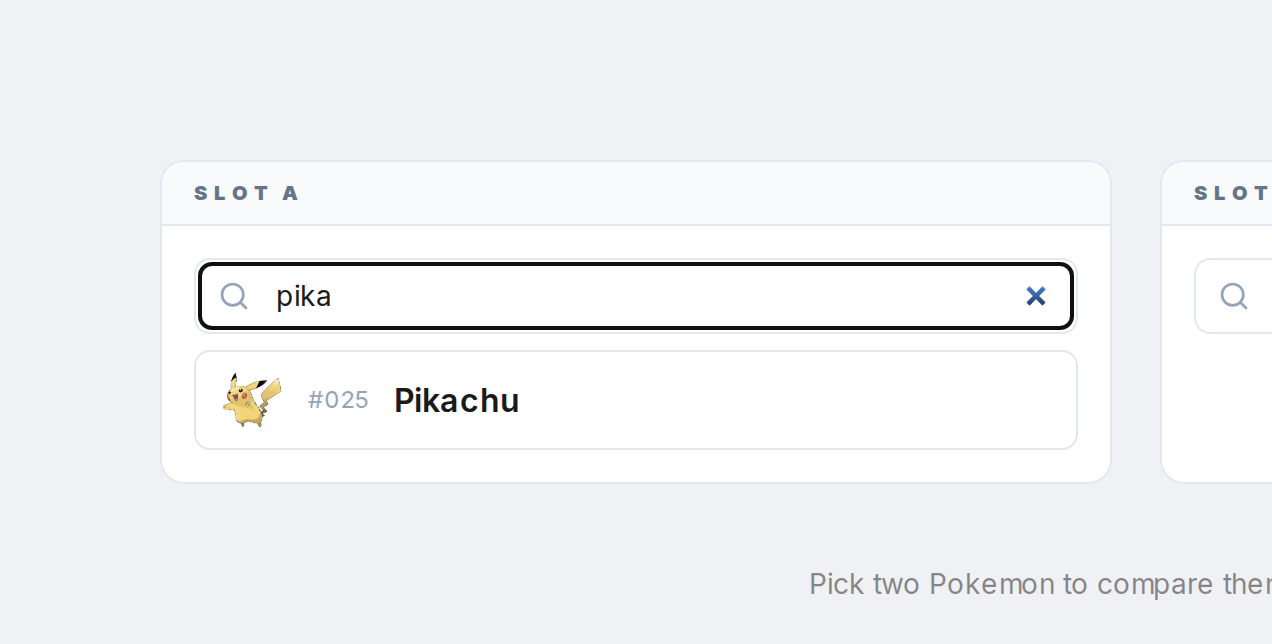
Pick the Pokemon from the dropdown.
Step 3

Do the same for the second slot.
Step 4
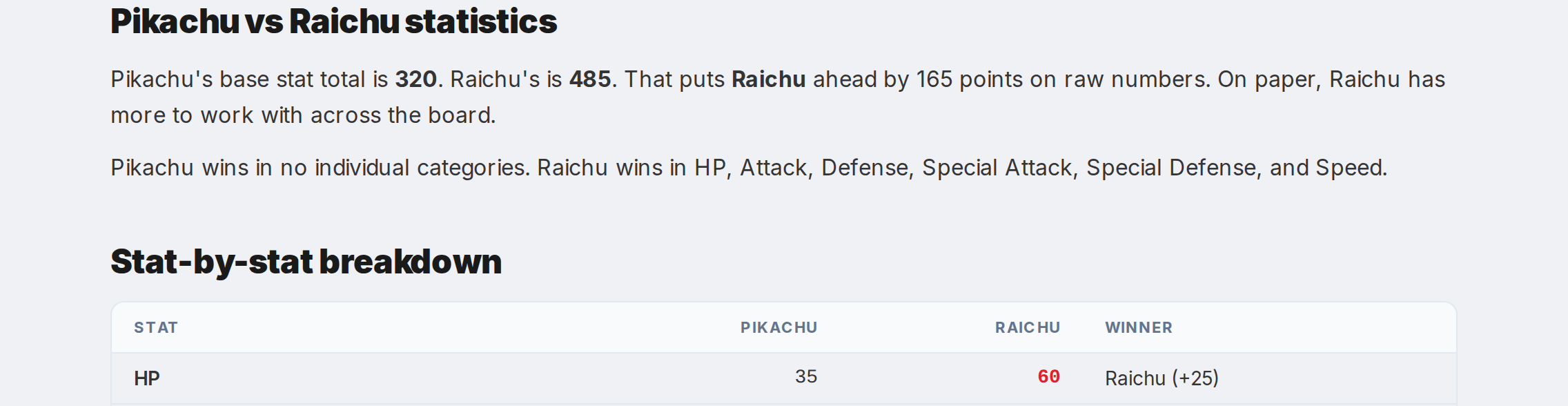
The page updates with the full analysis. To swap either Pokemon, click the Clear button on its slot and pick a new one.