
Paradox Pokemon, Ultra Beasts, and Sub-Legendaries are three of the five rows in the Legendaries dropdown on /random-pokemon-generator. Paradox covers the Generation 9 ancient and future forms, Ultra Beasts cover the Generation 7 Alola dimension Pokemon, and Sub-Legendaries cover Legendary trios and duos that are not strictly unique, such as the Legendary Birds, Regis, and Swords of Justice.
Step 1
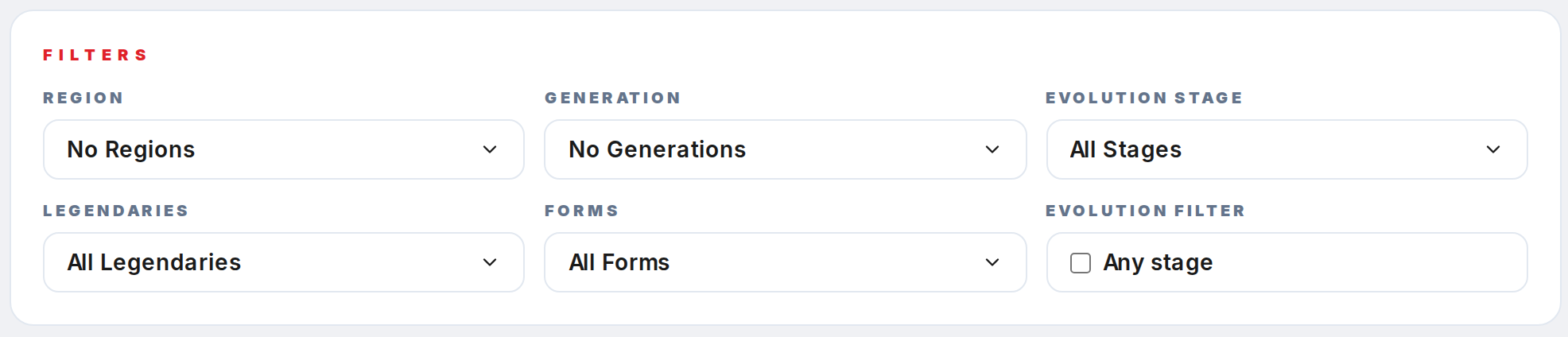
Open /random-pokemon-generator. The Legendaries control lives in the Filters card, second row, left column.
Step 2
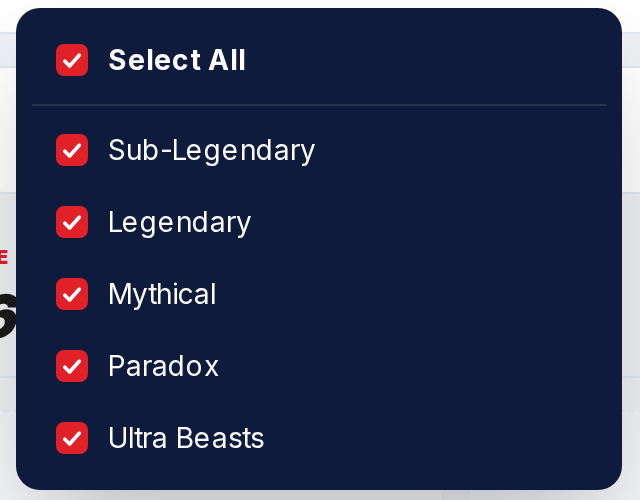
Click the Legendaries trigger. The panel lists Sub-Legendary, Legendary, Mythical, Paradox, and Ultra Beasts as separate toggles.
Step 3
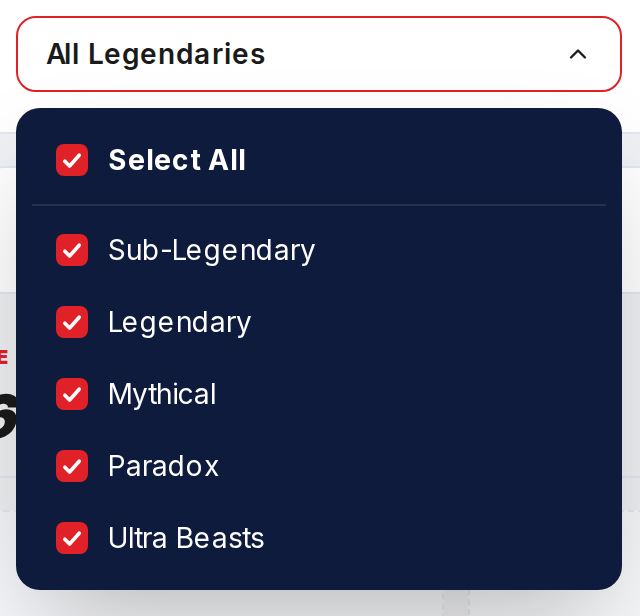
To exclude one category only, uncheck that row and leave the rest checked. Pokemon in unchecked categories are removed from the pool. Regular Pokemon, which sit in no category, are unaffected.
Step 4
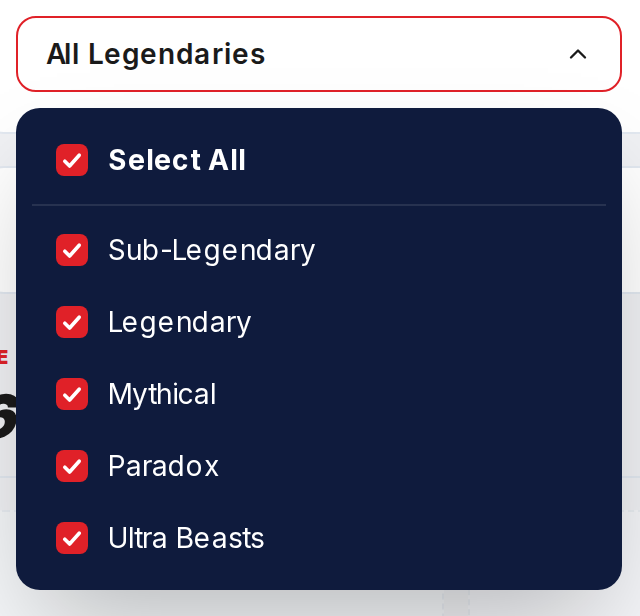
To roll only one category, first click Select All to clear every row, then click only the row you want: Paradox for a paradox-only roll, Ultra Beasts for an Ultra-Beast-only roll, Sub-Legendary for the trio and duo set.
Step 5
Click Generate. Paradox alone returns about 14 rolls maximum; Ultra Beasts alone returns 11; Sub-Legendary alone returns around 28.