
Yes. The Legendaries dropdown in /random-pokemon-generator controls five separate categories — Sub-Legendary, Legendary, Mythical, Paradox, and Ultra Beasts — and you can keep exactly the flavor you want. To roll only Legendaries or only Mythicals, uncheck every other row plus every type not in that flavor, then Generate.
Step 1
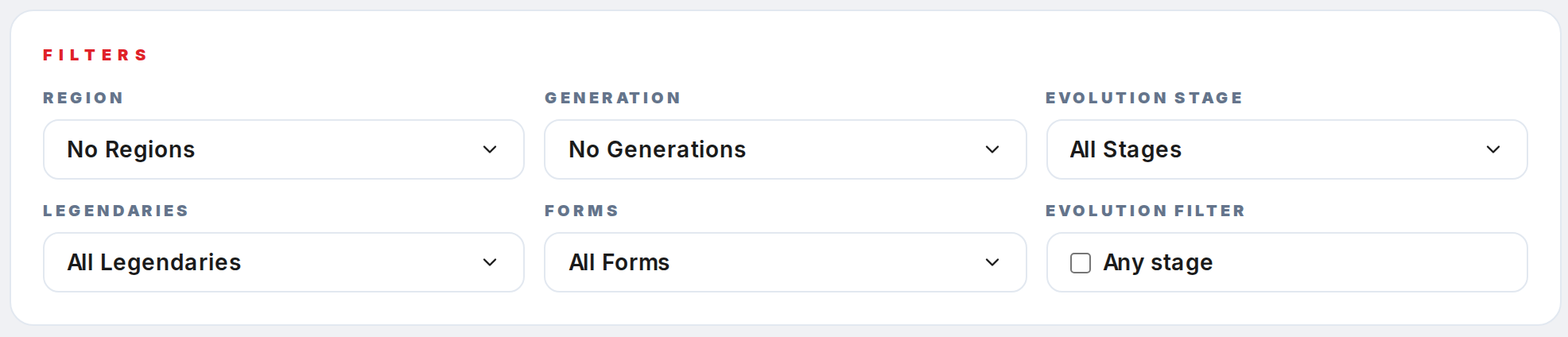
Open /random-pokemon-generator and scroll to the Filters card. The Legendaries dropdown is on the left of the second row.
Step 2
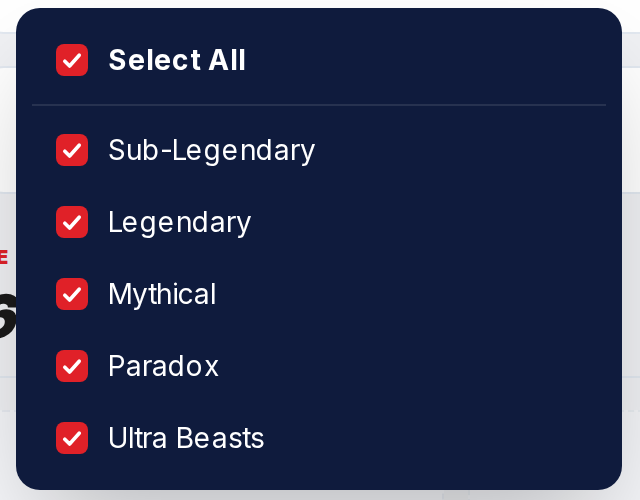
Click the Legendaries trigger to open the five-row panel: Sub-Legendary, Legendary, Mythical, Paradox, and Ultra Beasts.
Step 3
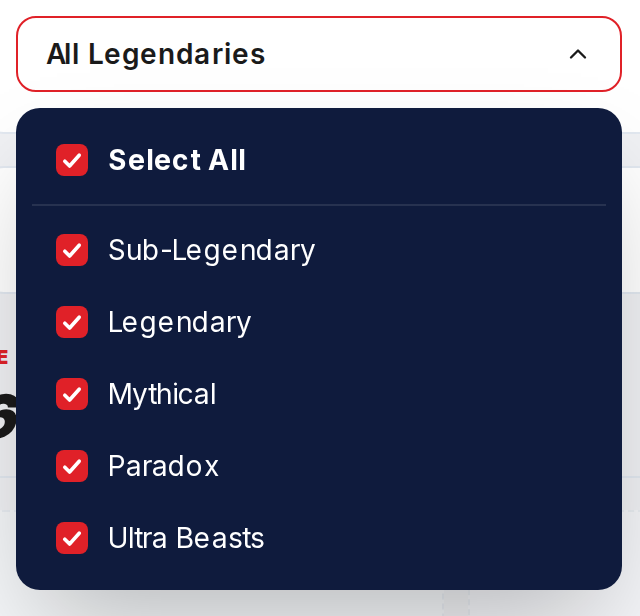
For a Legendary-only roll, click Select All to clear everything, then click Legendary so only that row is checked. For a Mythical-only roll, check Mythical and nothing else.
Step 4
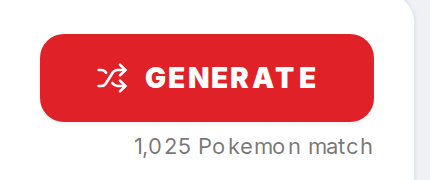
The match counter under Generate drops to the count of Pokemon in that flavor. Legendary alone lands around the mid-50s; Mythical alone lands around 22. Regular Pokemon are automatically excluded because they belong to no legendary category.
Step 5

Click Generate. Every card in the results grid will be drawn from the chosen flavor. Use Reset in the Extras bar to restore all categories.