
The Forms dropdown in /random-pokemon-generator controls three categories: Alternate Forms, Mega Evolutions, and Gigantamax Forms. Each row works as an exclude switch. Leaving a row checked allows species primarily known for that form type into the pool; unchecking a row removes them. All three are checked by default so the full 1025-species roster stays available.
Step 1
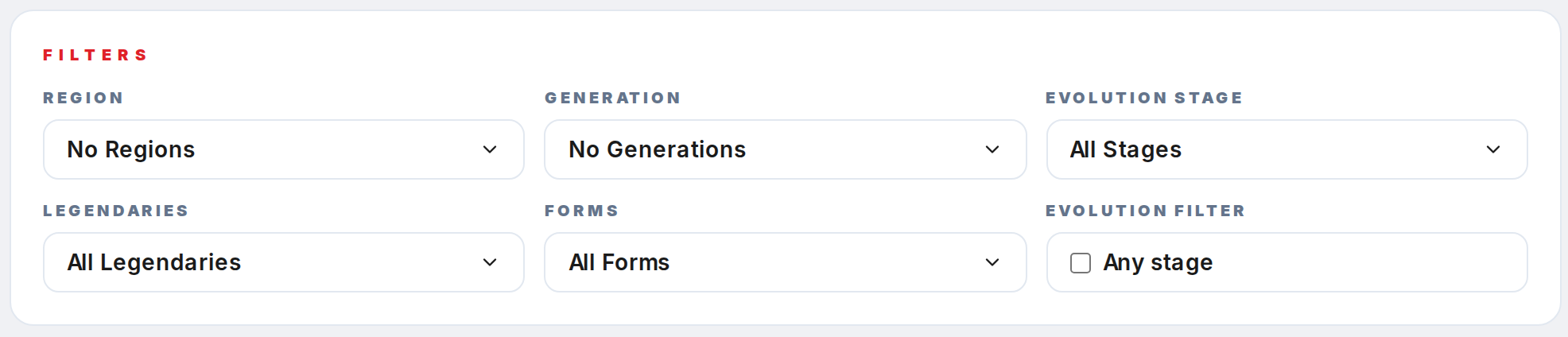
Open /random-pokemon-generator and scroll to the Filters card. The Forms dropdown is in the second row, right column.
Step 2
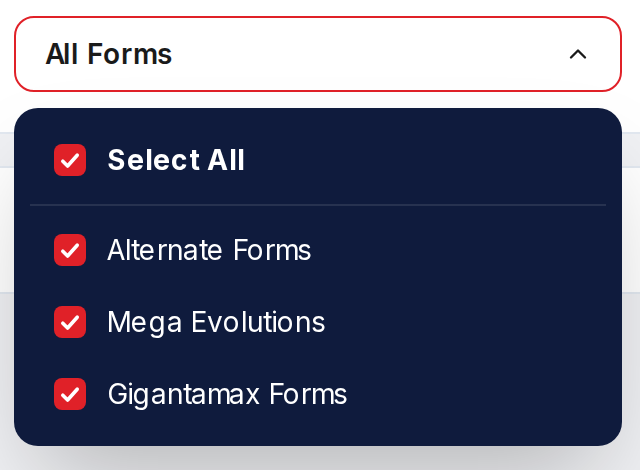
Click the Forms trigger. The panel has three toggle rows: Alternate Forms, Mega Evolutions, and Gigantamax Forms, plus a Select All row.
Step 3
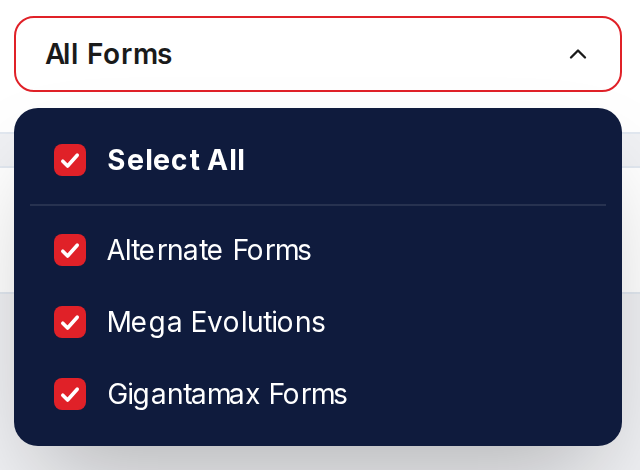
Uncheck Mega Evolutions to drop every species with a Mega form, such as Charizard and Gengar. Uncheck Gigantamax Forms to drop the Generation 8 G-Max roster. Uncheck Alternate Forms to drop species whose identity is tied to alternate forms, such as Rotom, Deoxys, and Giratina.
Step 4
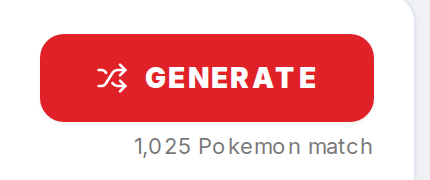
Watch the match counter under Generate. It recomputes immediately so you can size the resulting pool before you roll.
Step 5

Click Generate to roll. To restore the default behavior, click Select All inside the Forms dropdown or use Reset in the Extras bar.