
The Random Pokemon Generator at /random-pokemon-generator uses eight stackable filters: count, types, region, generation, evolution stage, legendary flavor, alternate forms, and a fully-evolved toggle. Every filter composes with every other, and the match counter under the Generate button updates live so you always know how large the remaining pool is before you roll.
Step 1

Open /random-pokemon-generator. The How many? counter in the first card controls roll size from 1 to 100, with shortcut chips for 1, 3, 6, and 12.
Step 2

In the Types card, click any combination of the 18 type pills. An empty selection means any type is allowed. Pokemon qualify when they carry at least one selected type.
Step 3
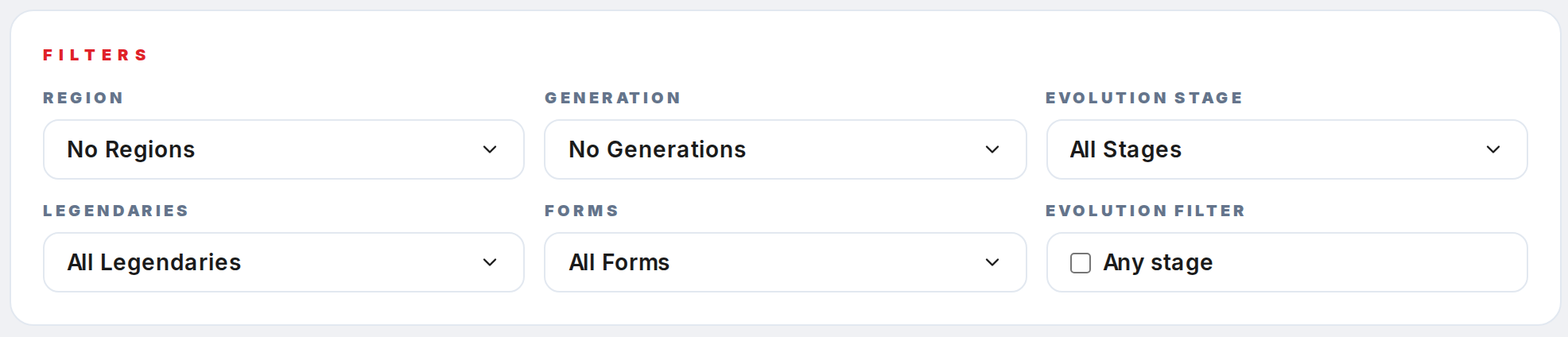
Use the Filters card for the structured options: Region, Generation, Evolution stage, Legendaries, Forms, and the Fully evolved only toggle. Each Multi-select opens a Pokepedia-navy panel with checkboxes and a Select All row.
Step 4

In the Extras bar, toggle Nature or Gender to have those values rolled alongside each Pokemon, and use the Name + image selector to change how results render.
Step 5
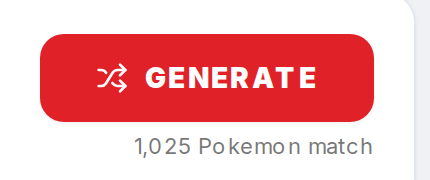
Click the red Generate button. The caption underneath reads N Pokemon match and reflects your current filter stack. If it shows 0, loosen a filter before you roll.