
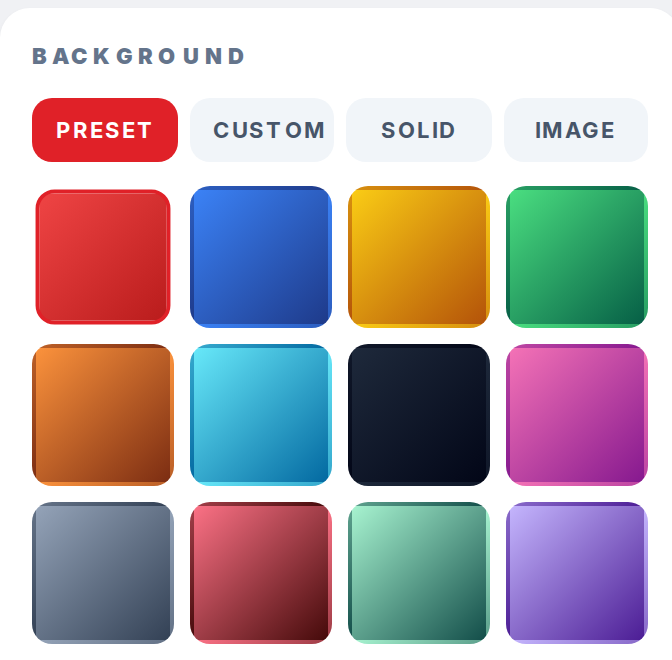
The Background section in the right sidebar of /pokemon-trainer-card-maker sets the card backdrop. It has four tabs: Preset, Custom, Solid, and Image.
Step 1
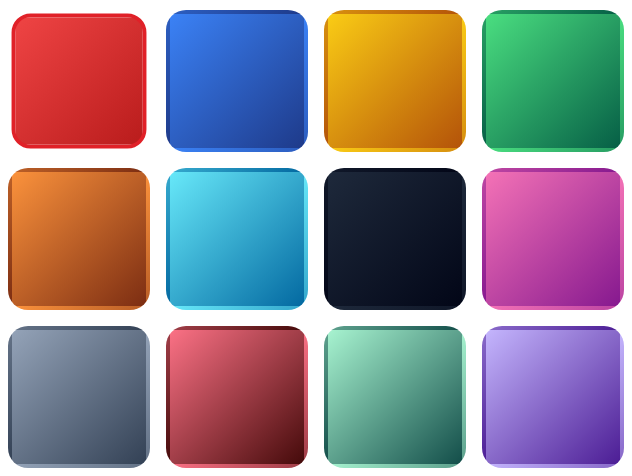
Click Preset to pick from 12 gradient swatches: Crimson, Ocean, Champion, Forest, Sunset, Ice, Void, Berry, Steel, Lava, Mint, and Lilac. Click a swatch to apply it.
Step 2
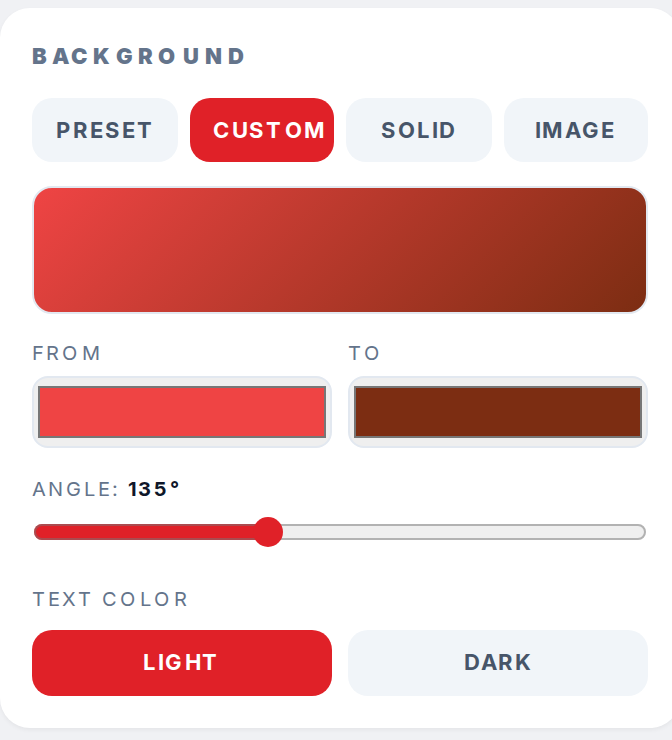
Click Custom to build your own gradient. From and To color pickers set the two colors, and the Angle slider rotates the gradient from 0 to 360 degrees.
Step 3
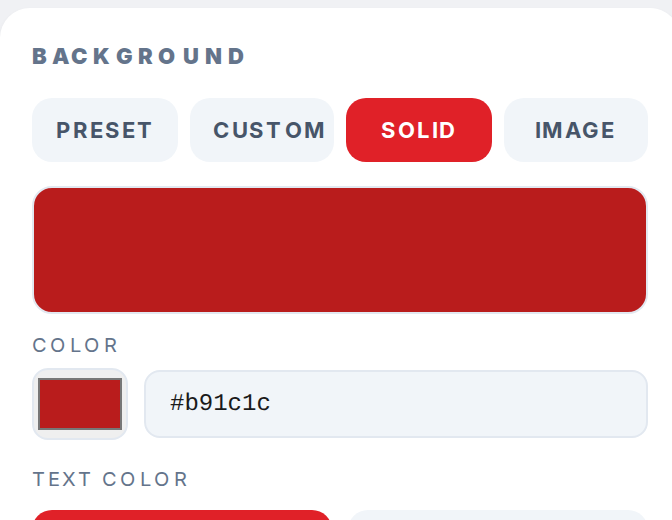
Click Solid to set a single background color. Use the color picker or type a hex value into the text field.
Step 4
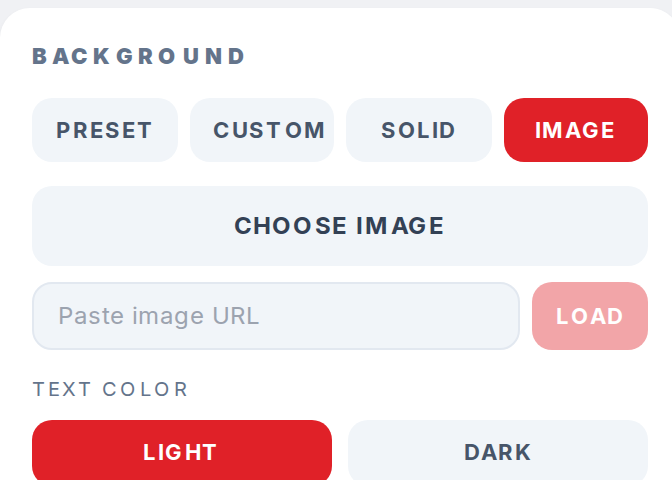
Click Image to upload a file or paste a direct image URL. Use the URL that ends in .png or .jpg, not the page that displays the image.
Step 5
Under the tabs, the Text color row switches between Light and Dark so the title and labels stay readable against whichever background you chose.