
Party Pokemon on the Pokepedia trainer card are set by clicking a slot on the card itself. The picker modal lets you search the full 1025-Pokemon roster and set a nickname, level, or shiny flag.
Step 1
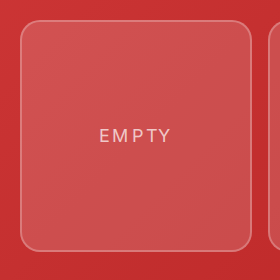
Click any empty slot on the card. The slot shows the word Empty until you pick a Pokemon.
Step 2
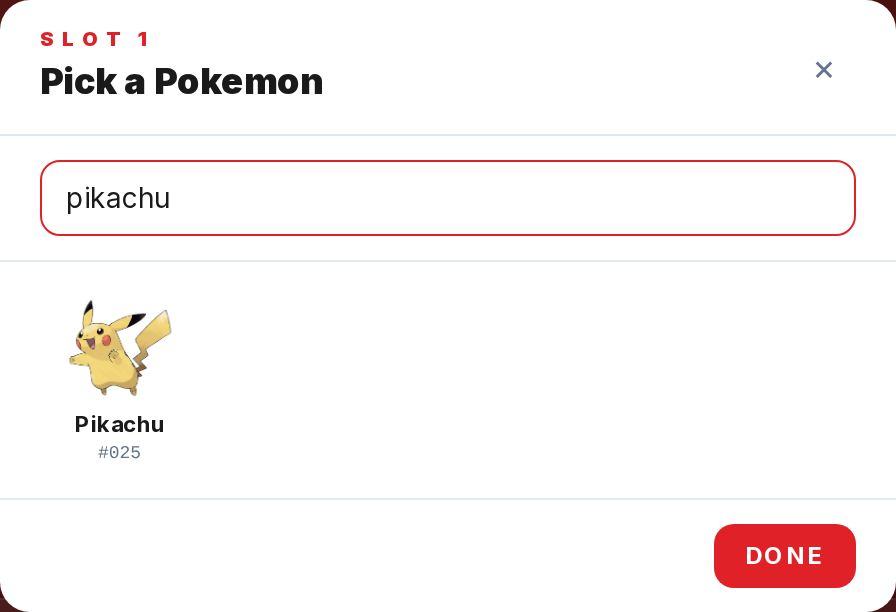
The picker modal opens. Type a name or Pokedex number into the search field. The grid updates as you type and caps at 40 results.
Step 3
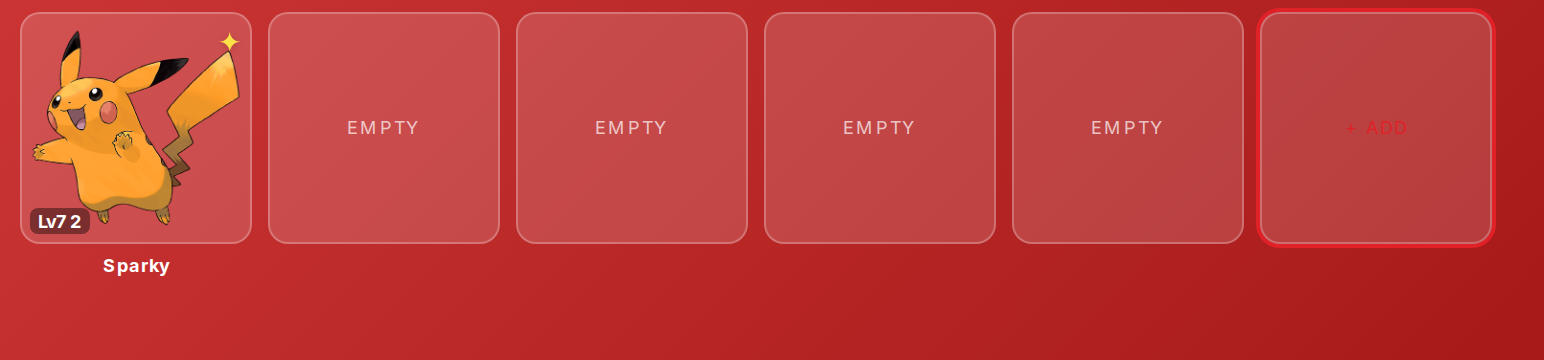
Click a Pokemon to place it in the slot. The sprite appears on the card immediately and the modal shows the edit controls for that slot.
Step 4
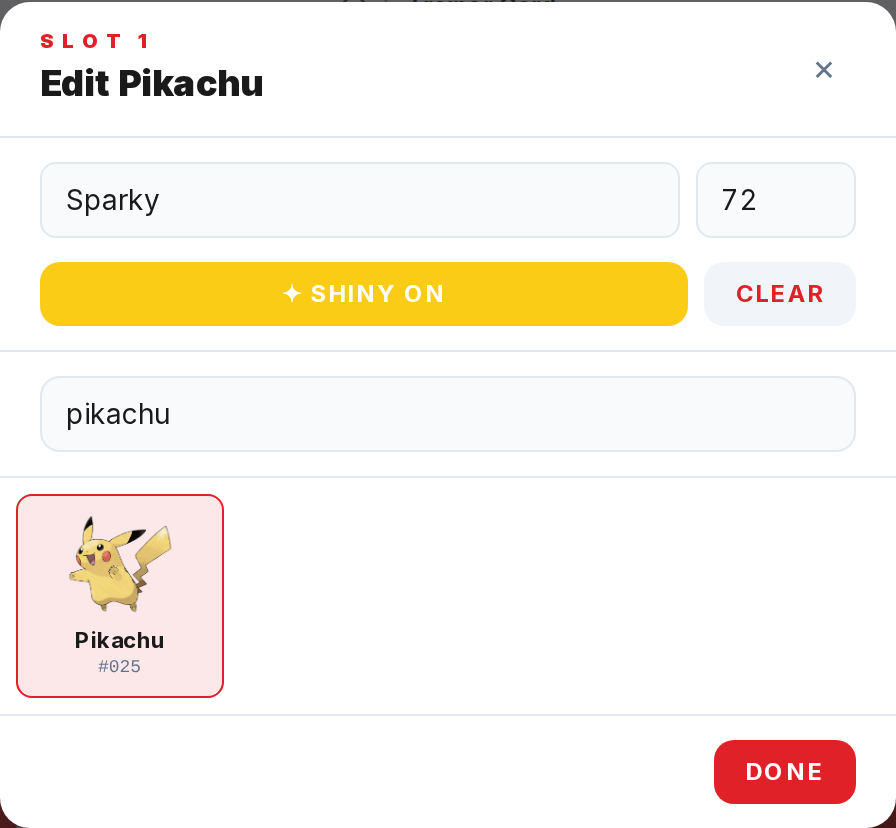
Use the Nickname field, the Lv number field, and the Shiny on/off toggle to customize the entry. Clear removes the Pokemon from the slot.
Step 5
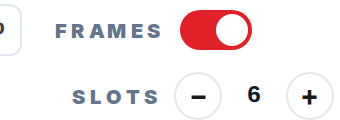
Close the modal with Done, the x button, or the Escape key. Use the Slots +/- counter under the card to adjust the party size from 1 to 24.