
Most likely your browser's local storage got cleared. All tracker data is stored locally, so anything that removes local storage also removes your catches, shinies, and notes.
Step 1
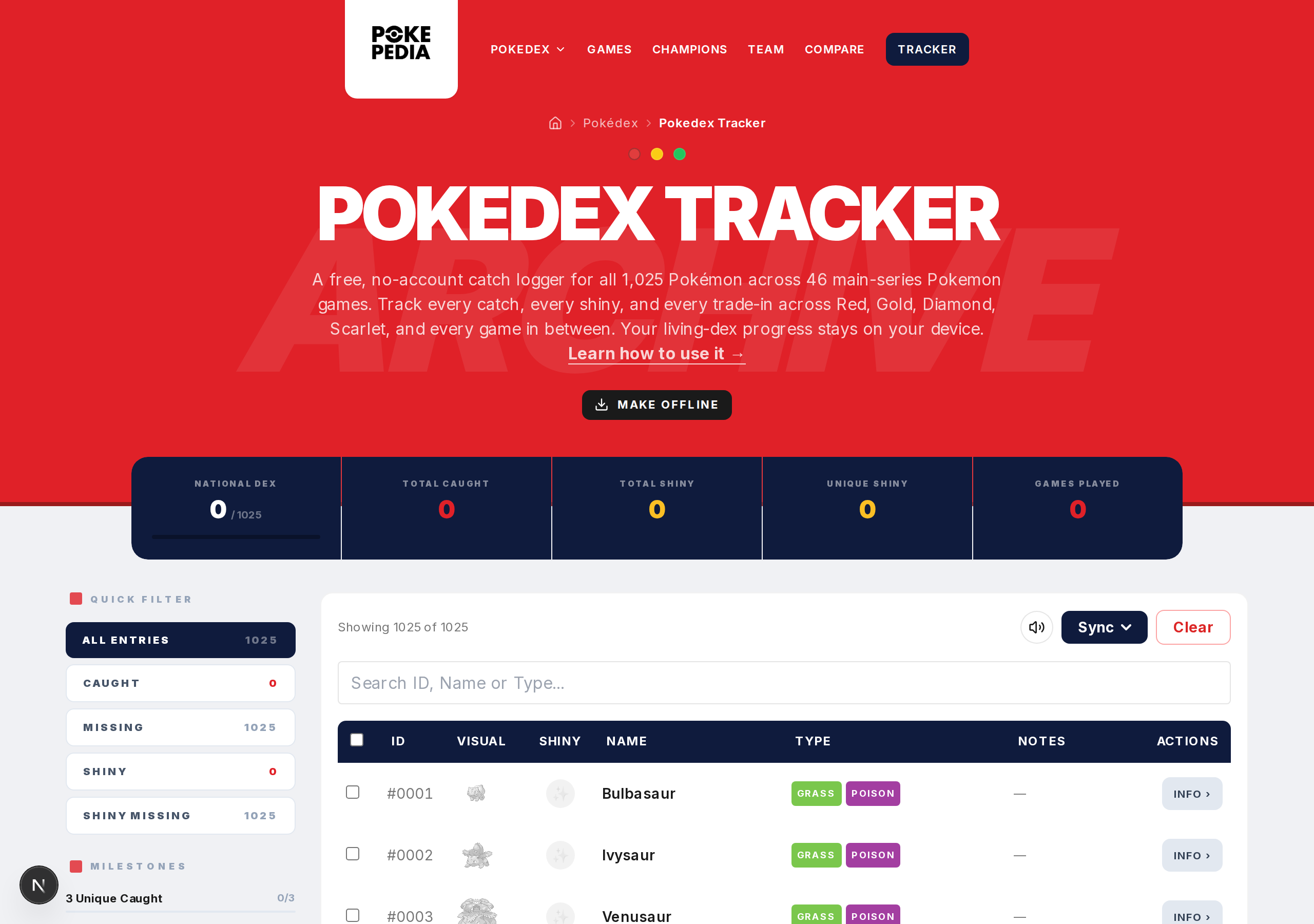
The most common cause is clearing browser data. If you cleared history, cookies, or site data, your tracker progress was probably included. Most browsers group local storage with cookies when cleaning up.
Step 2
Another common cause: different browser or device. Your data lives in one specific browser on one specific device. A different browser or computer shows a fresh tracker.
Step 3
Private browsing (Incognito, Private mode) doesn't keep local storage after the window closes. If you used the site in a private window, your data is gone.
Step 4
Browser extensions that clean cookies or site data can also wipe local storage without warning you specifically.
Step 5
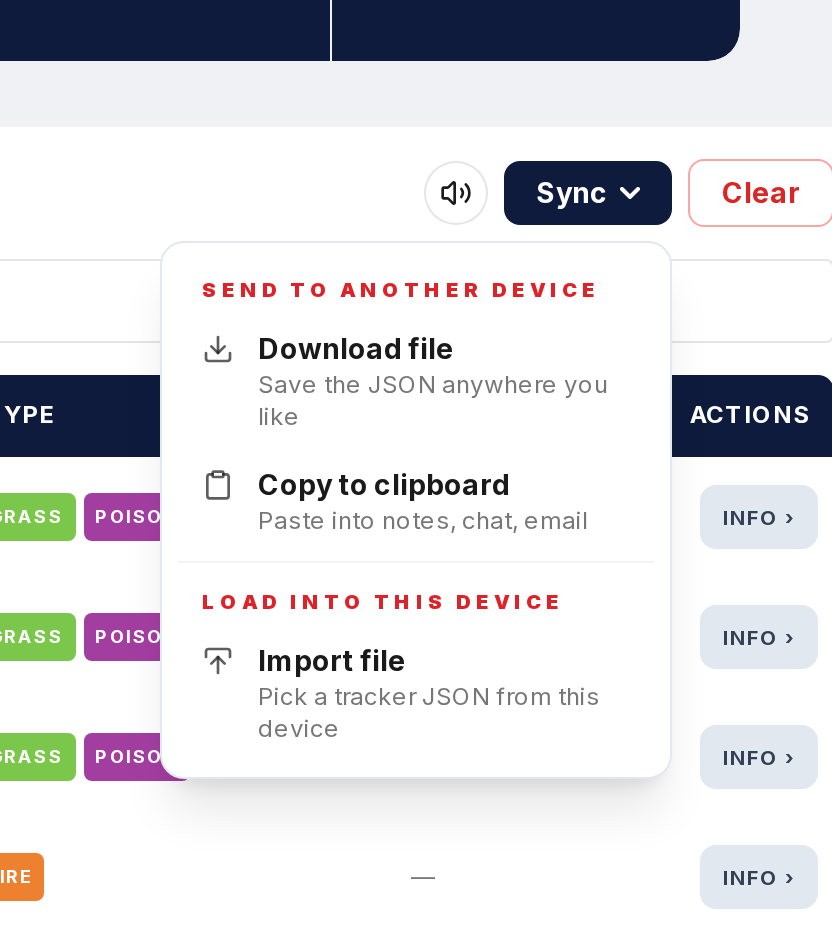
If you have a backup JSON file from a previous export, use Import in the Tracker to restore everything.