
That's normal. Greyed-out Pokemon are ones you haven't caught yet. The Tracker uses grey, low-opacity sprites for uncaught Pokemon and full-color sprites for caught ones.
Step 1
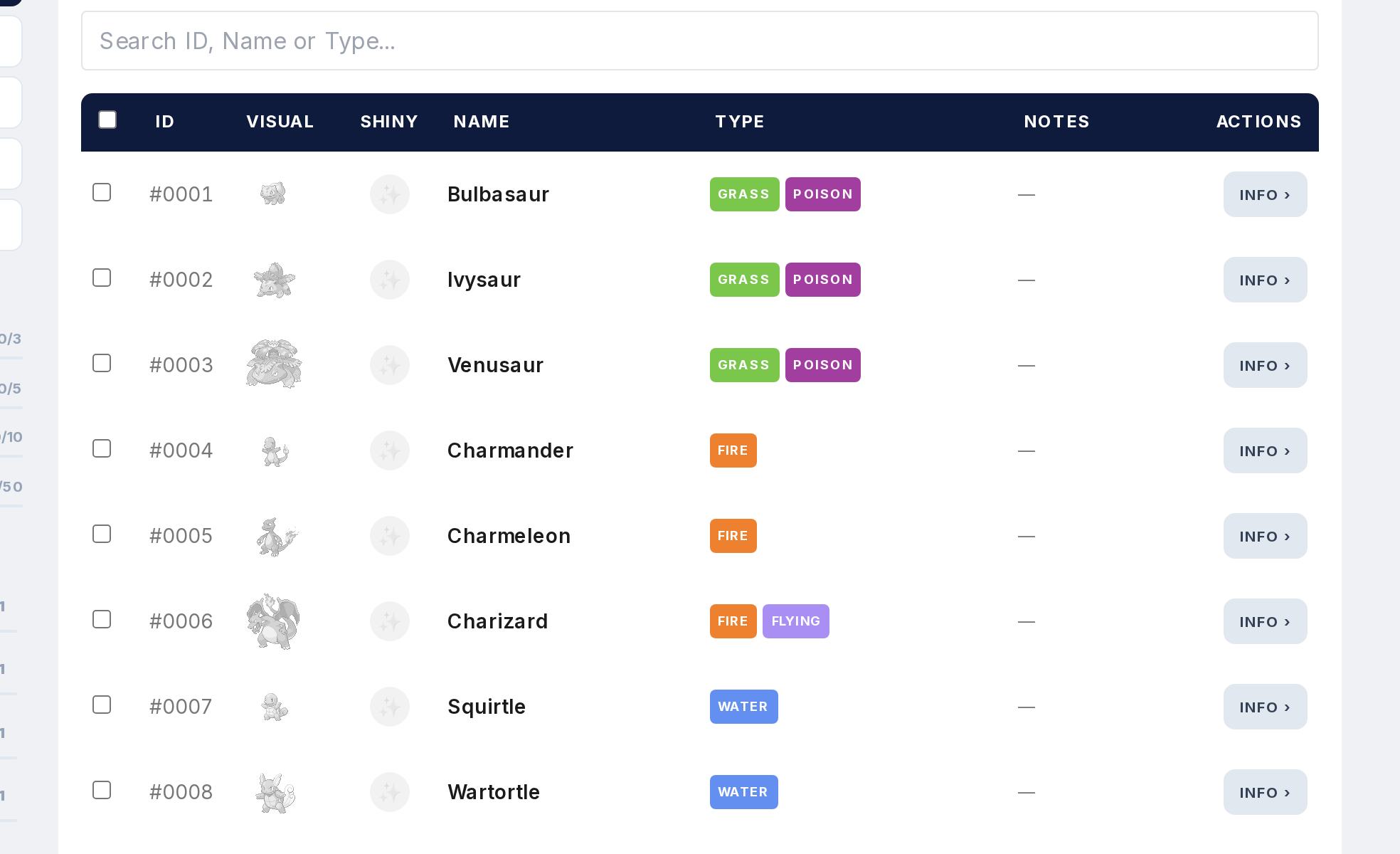
When you first open the Tracker, everything is grey. That's the default for all uncaught Pokemon.
Step 2
Catch a Pokemon and its sprite switches to full color. Makes it obvious which ones you have and which you still need.
Step 3
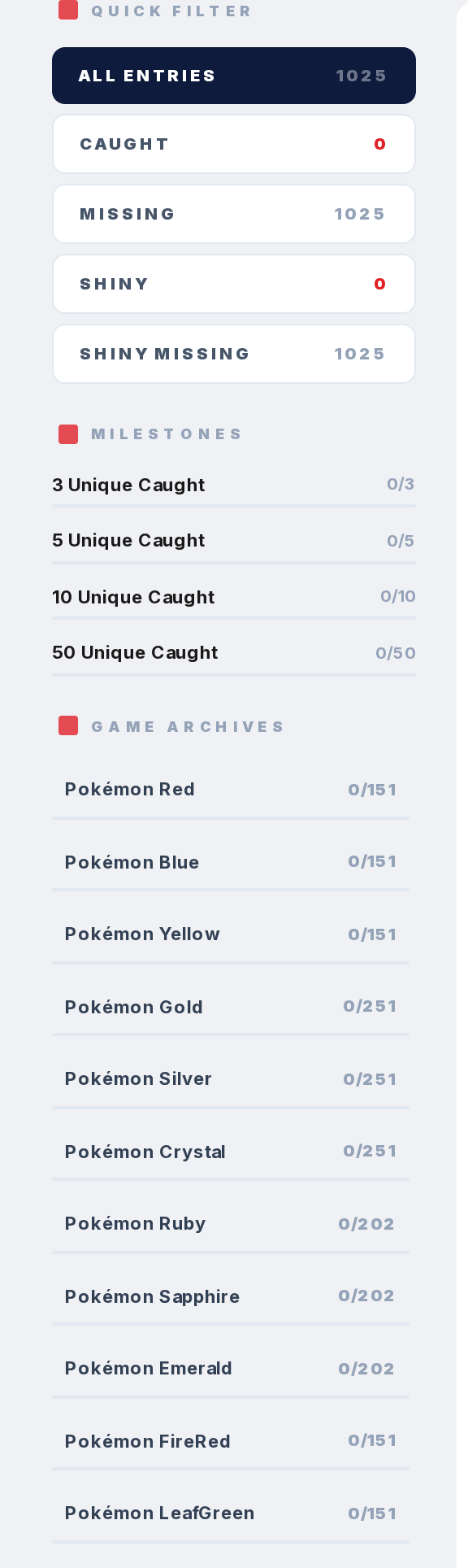
If you're in a game-specific view, a Pokemon caught in another game might still be grey. Catches are tracked per game. Caught in Yellow doesn't mean caught in Silver.
Step 4
To see everything you've caught across all games, switch to the National Dex filter or use the "Caught Pokemon" filter.
Step 5
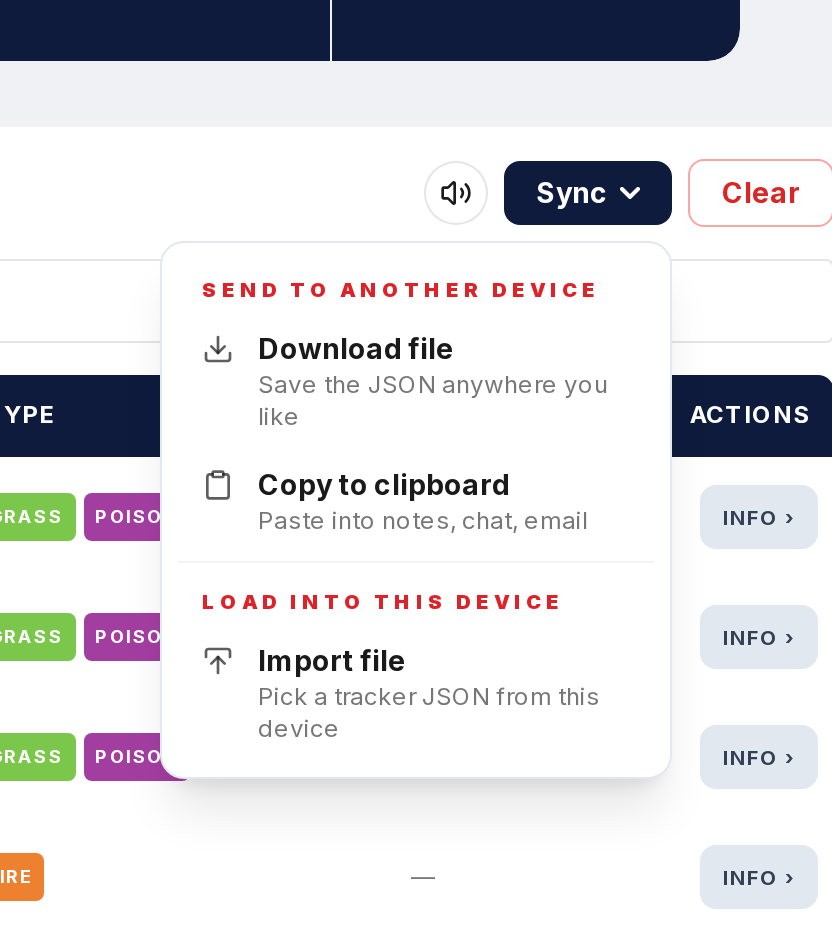
If something you caught is suddenly grey in a view where it shouldn't be, check that your browser data wasn't cleared. Restore from a backup if needed.