
Pokepedia.com works on all modern browsers. It's a responsive web app, so it runs on desktop and mobile without installing anything. If your browser handles JavaScript and modern web standards, you're good.
Step 1

Open Pokepedia.com in Chrome, Firefox, Safari, or Edge. These four are fully supported on both desktop and mobile.
Step 2
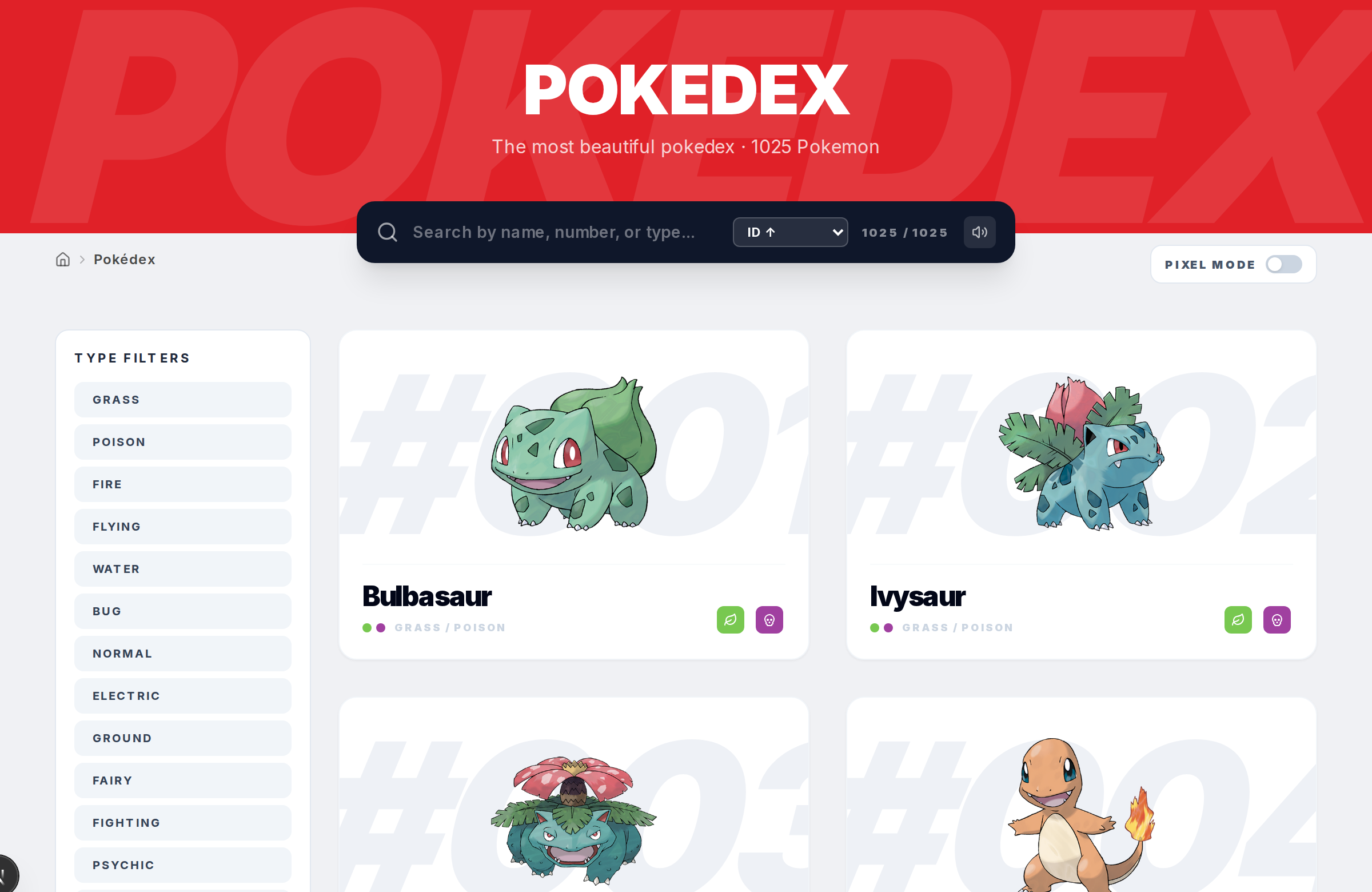
On desktop, just go to pokepedia.com. The Pokedex, detail pages, random generator, and tracker are all laid out for wider screens with multi-column grids and sidebar filters.
Step 3
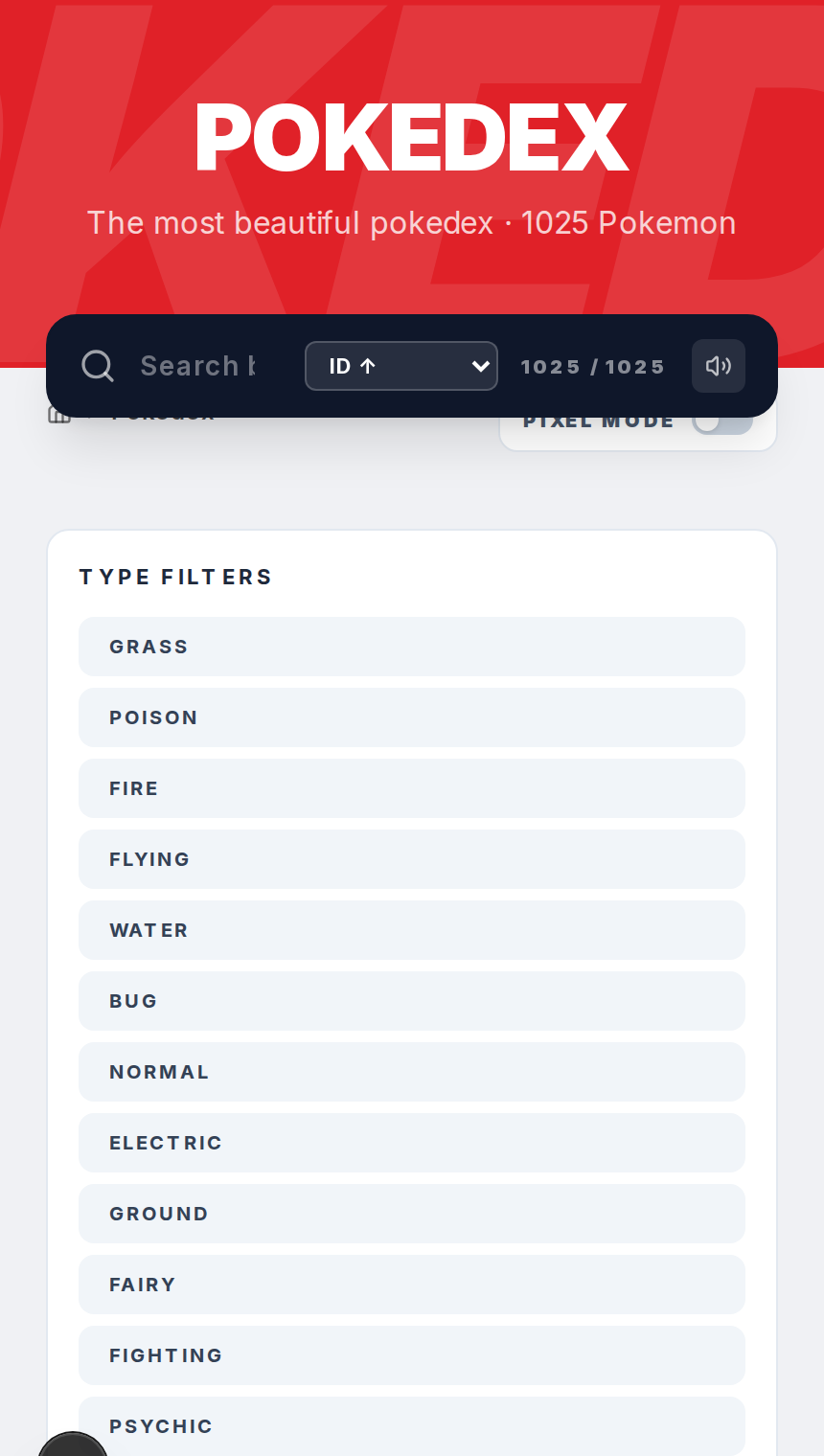
On mobile, open pokepedia.com in your phone's browser. The layout adjusts automatically for smaller screens. Single-column views, bigger tap targets, same features.
Step 4
Keep your browser updated. Older versions might not handle some of the interactive features like real-time search filtering or tracker functionality properly.
Step 5
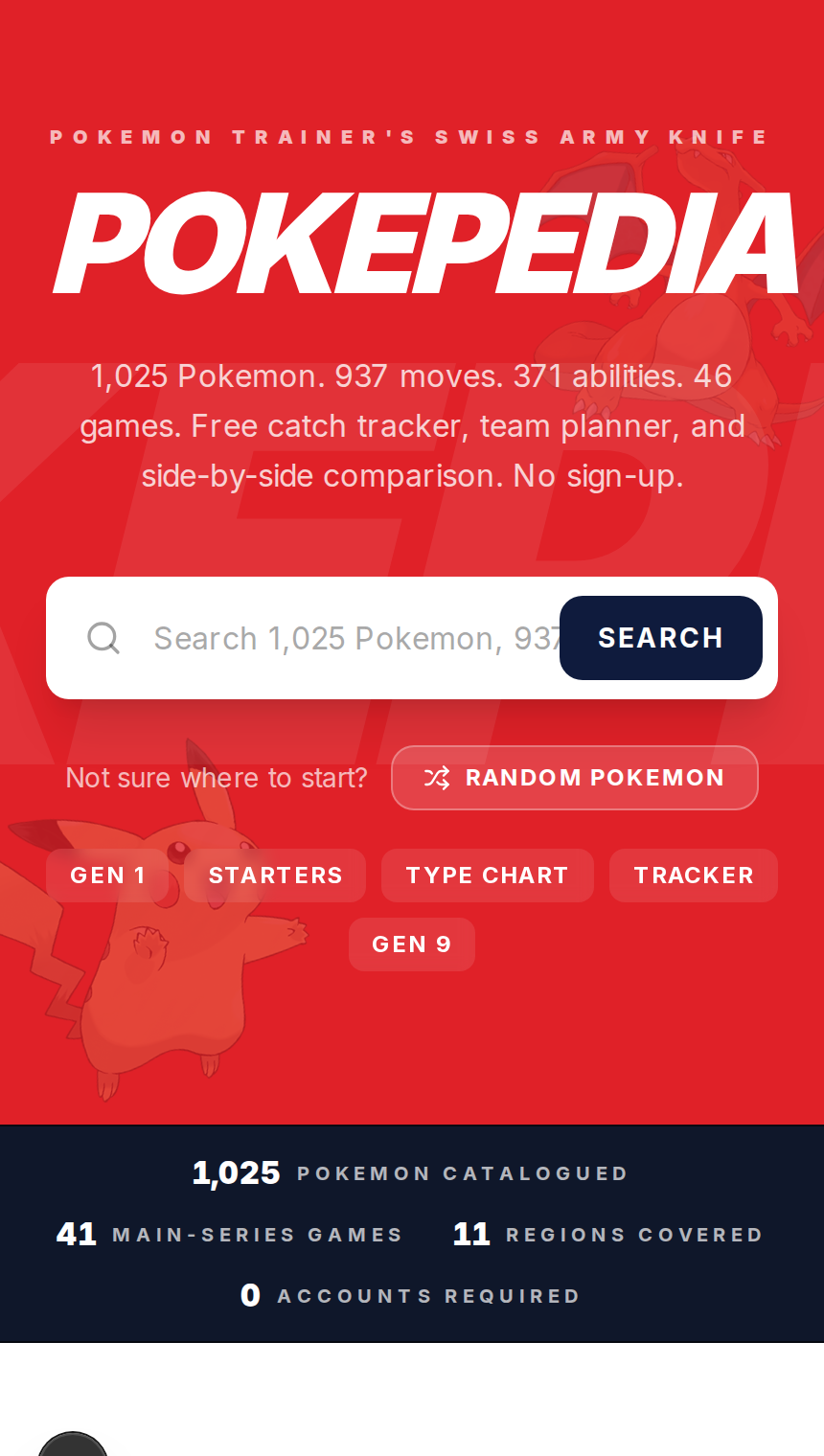
There's no mobile app to download. No App Store, no Google Play. You access everything through your browser.