
All your data is in your browser's local storage. That's a built-in browser feature that saves data on your device. Nothing goes to a server. No account involved. Nobody else can access it.
Step 1
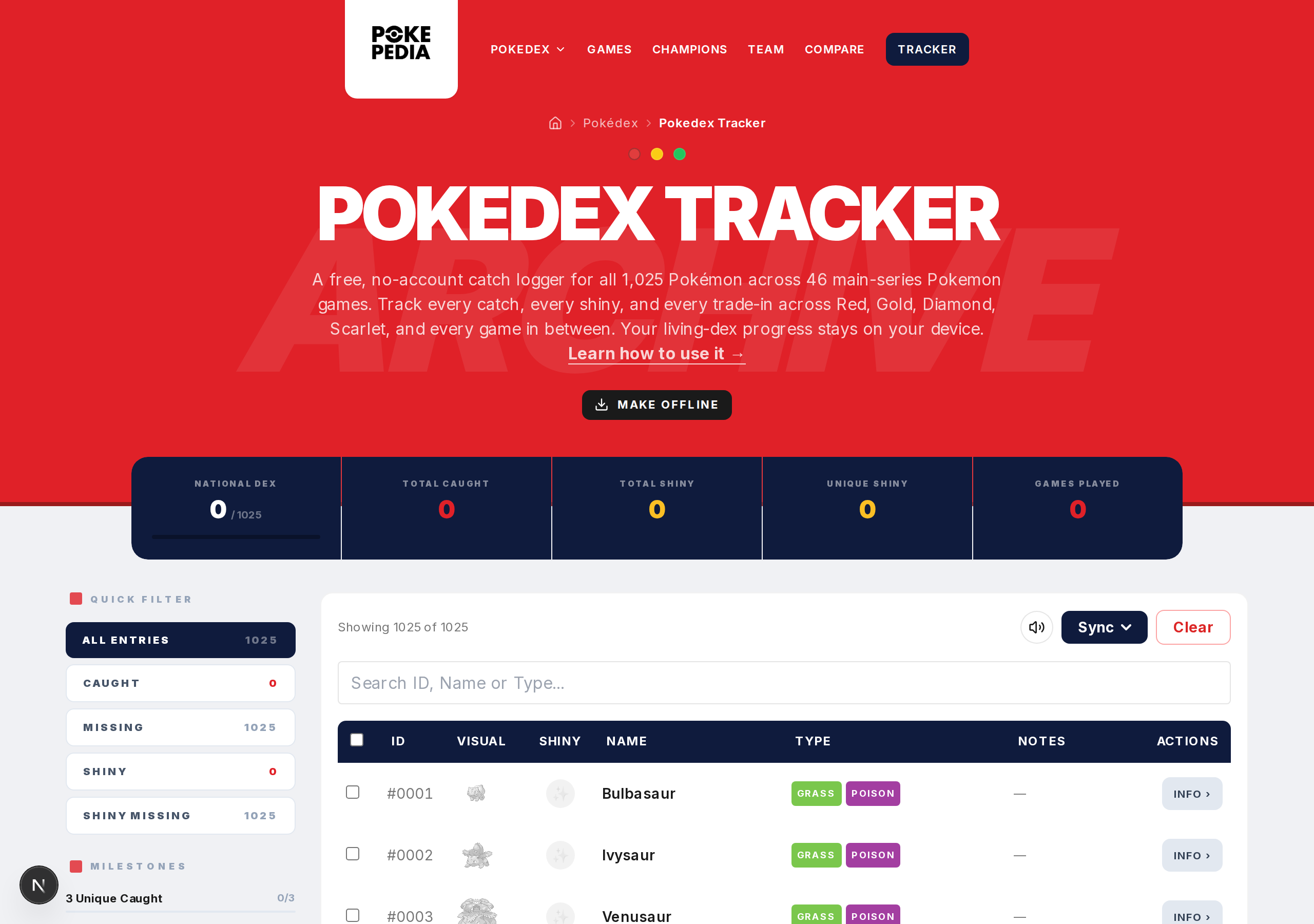
Every action in the Tracker (marking caught, toggling shiny, saving notes) saves to local storage automatically. No extra steps.
Step 2
Your data is tied to the specific browser on the specific device. Chrome on your laptop has its data. Firefox on the same laptop is separate. Chrome on another computer is separate. Each one is independent.
Step 3
Local storage sticks around between sessions. Close the browser, restart the computer, come back later. It's still there. As long as you don't clear your browser data.
Step 4
Clearing browser data, cookies, or site data wipes your progress. That's the main risk. No recovery unless you have an export.
Step 5
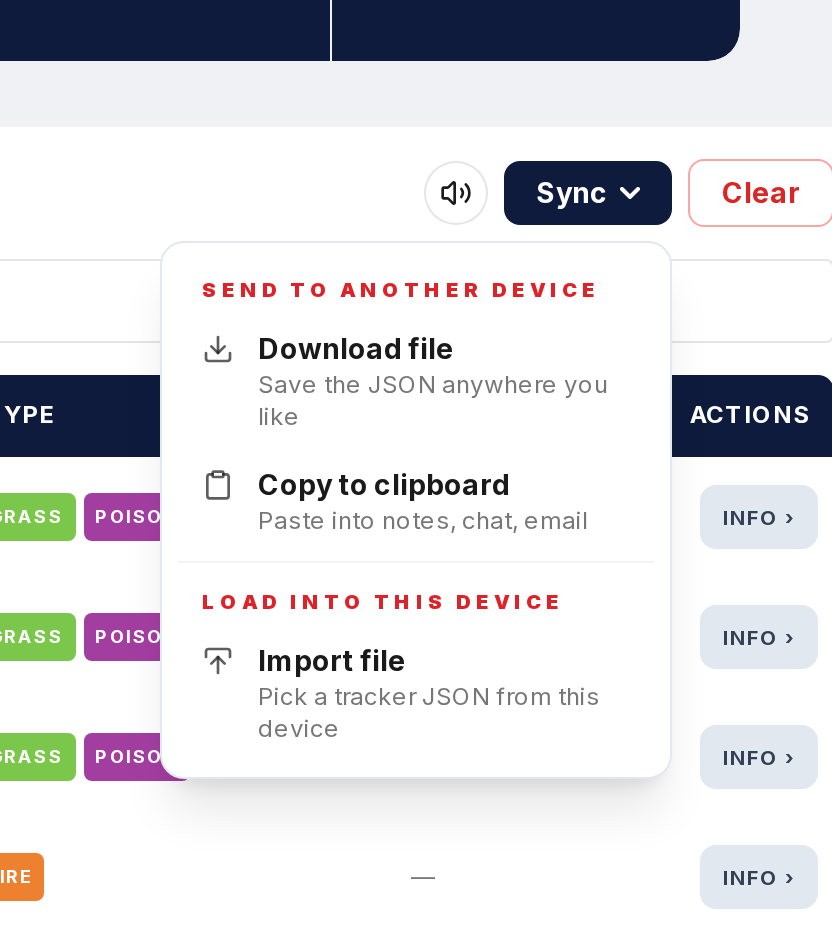
Export regularly. That JSON file is your backup. Store it in cloud storage or wherever you keep important files.