
JSON. It stands for JavaScript Object Notation. It's a standard data format that's both human-readable and machine-readable. The export file has your full tracker snapshot: caught Pokemon, shiny status, game associations, and notes.
Step 1
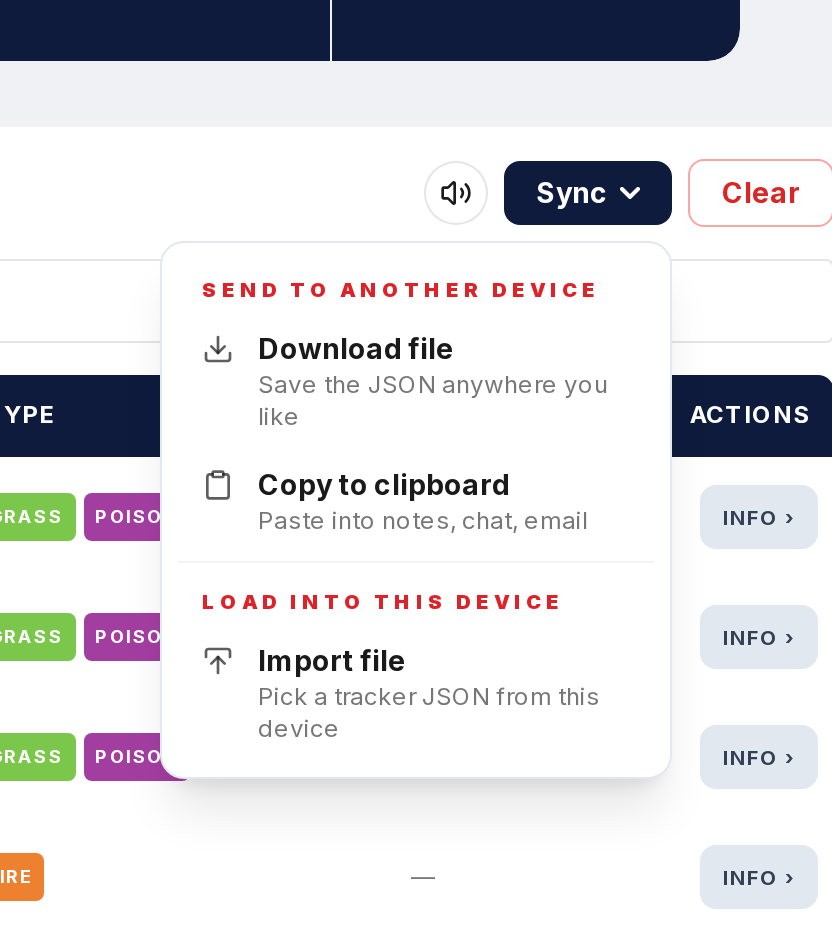
Click Export in the Tracker and a .json file downloads to your device.
Step 2
The file has your caught Pokemon list. Each entry includes the Pokemon's ID, the game it was caught in, and its shiny status. Notes are in there too.
Step 3
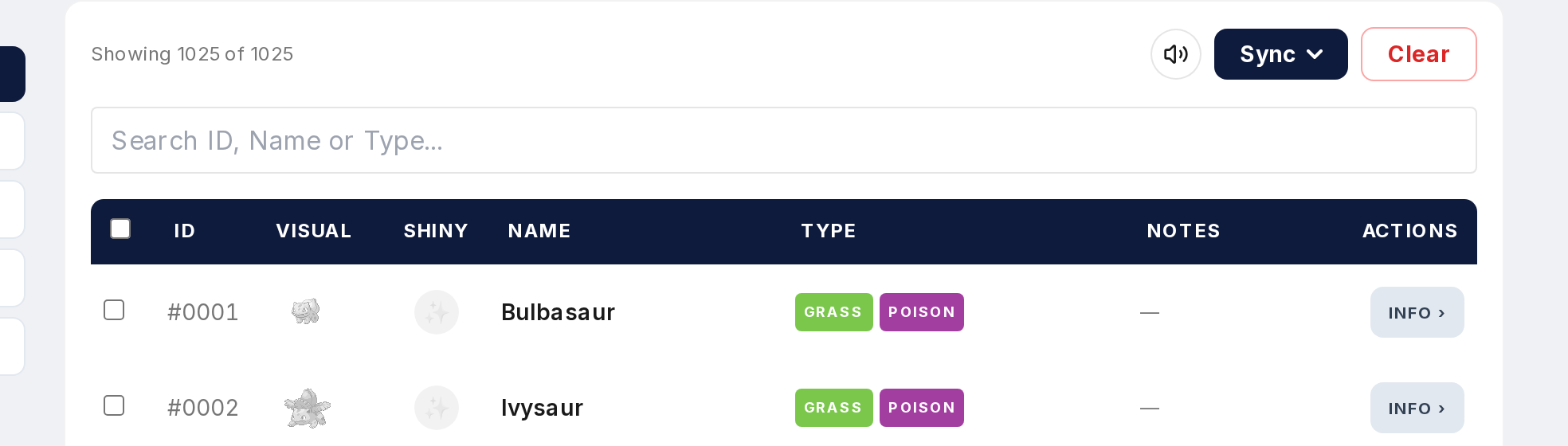
You can open it in any text editor. Notepad, VS Code, TextEdit. The data is structured as keys and values, so you can inspect exactly what's saved.
Step 4
To restore, use Import and select the JSON file. It validates the data and loads everything back into local storage.
Step 5
JSON files are small. Store them in Google Drive, Dropbox, iCloud, email them to yourself, whatever works for you.