
There's a Pokedex page for every Pokemon generation. Each one shows only the Pokemon introduced in that generation, listed with their National Pokedex numbers. Good for browsing Pokemon by the era they first appeared.
Step 1
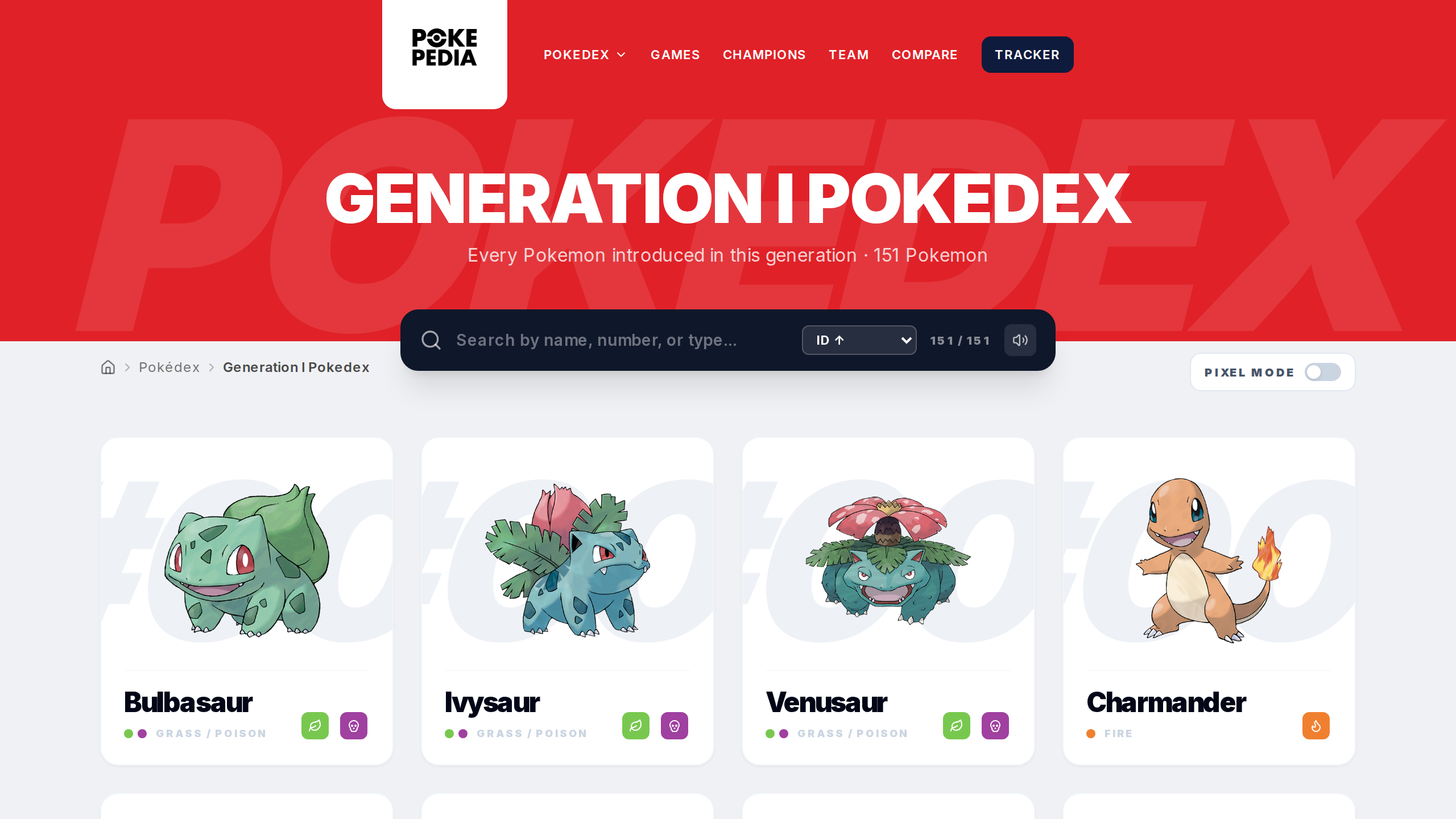
Generation pages use the URL pattern pokepedia.com/generation[number]-pokedex. For example, pokepedia.com/generation1-pokedex shows all Pokemon from the first generation.
Step 2
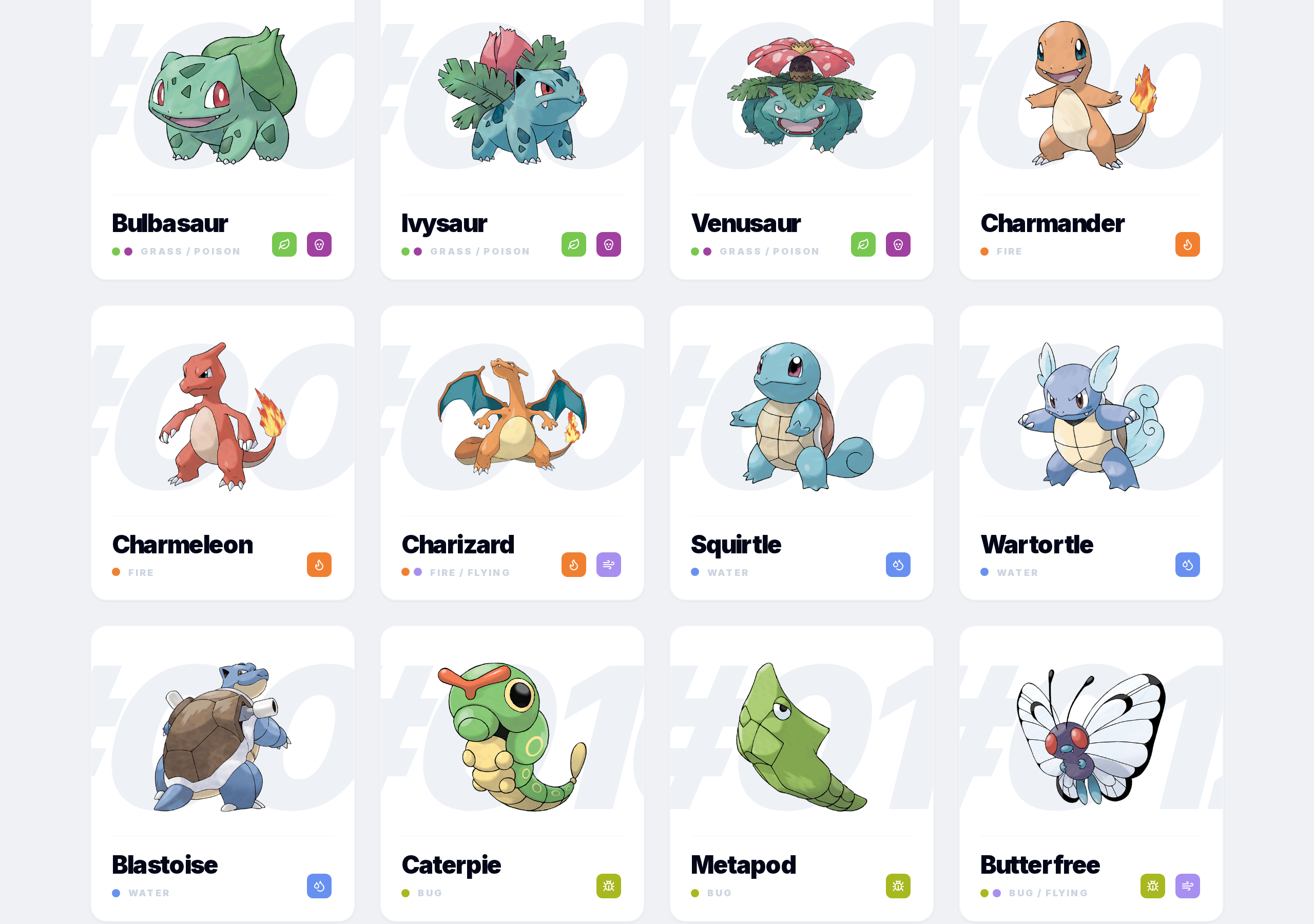
Pokemon on these pages have their National numbers, not regional ones. Generations represent when a Pokemon was added to the franchise, not where it's found geographically.
Step 3
Search, filters, and sorting all work the same here. Narrow down within a generation the same way you would on the main Pokedex.
Step 4
Click any card for the full detail page with stats, evolutions, weaknesses, forms, game appearances, and move data.
Step 5
Generation pages are a good way to explore Pokemon by release era or focus on your favorite generation's roster.