
A few things can cause this. The search works in real time with name and number matching, but there are some things to know about how it behaves.
Step 1
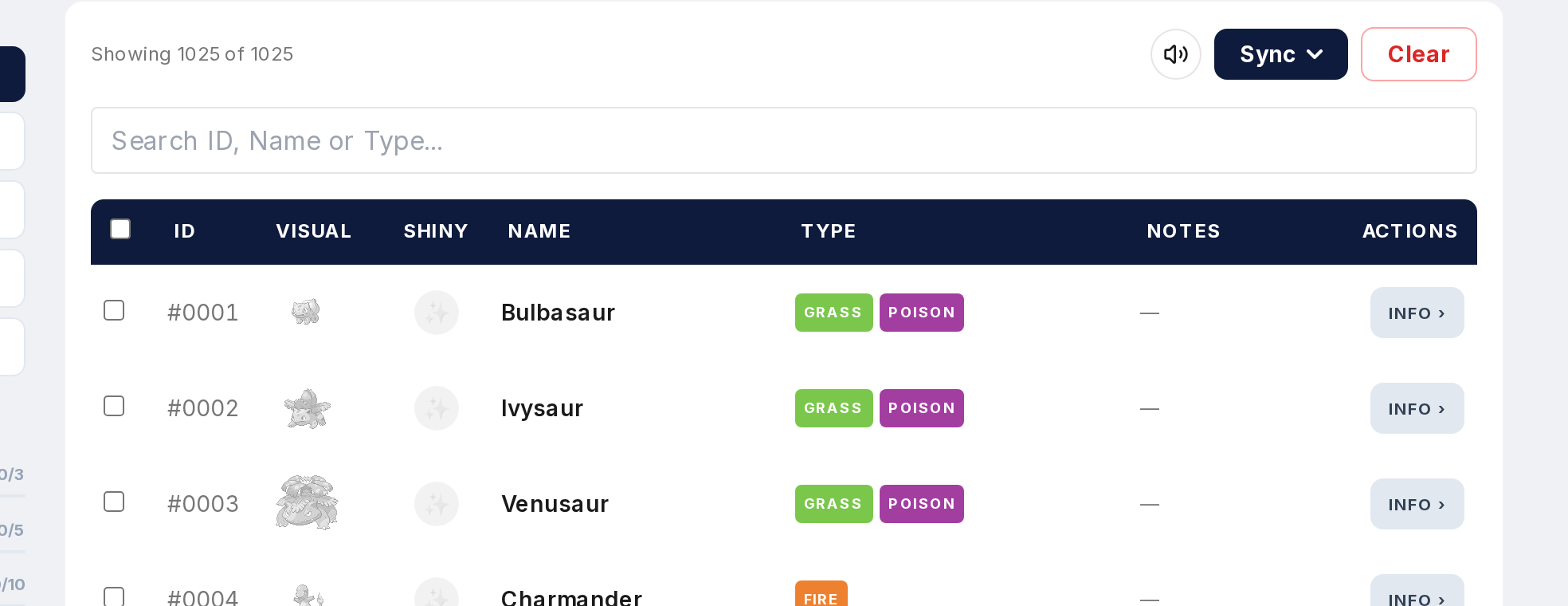
Check spelling. Partial names work ("Pika" is fine) but the characters need to be right. "Pikka" with a double K won't return anything.
Step 2
Number search is exact. "25" only returns #25 (Pikachu). Not #125, not #250. That's by design for precise results.
Step 3
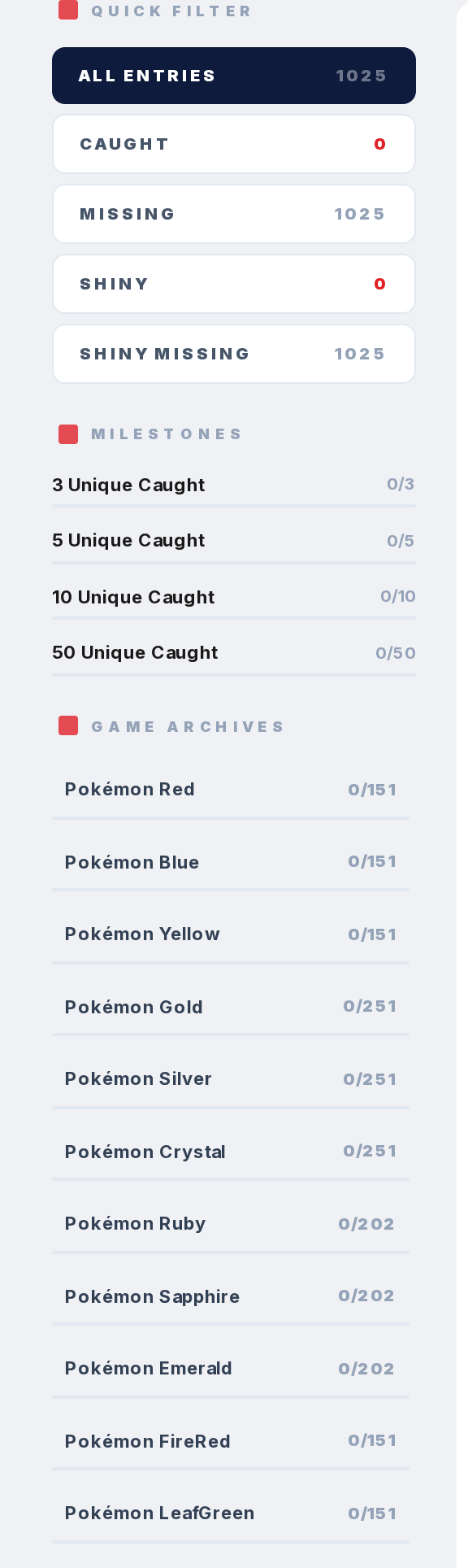
Check your filters. If a type, game, or evolution stage filter is active, search only returns results within that filtered set. A Pokemon might exist but not match your filters. Hit "Clear Filters" to reset.
Step 4
If you're on a game-specific or region-specific page, search only covers Pokemon in that game or region. A Pokemon not in that game won't show up. Go to pokepedia.com/pokedex for the full National Pokedex.
Step 5
Some Pokemon have special characters in their names (Farfetch'd, Mr. Mime). Try just the first few letters and see if partial matching picks it up.