
Every ability on Pokepedia has its own page at /pokemon-abilities/levitate listing every Pokemon that can have that ability, split into Regular and Hidden sections.
Step 1

Open /pokemon-abilities and use the search box to find the ability you want. Type part of the name or part of the effect text. Click the matching card to open its page.
Step 2

The ability page opens with a red hero band showing the ability name, the generation it was introduced in, and a short subtitle. Below the hero is the full effect description followed by the in-game flavor text.
Step 3
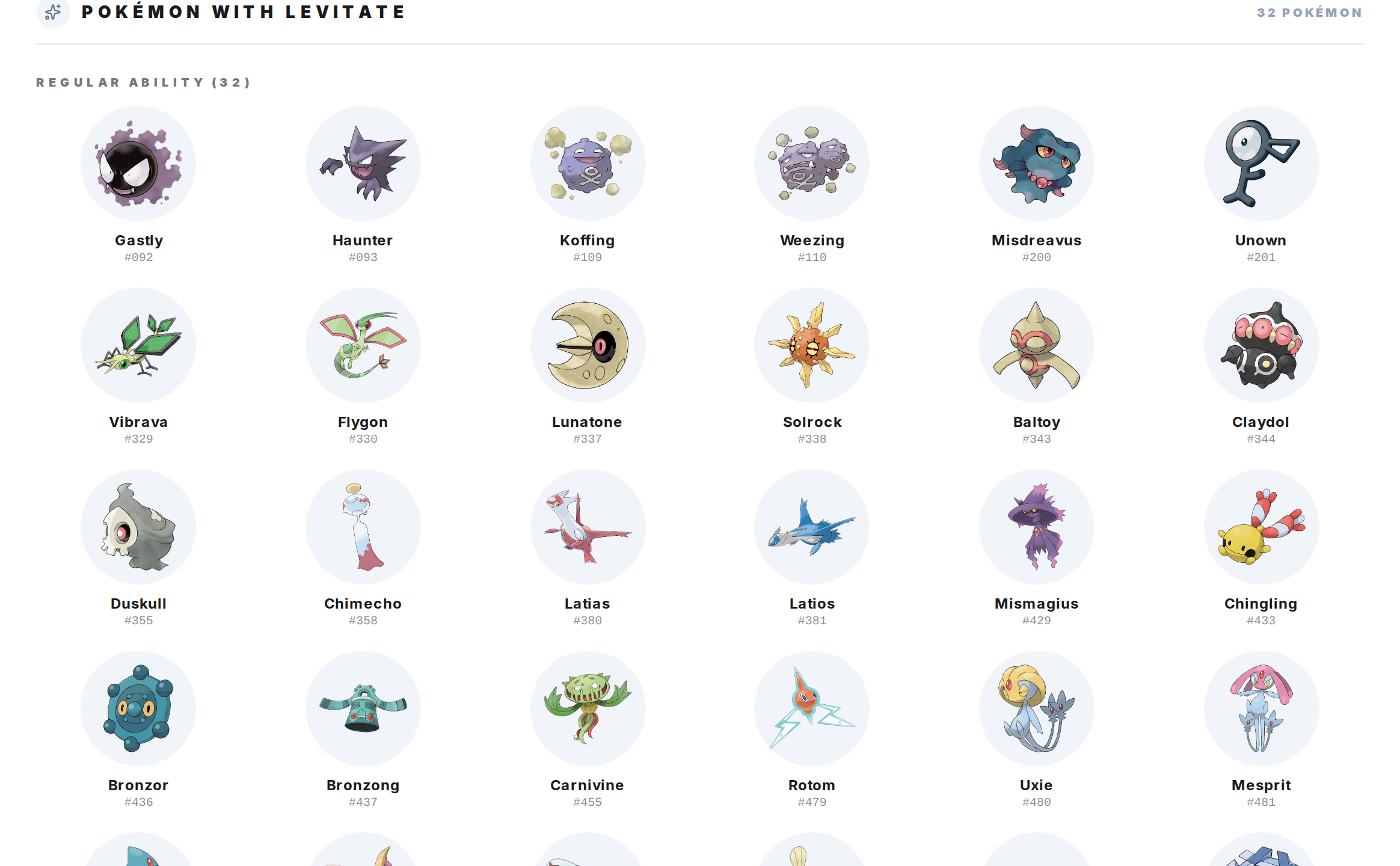
Scroll to the "Pokemon with {ability}" section. Pokemon that get the ability as a Regular ability appear first, then Pokemon that get it only as a Hidden ability. Each card shows the Pokemon's sprite, name, and dex number and links to its Pokedex entry.