
You can stack filters on the Pokedex page. Type, game, evolution stage, and search all work together. Each filter narrows the results further, and the counter updates in real time so you always know how many Pokemon match.
Step 1
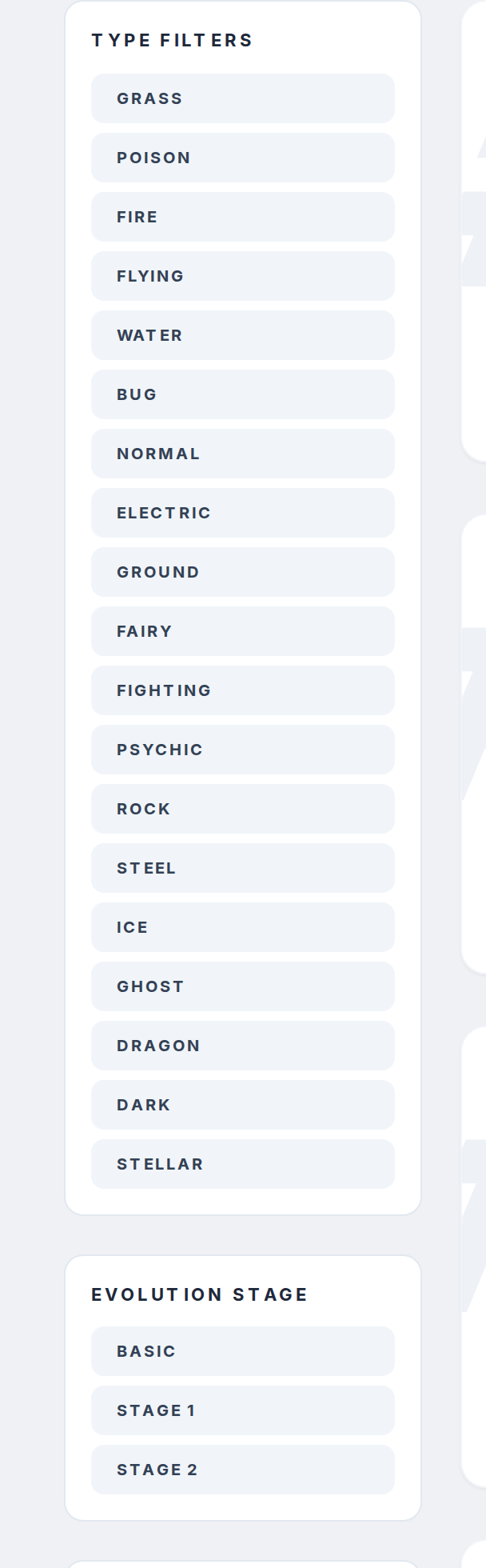
Go to pokepedia.com/pokedex. The filter panel is on the left sidebar with three sections: Type Filters, Evolution Stage Filters, and Games.
Step 2
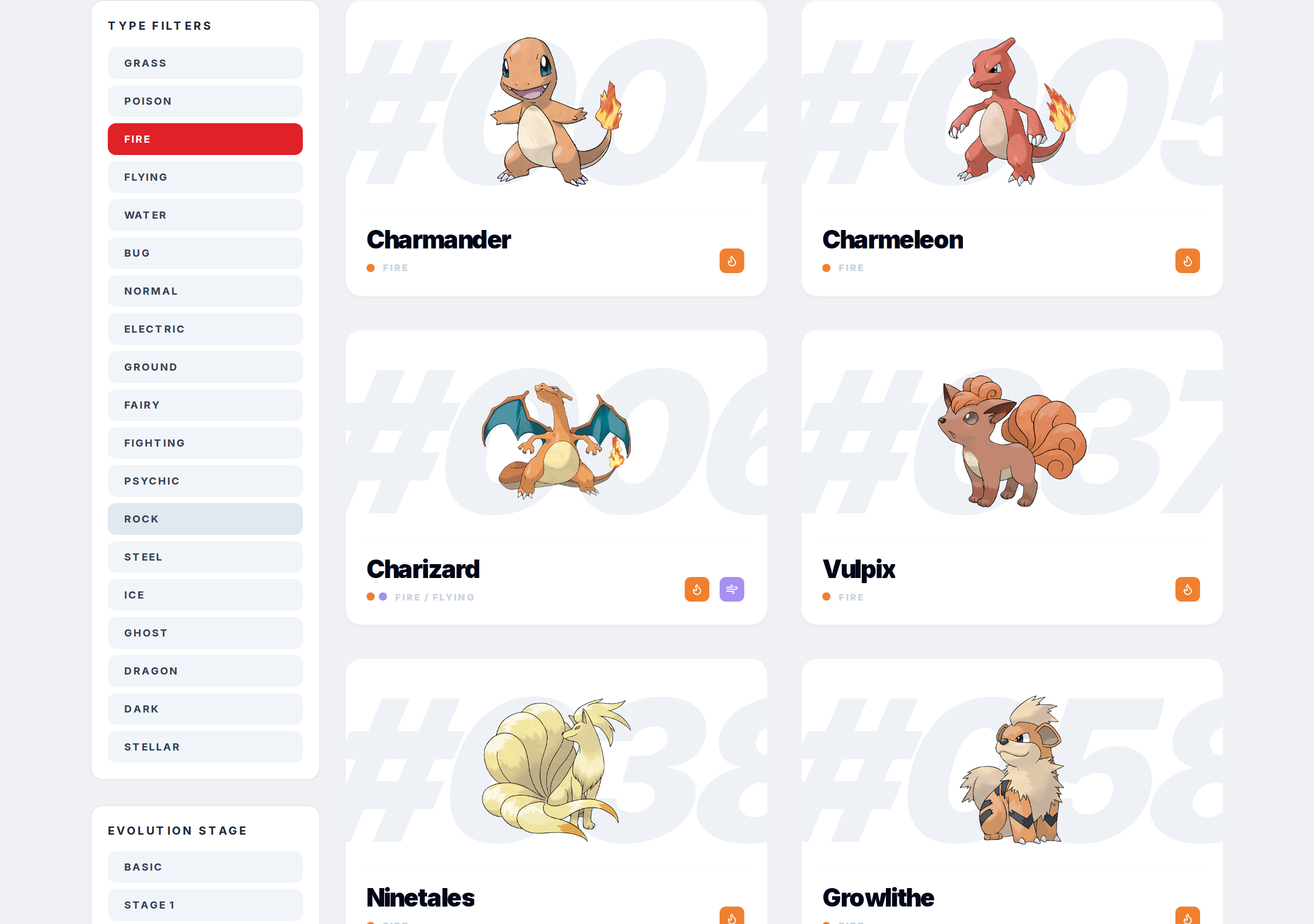
Start with one filter. Click "Water" in the type section. The grid shows only Water types and the counter updates.
Step 3
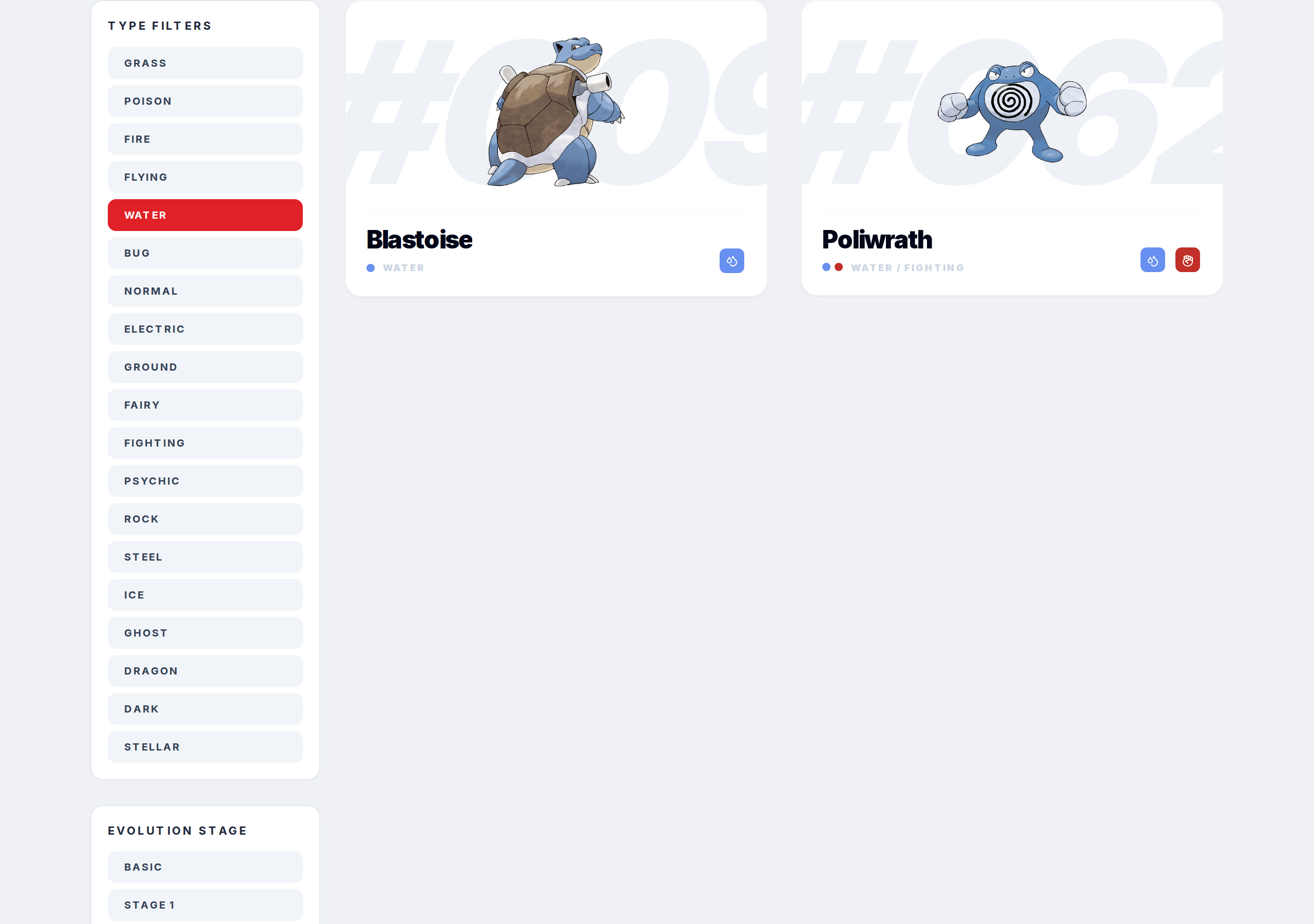
Add another. Click a game like "Pokemon Silver." Now you see only Water types available in Pokemon Silver. Both filters are active.
Step 4
Keep going. Click "Stage 2" for evolution stage. Now it's only fully evolved Water types in Pokemon Silver. Type in the search bar on top of all that if you need to find something specific within those results.
Step 5

Hit "Clear Filters" to reset type, game, and stage all at once. The search bar clears separately by deleting the text.