
Shiny Pokemon are tracked separately from regular catches. Shiny entries get their own indicator and count toward dedicated shiny stats. There are two shiny metrics: Total Shiny Caught and Unique Shiny Caught. One thing to note: shiny tracking isn't available for Generation 1 games because shinies didn't exist back then.
Step 1
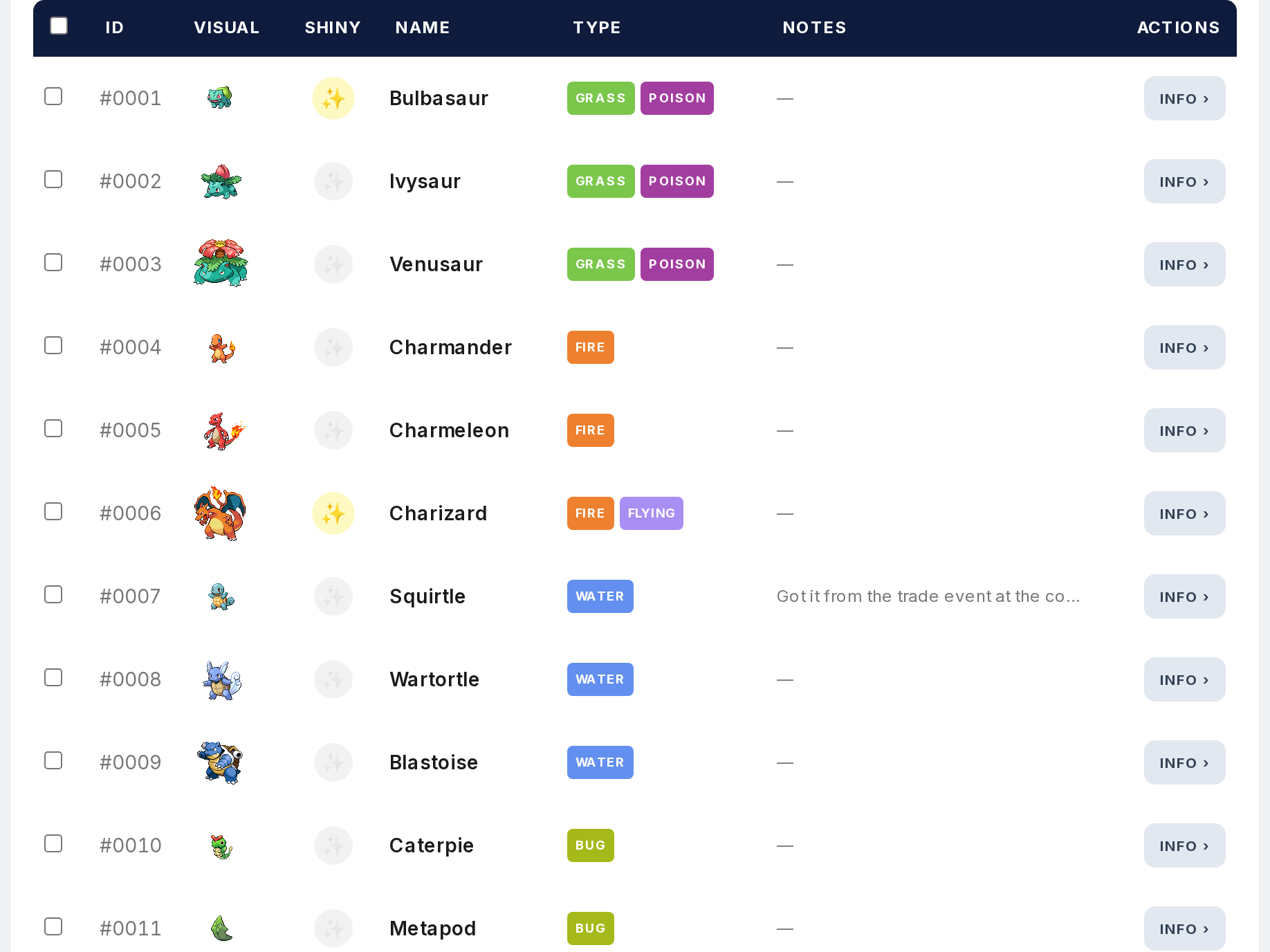
Open the Tracker and find the Pokemon you want to mark as shiny.
Step 2
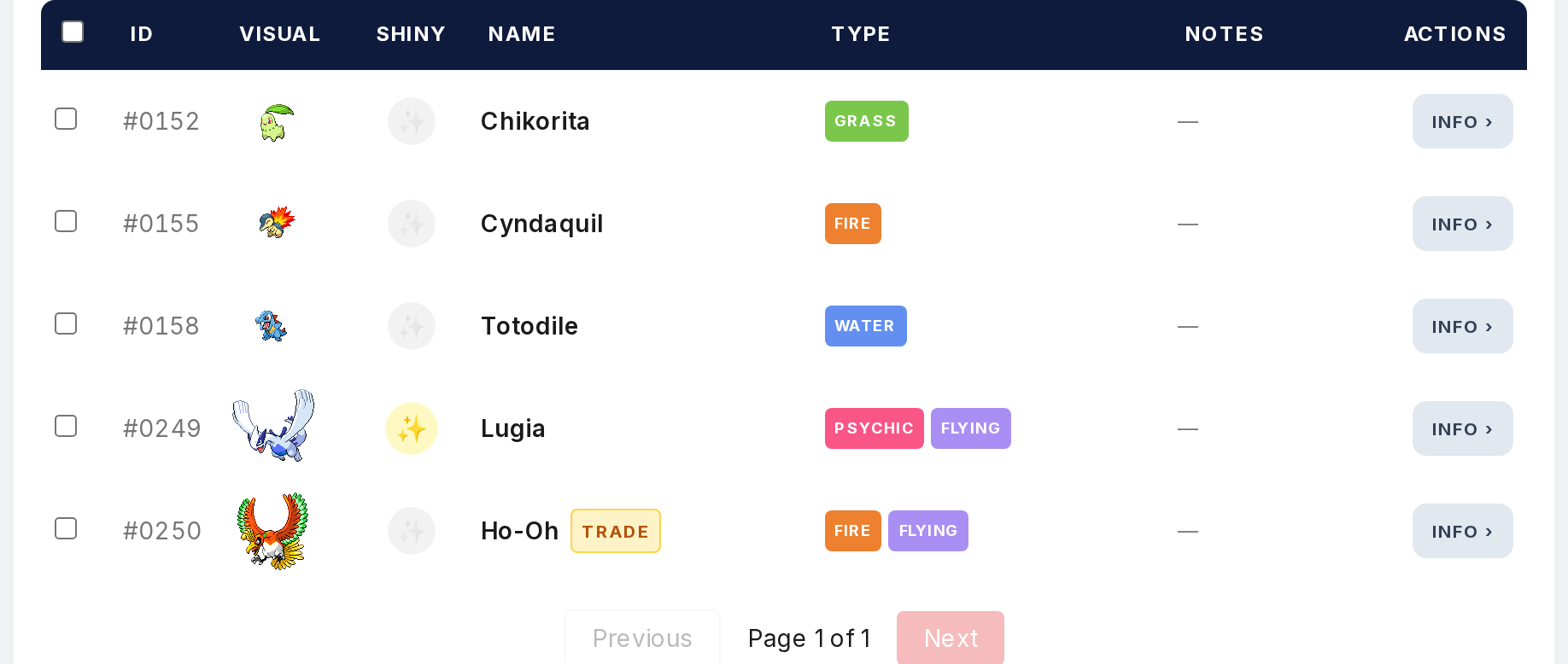
In a game or region view, use the shiny toggle to mark a caught Pokemon as shiny. It works right in the table without opening anything. Quick for logging shinies during a session.
Step 3
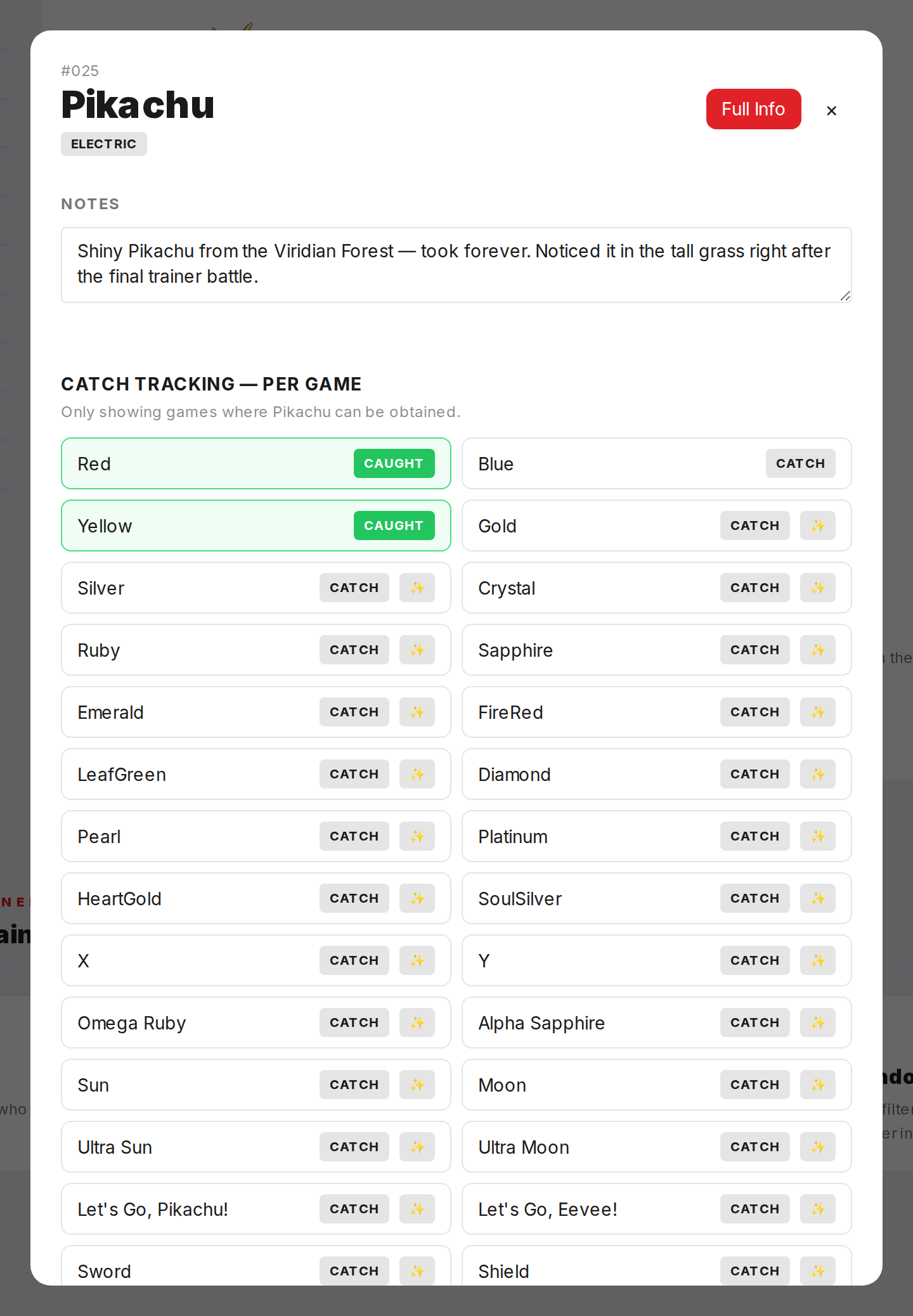
In the main view, shiny status is set through the modal when you click a Pokemon.
Step 4
Shiny Pokemon get an indicator icon next to their sprite in the tracker table. Easy to spot when scanning your collection.
Step 5

Shiny stats update automatically. Total Shiny counts every shiny across all games. Ten shiny Pikachu in ten games equals 10. Unique Shiny counts species. Those same ten Pikachu equal 1 unique shiny.