
There are four sort options on the Pokedex page. The dropdown is above the Pokemon grid and works alongside search and filters.
Step 1
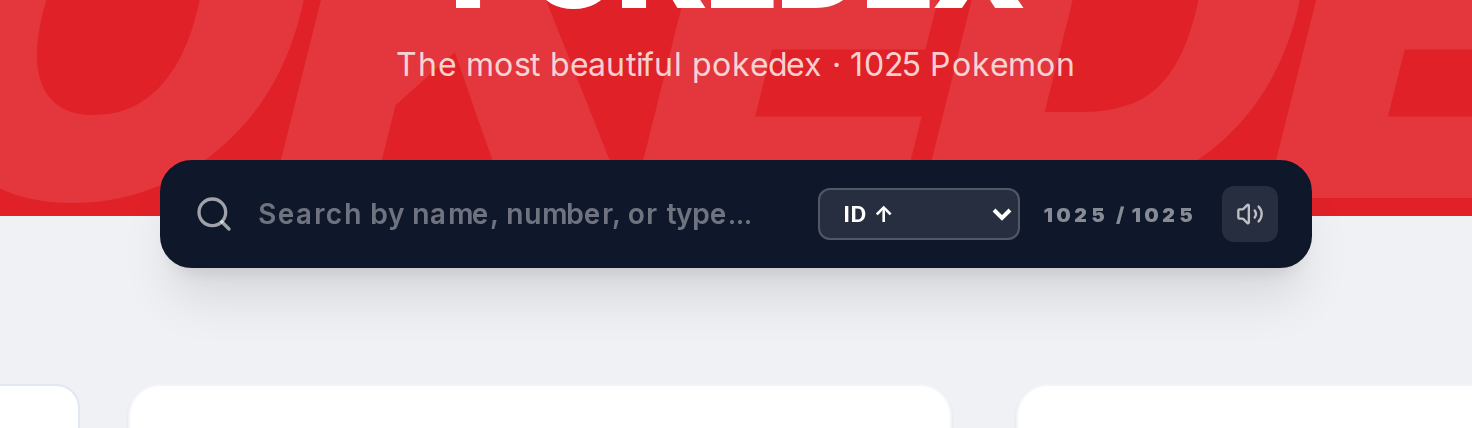
Go to pokepedia.com/pokedex and find the sort dropdown near the results counter.
Step 2
Click it. You'll see four options: ID Descending (highest number first), ID Ascending (lowest first), Name Descending (Z to A), and Name Ascending (A to Z). Default is ID Descending.
Step 3
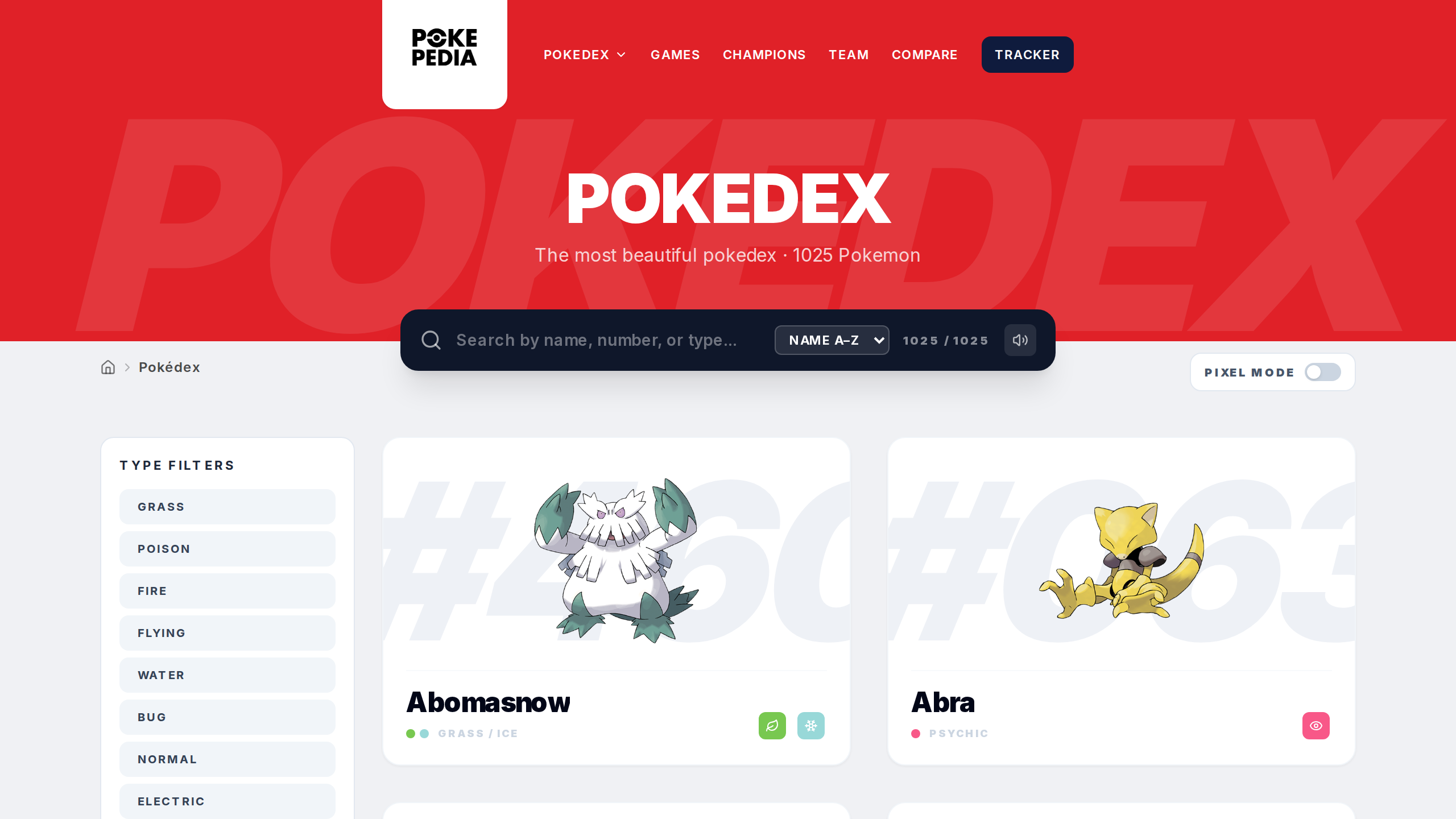
Pick one. The grid rearranges right away. Name Ascending puts everything alphabetical from Abomasnow to Zygarde.
Step 4
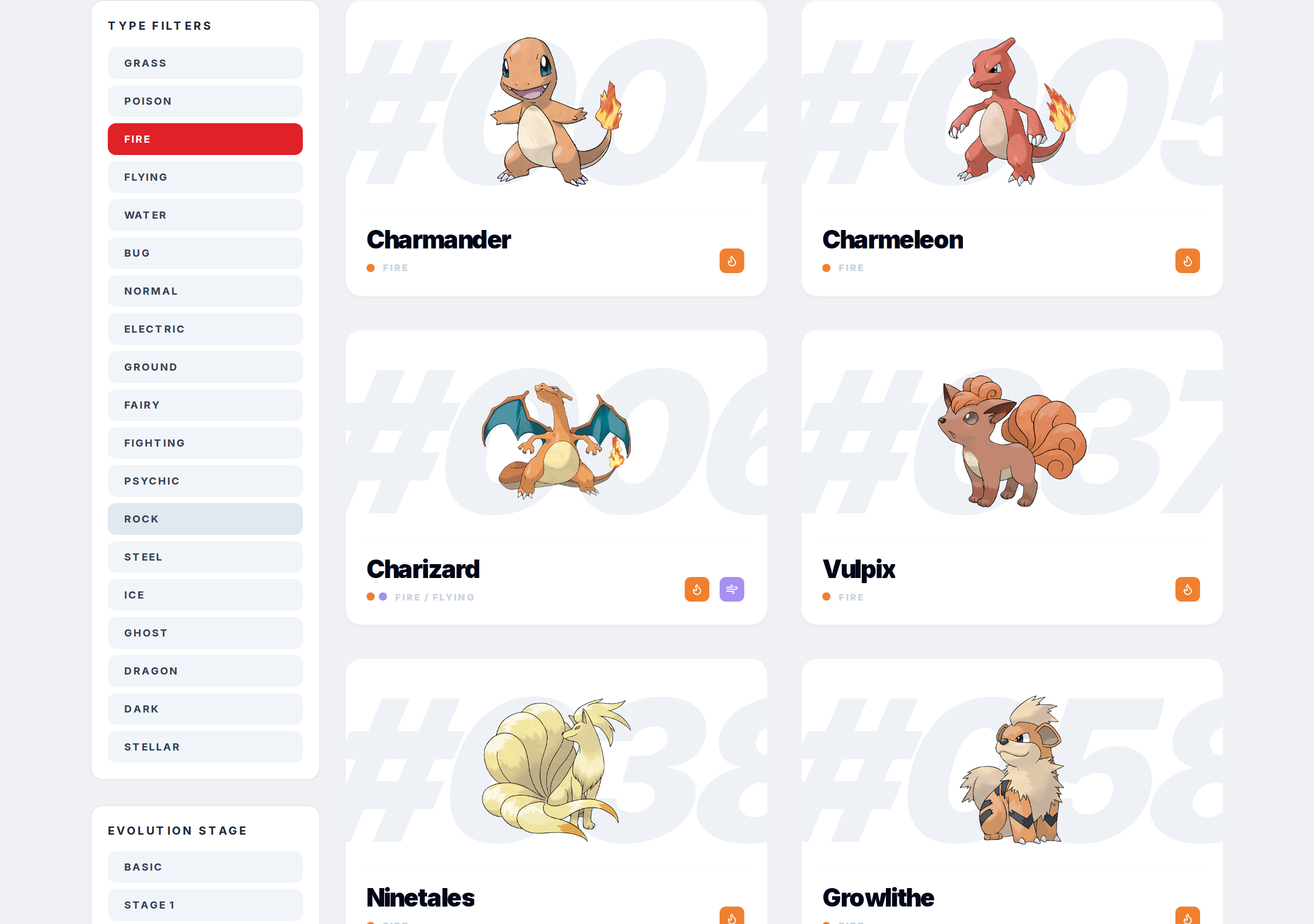
Sorting works with filters. If you have a type filter active, the sort applies within those filtered results. Same with search. You could look at all Water types sorted alphabetically if you wanted.
Step 5
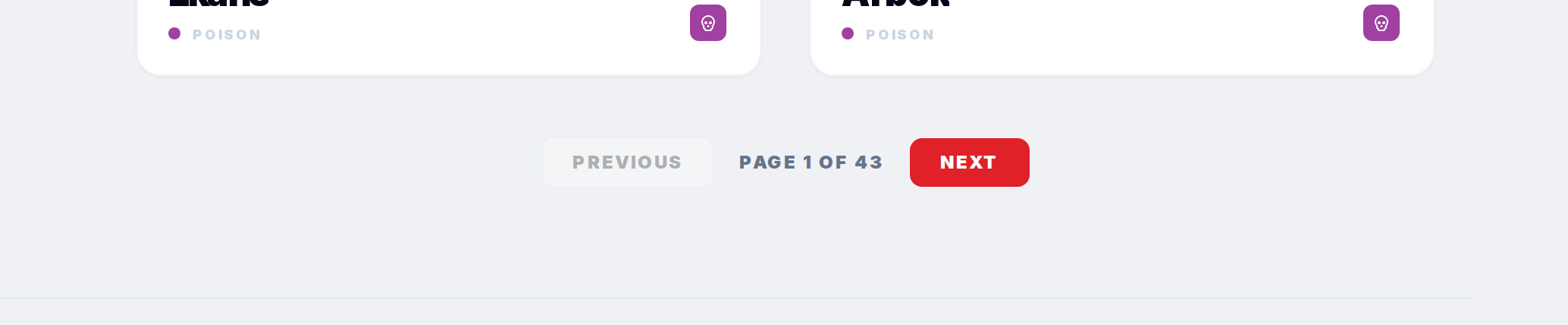
Use the Previous and Next buttons at the bottom to move through pages. The page indicator shows where you are in the sorted list.