
Every detail page shows the full evolution chain. You'll see each stage from the base form to the final evolution, what triggers each step, and you can click any Pokemon in the chain to jump to its page.
Step 1
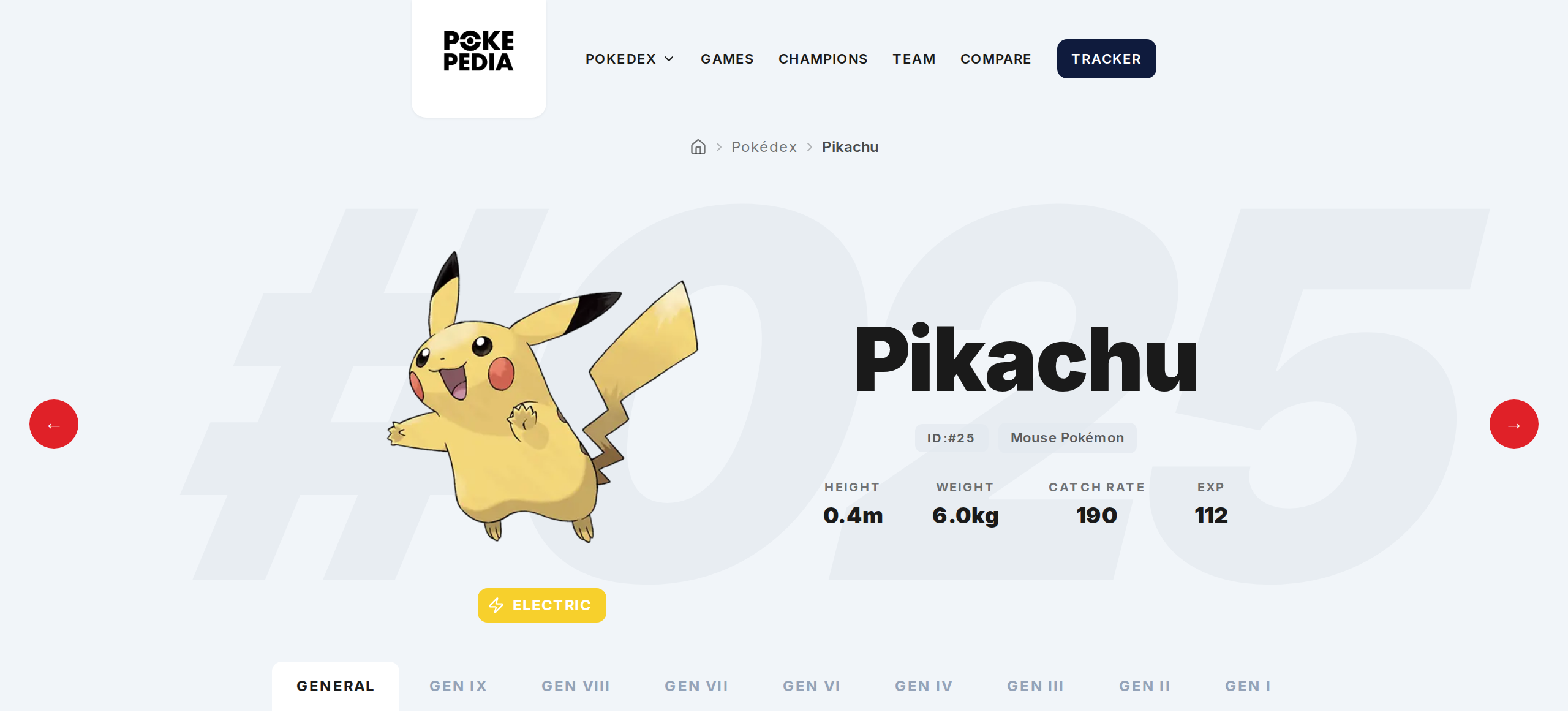
Open any Pokemon's detail page from the Pokedex.
Step 2
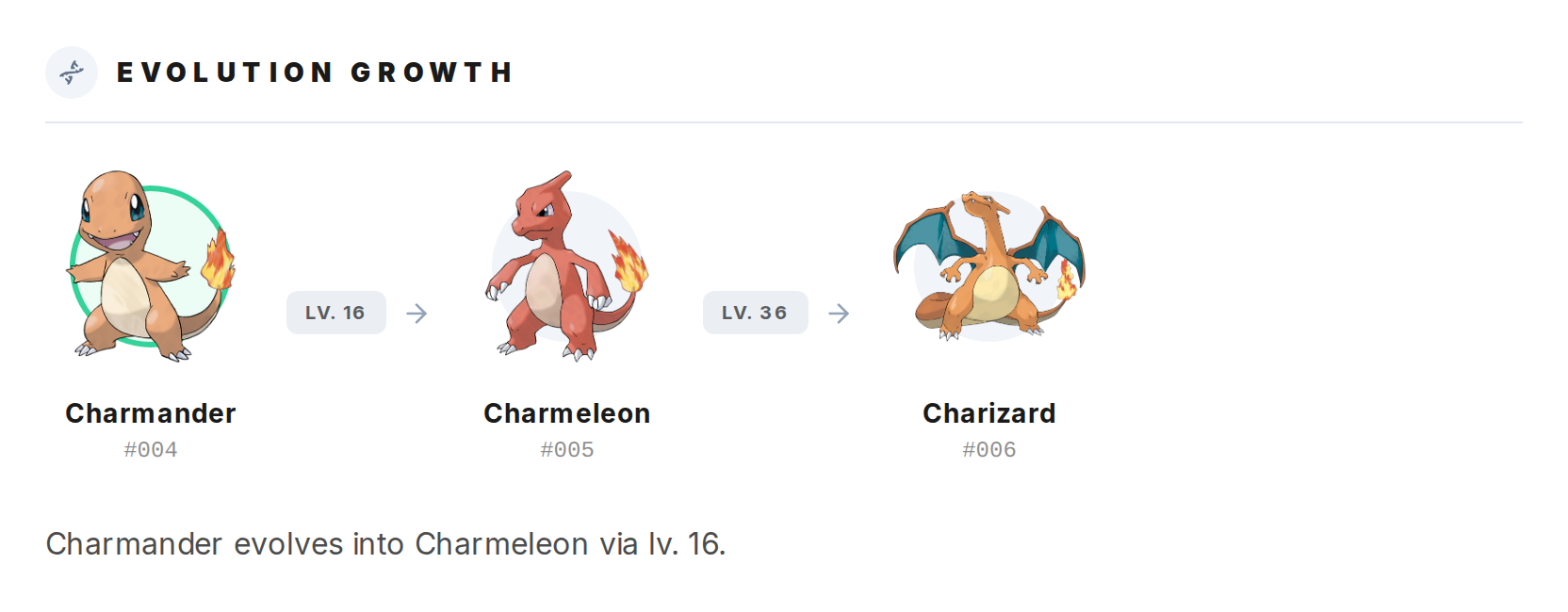
Go to the General tab and scroll to Evolution Growth. The full chain is displayed with sprites, names, and National Pokedex numbers for each stage.
Step 3
Between each stage, you'll see what causes the evolution. That could be an item (like Thunder Stone), a condition (like Happiness), a level threshold, or a trade.
Step 4
Click any Pokemon in the chain to go straight to its detail page. You can explore an entire evolutionary family without going back to search.
Step 5
Pokemon that don't evolve just show a single entry. Pokemon with branching evolutions (like Eevee) show all possible paths.