
If you're playing through a specific game and want to log a bunch of catches at once, the fastest way is to use the game view in the Tracker. Instead of opening modals and picking games for each Pokemon, the game view lets you mark catches and shinies with a single click per Pokemon.
Step 1
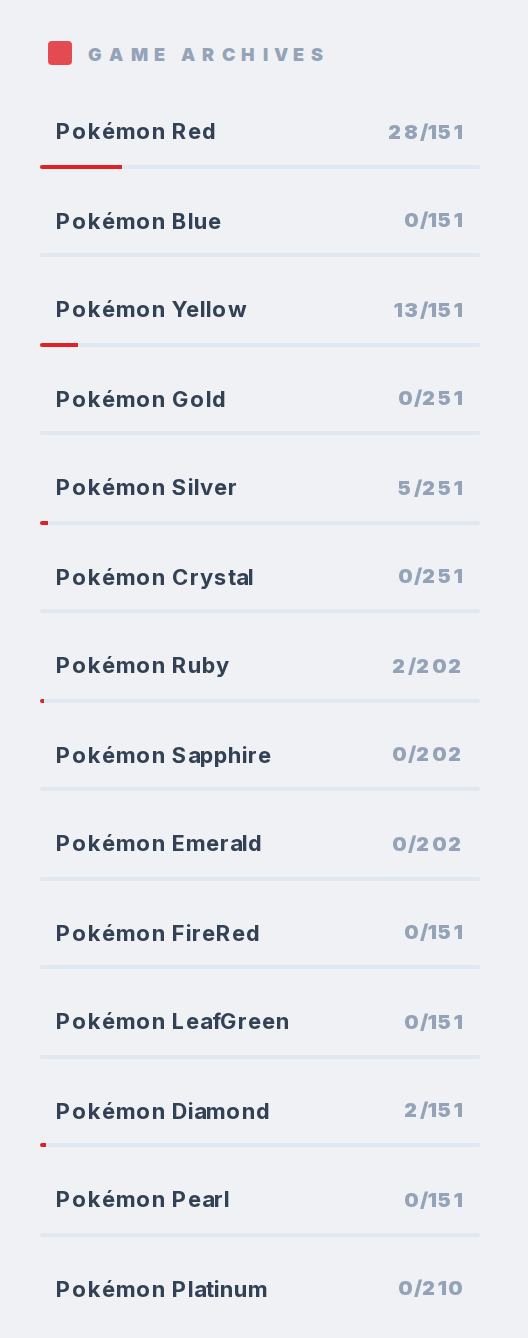
Open the Tracker and find the sub-trackers section where all games are listed. Click the game you're currently playing. For example, click Pokemon Silver.
Step 2
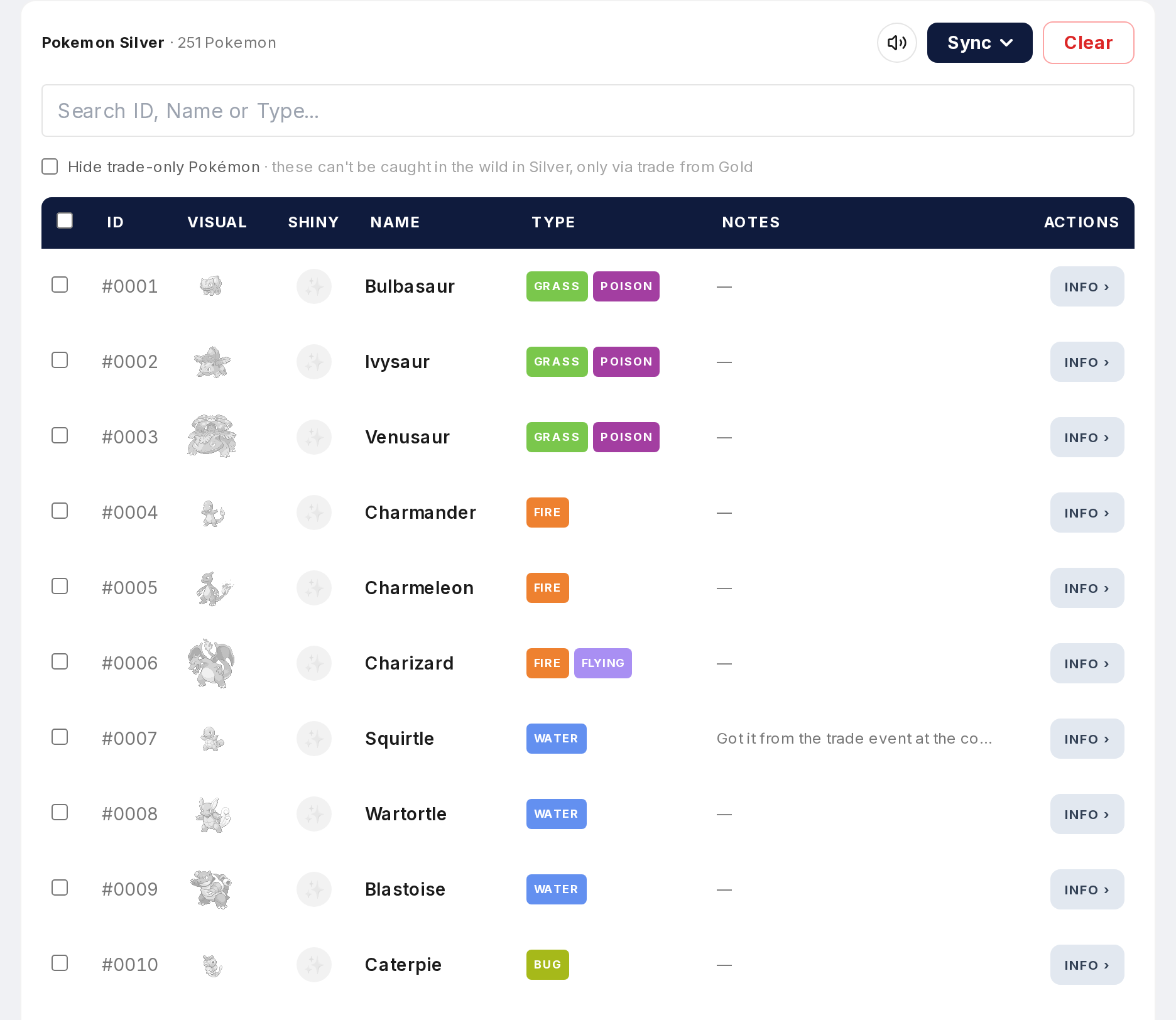
The table now shows only Pokemon available in that game. Caught/uncaught status is specific to this game, not your overall collection. Uncaught Pokemon appear greyed out.
Step 3
Click on any greyed-out Pokemon and it's instantly marked as caught for that game. No modal pops up, no game selection needed. One click, done. The sprite goes from grey to full color and your progress bar updates.
Step 4
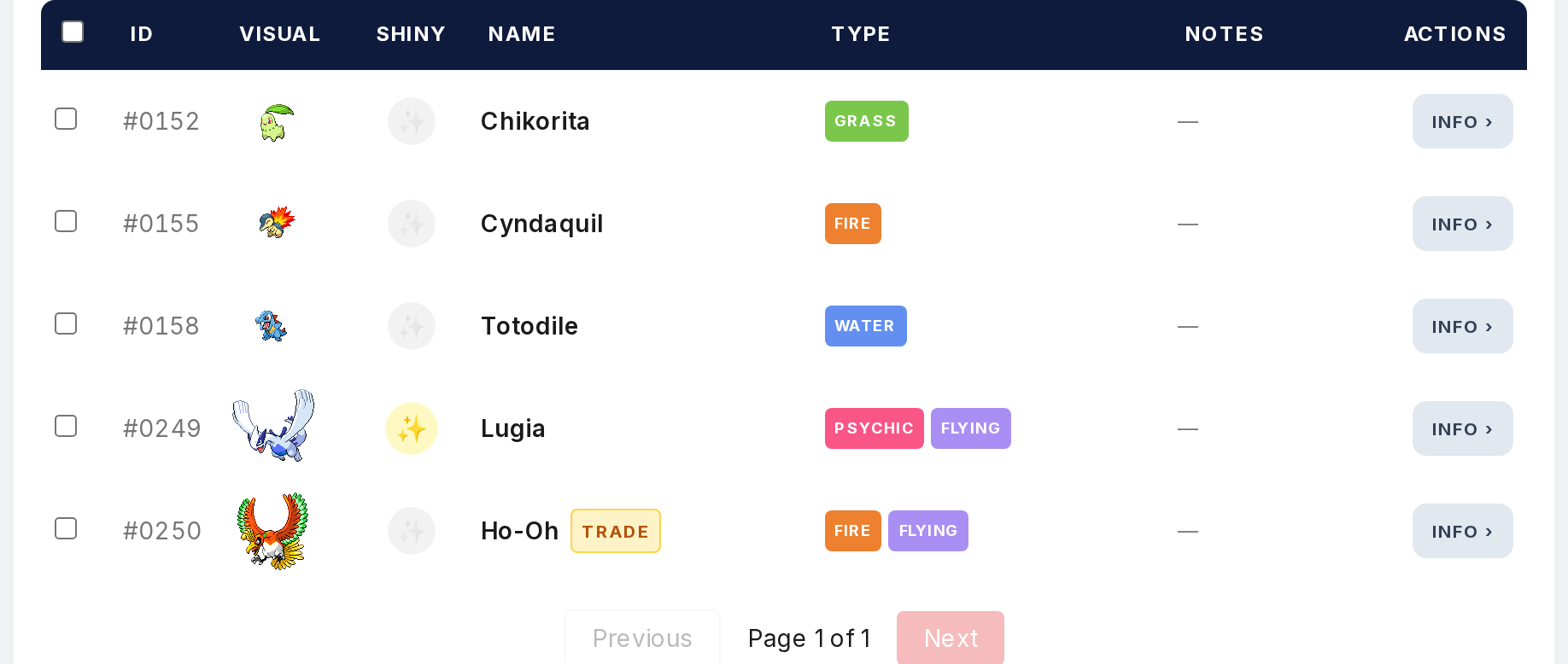
To mark a Pokemon as shiny, click the shiny column for that Pokemon. Same thing. One click and it's toggled. You can mark catches and shinies as fast as you can click through the list.
Step 5
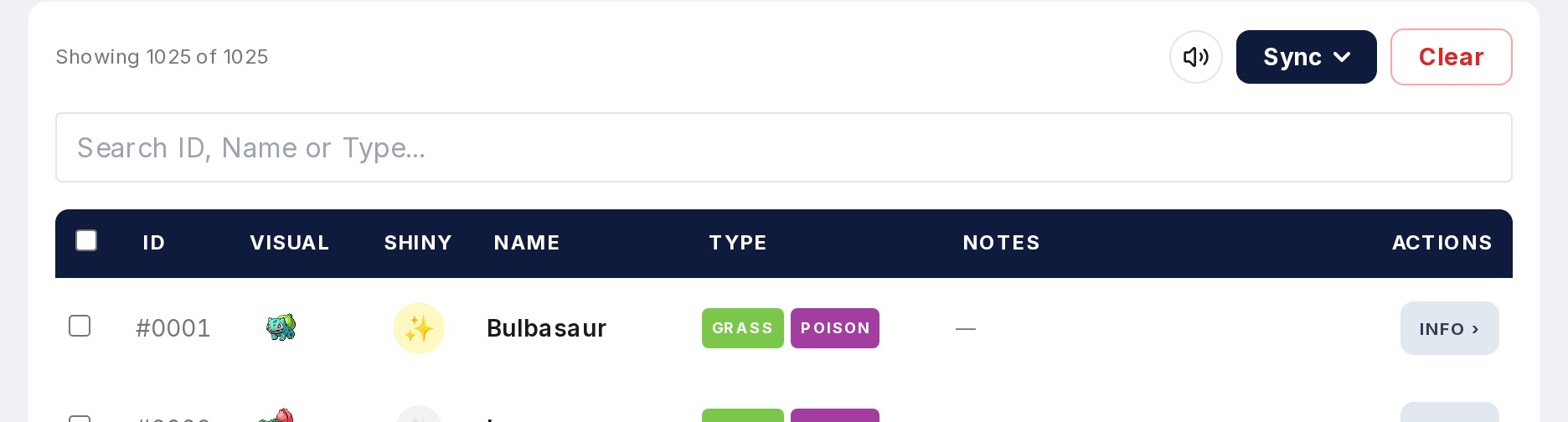
This is much faster than the main tracker view where each Pokemon opens a modal. The game view skips all of that because the game is already selected. Use it when you're sitting down to log a play session and want to get through your catches quickly.