
There are several ways to move between Pokemon without going back to the Pokedex every time. You can browse sequentially, jump through evolution chains, or switch games and generations from the same page.
Step 1
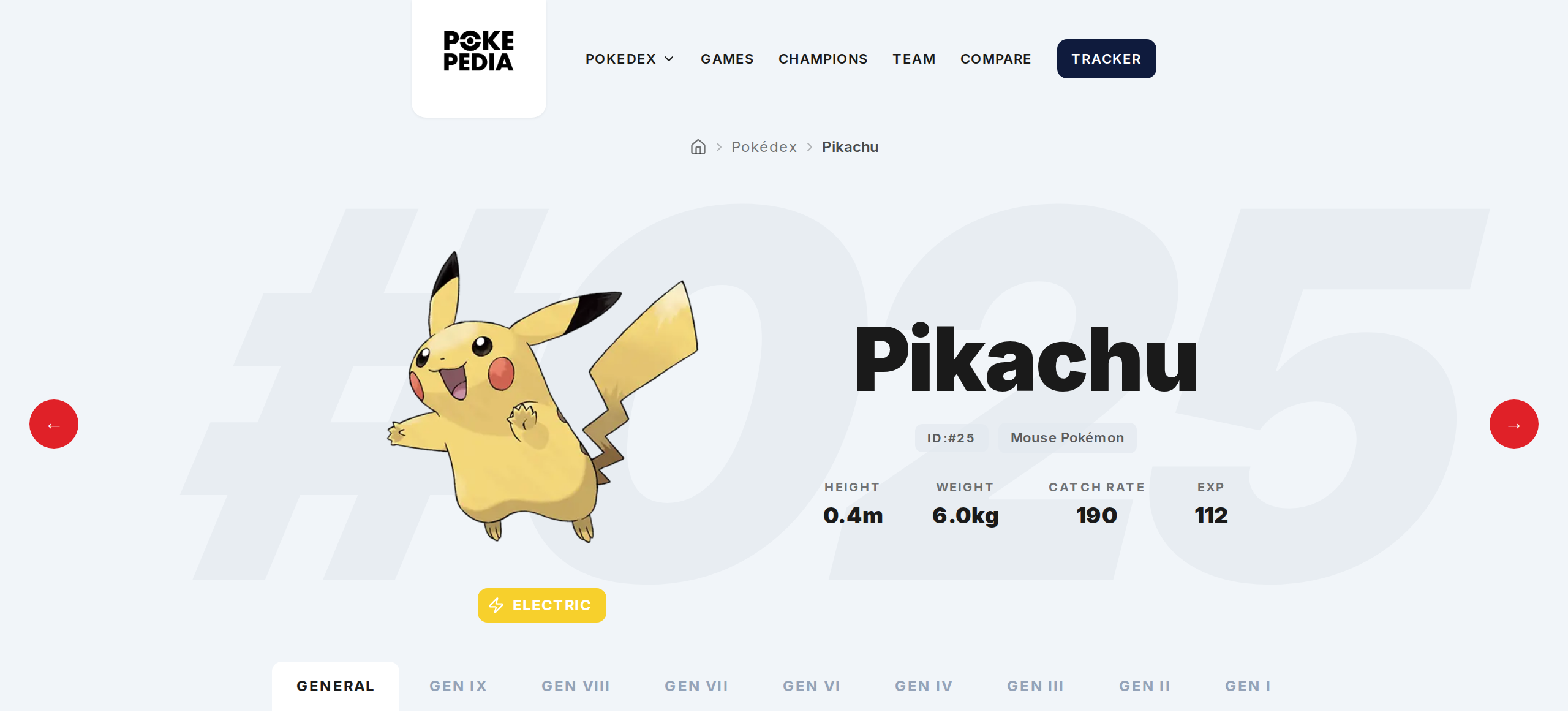
On any detail page, use the left and right arrows next to the Pokemon's image. Left goes to the previous Pokemon by National Pokedex number, right goes to the next one.
Step 2
Click any Pokemon in the evolution chain to jump to its page. From Pikachu you can go to Pichu or Raichu in one click.
Step 3
Click a game entry in the game list to switch to that game's context. Sprites, encounters, and moves update without leaving the page.
Step 4
Use the Generations tab to switch between different generation views for the same Pokemon. Each tab shows the games in that generation.
Step 5
To go somewhere completely different, hit your browser's back button to return to the Pokedex, or go to pokepedia.com/pokedex and search for another Pokemon.