
The Pokedex has a type filter in the left sidebar. It covers all 18 types: Normal, Fire, Water, Grass, Electric, Ice, Fighting, Poison, Ground, Flying, Psychic, Bug, Rock, Ghost, Dragon, Dark, Steel, and Fairy. Pick one and the grid shows only Pokemon of that type.
Step 1
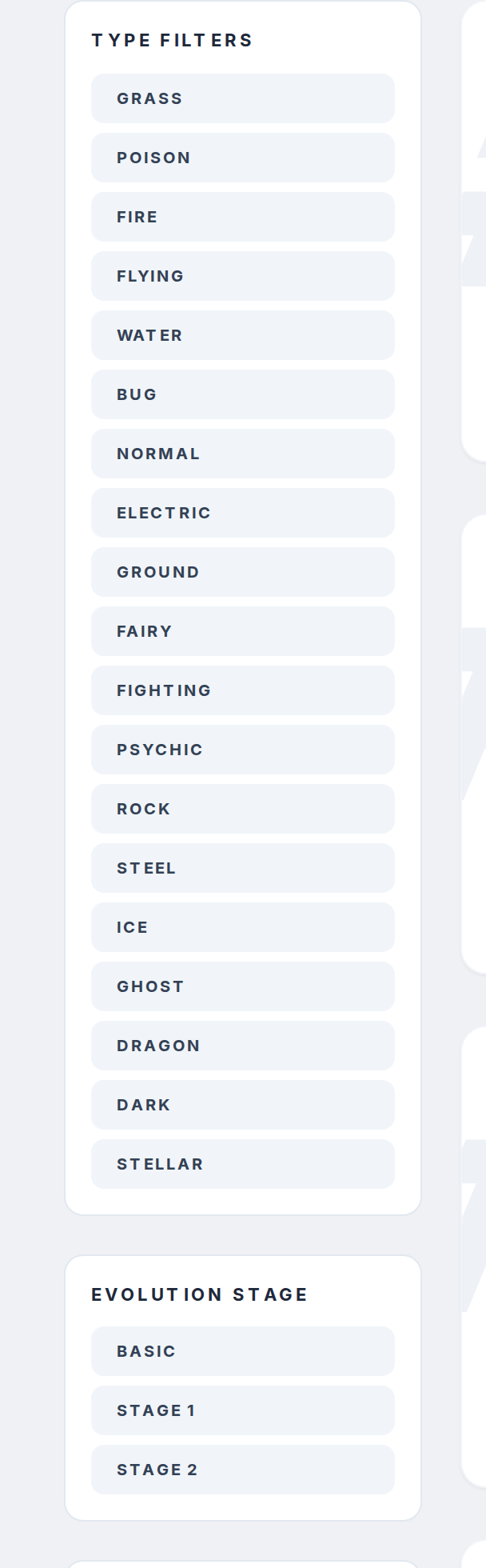
Go to pokepedia.com/pokedex. On the left side you'll see the filter panel with a section called "Type Filters" listing all 18 types.
Step 2
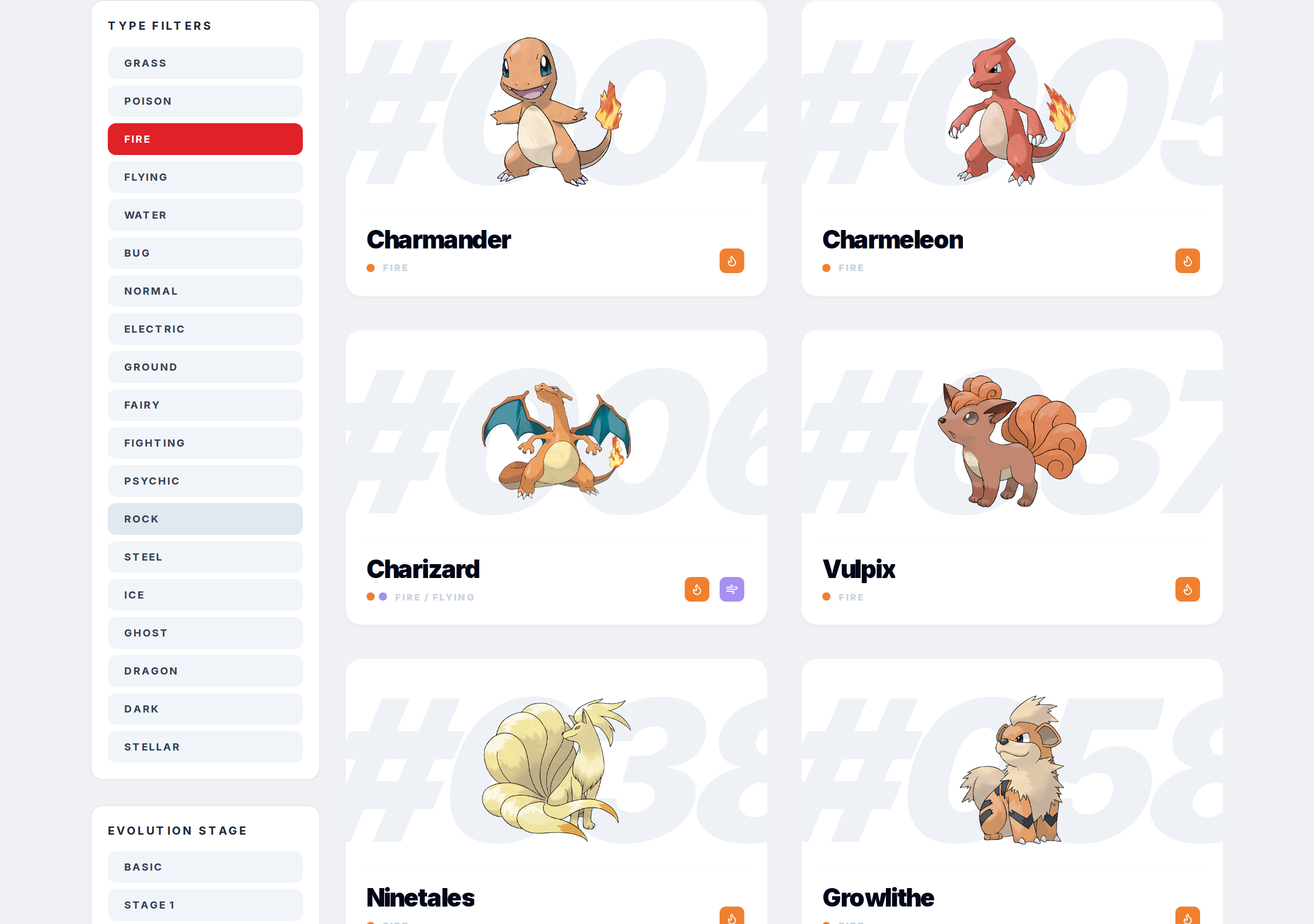
Click the type you want. For example, click "Fire" and the grid instantly shows only Fire-type Pokemon. The counter above updates to show how many matched.
Step 3
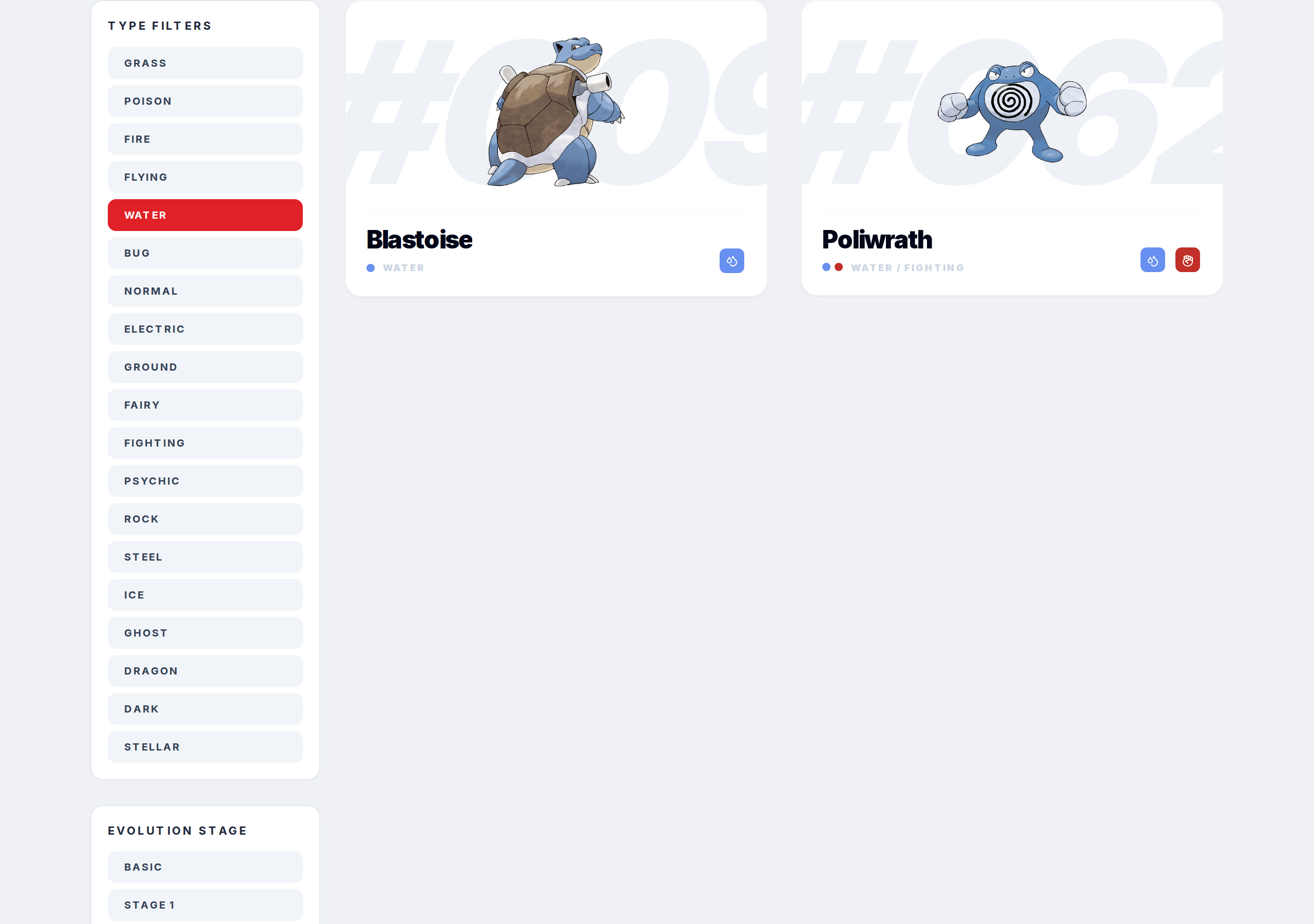
You can stack this with other filters. Select a type, then also pick a game or an evolution stage. For example, Water type plus a specific game shows only Water types available in that game.
Step 4

The search bar works at the same time too. Filter by Electric, then type "Pika" in the search bar, and you'll only see Electric types with "Pika" in the name.
Step 5
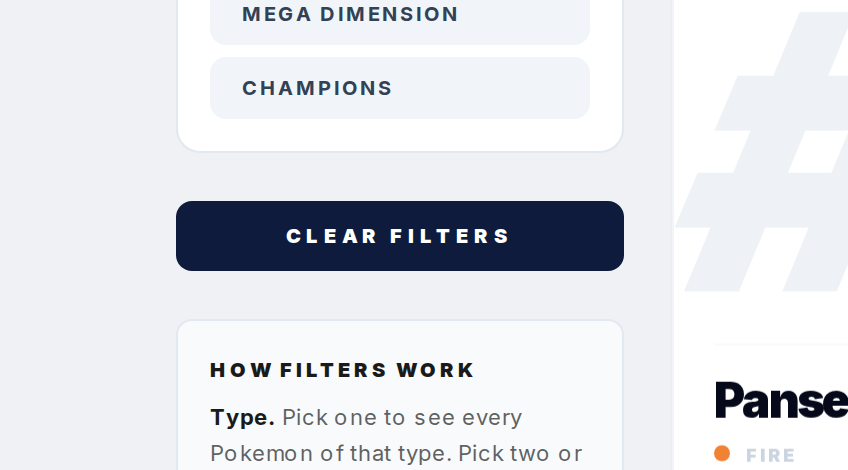
To clear everything and go back to the full Pokedex, hit the "Clear Filters" button. That resets type, game, and evolution stage filters all at once.