
The Tracker has multiple filter options for narrowing down the table. Filter by catch status, shiny status, game, or region. Useful for finding what you're missing or reviewing specific parts of your collection.
Step 1
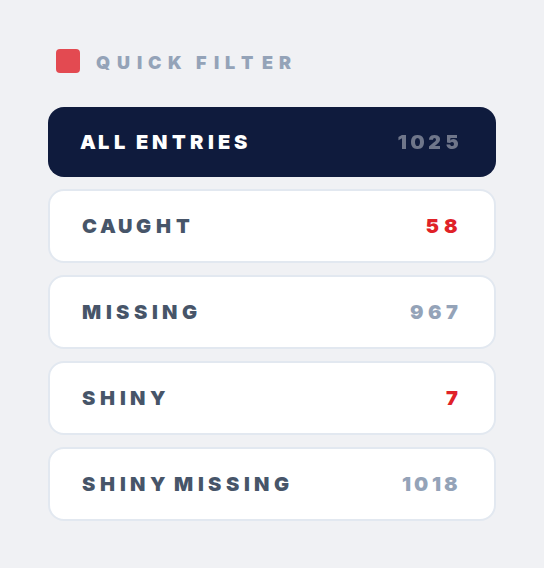
Open the Tracker and find the filter options. Five status filters: National Dex (default, all Pokemon), Caught Pokemon, Missing Pokemon, Caught Shiny, and Missing Shiny.
Step 2
Pick a status filter and the table updates instantly. "Missing Pokemon" shows only what you haven't caught in any game. Good for seeing what's left for National Dex completion.
Step 3
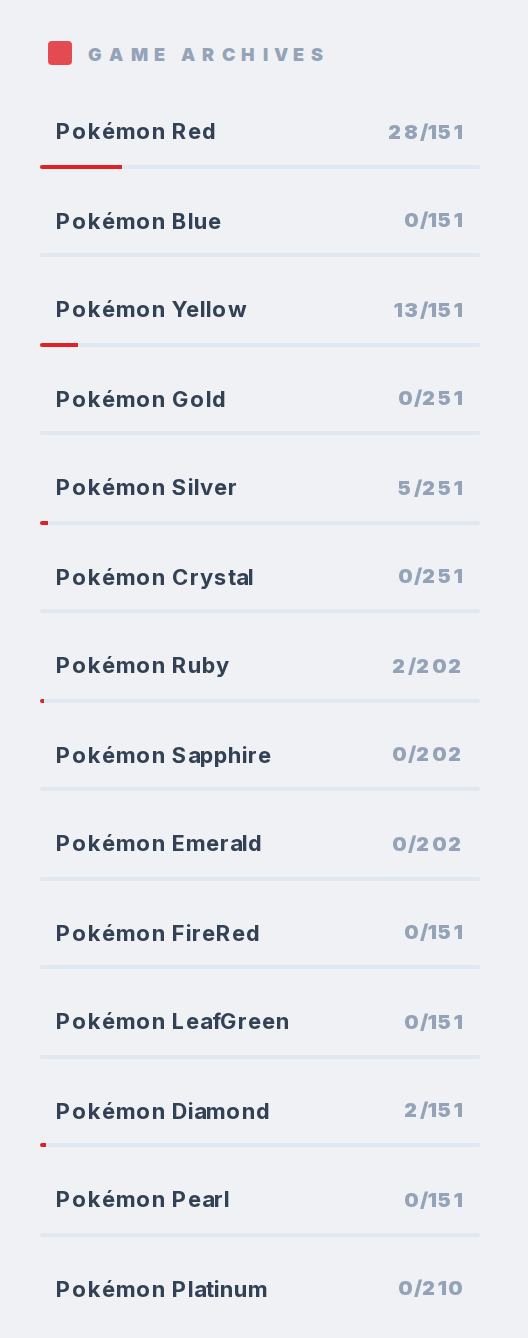
To filter by game, click one in the sub-trackers list. The table switches to game-specific view where caught/missing is based on that single game, not your overall collection. Status filters then apply within that game.
Step 4
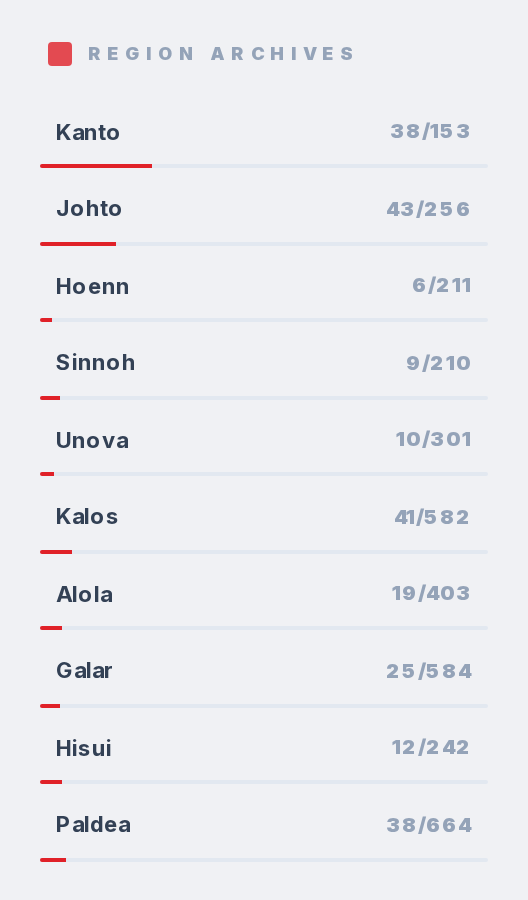
Region filtering works the same way. Click a region to see only that region's Pokemon.
Step 5
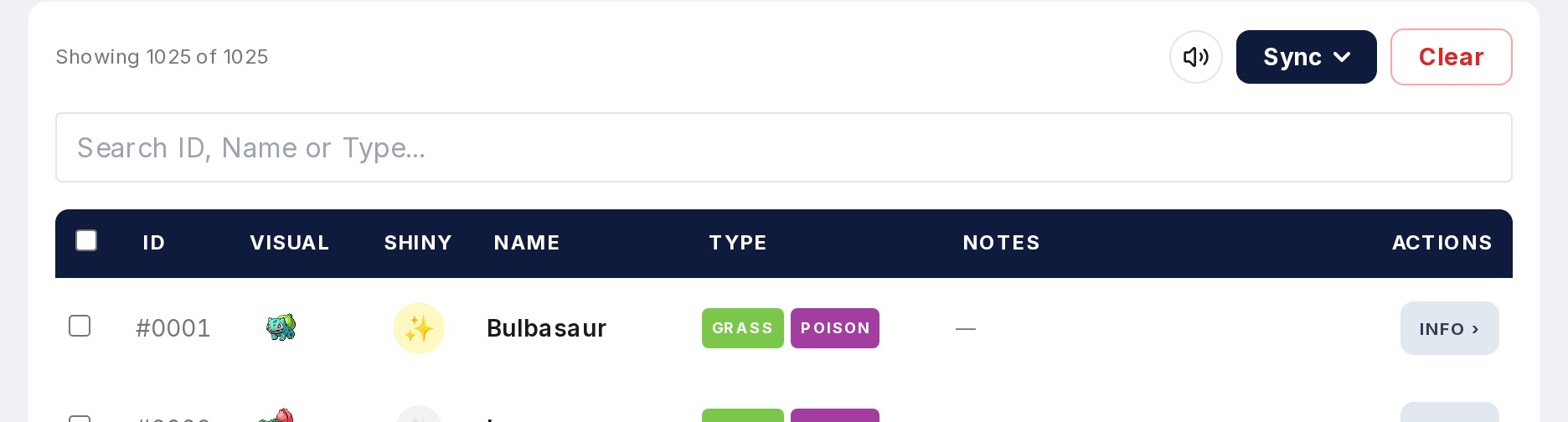
You can search on top of any filter. Filter by Missing in Pokemon Silver, then search "Eevee" to check if you still need it in that specific game.