
Your data lives in your browser. If you clear your browser data, it's gone. The export feature downloads your full collection as a JSON file so you have a backup. It includes every catch, shiny status, and note.
Step 1
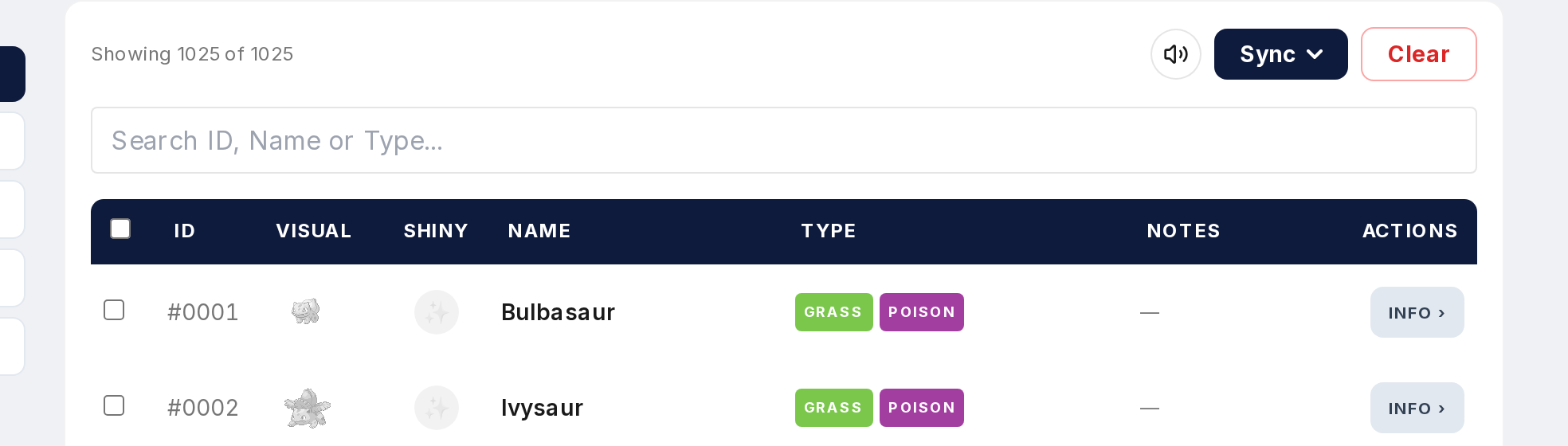
Open the Tracker and find the Export button.
Step 2
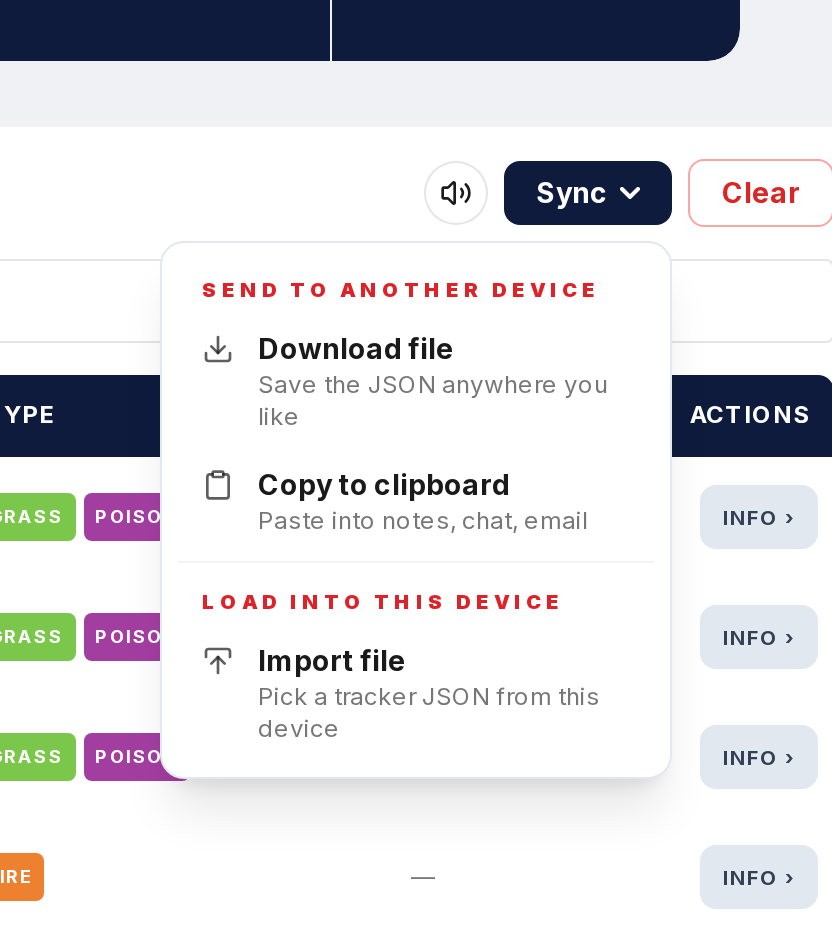
Click it. A JSON file is generated with everything: caught Pokemon, which game each was caught in, shiny status per game, and all your notes.
Step 3
The file downloads to your default folder. Save it somewhere safe. Cloud storage, external drive, wherever you keep backups.
Step 4
You can export as often as you want. Make one after every big session or before clearing browser data. Each export is a snapshot of your collection at that moment.
Step 5
You can open the JSON in any text editor if you want to see what's in it. The data is structured and readable.