
The Tracker page shows five main stats at the top plus progress bars for every game and region. Everything updates in real time as you log catches.
Step 1

Open the Tracker. Five stats are displayed at the top: National Dex (unique species), Total Pokemon Caught (all catches across all games), Total Shiny Caught, Unique Shiny Caught, and Games Played.
Step 2
National Dex uses unique counting. Pikachu caught in 10 games counts as 1. Total Caught uses cumulative counting. Those same 10 Pikachu count as 10. That gives you both a completion metric and an effort metric.
Step 3
Shiny stats work the same way. Unique counts species, Total counts every entry across games. The shiny percentage tells you what portion of your catches are shiny.
Step 4
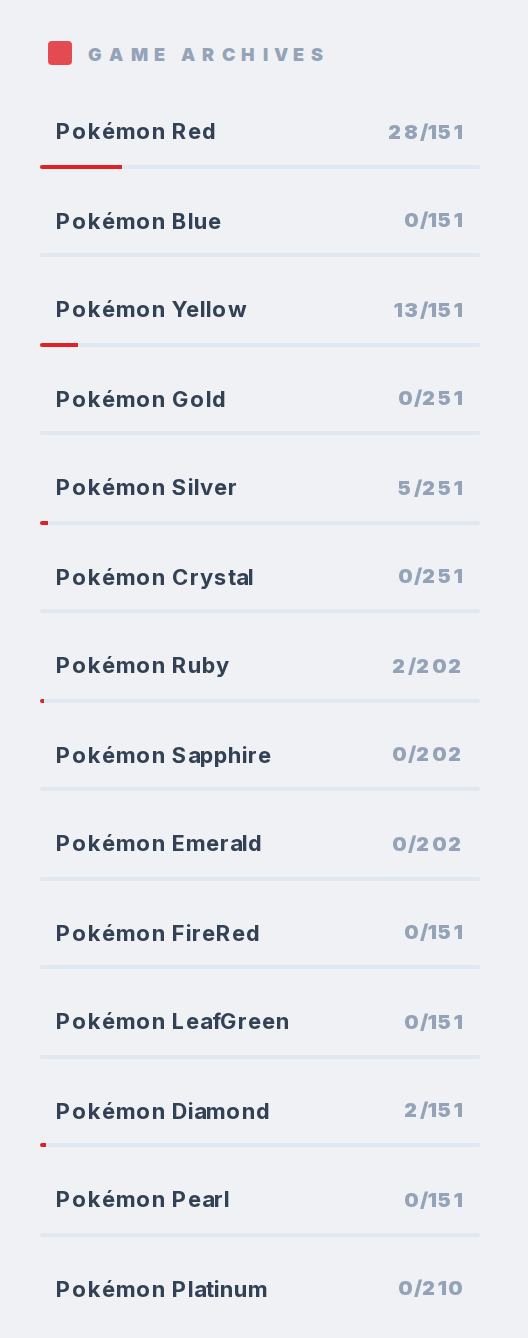
Every game and region in the sub-trackers has a progress bar. Something like "45/151" for a Kanto game. These update automatically when you log catches.
Step 5
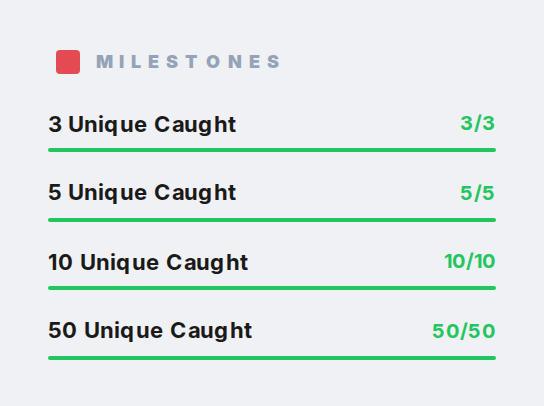
Four achievement milestones: 3 caught, 5 caught, 10 caught, 50 caught. Early goals to get you started.