
You don't have to go to the Tracker to log a catch. Each detail page has a Capture button that marks the Pokemon as caught for the game you're currently viewing.
Step 1
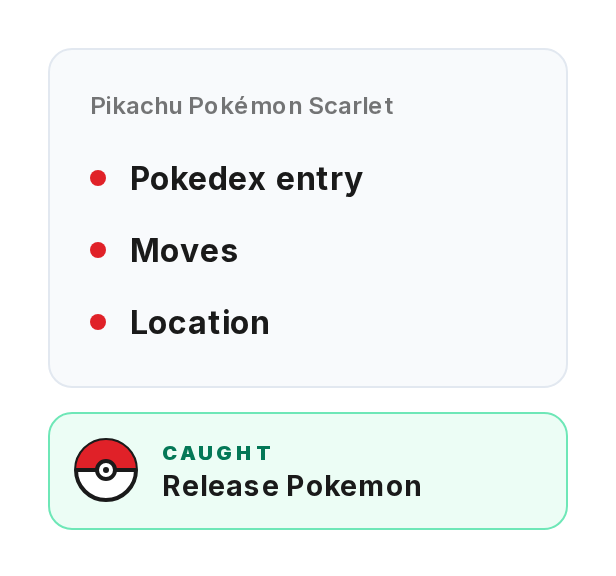
Open any Pokemon's detail page by clicking its card or going to its URL.
Step 2
Make sure you're viewing the right game. Use the game list or Generations tab to switch to the game where you caught this Pokemon. The Capture button logs the catch for whatever game is selected.
Step 3
Click the Capture button. The catch saves to your browser right away.
Step 4
If you already caught this Pokemon in the current game, the button shows "CAPTURED" instead. It checks your local storage every time the page loads.
Step 5

This works the same as marking it caught in the Tracker. Your stats update: National Dex, Total Caught, Games Played. The Pokemon shows as caught in the game tracker view too.