
No. Pokepedia.com doesn't have accounts, logins, or registration. Everything works straight from your browser. Your tracker data, caught Pokemon, shiny markers, and notes are saved locally on your device. Nobody else can see them. Your data never leaves your machine.
Step 1

Go to pokepedia.com and start using it. There's no signup form, no email field, no password. Every feature works the moment you open the page.
Step 2
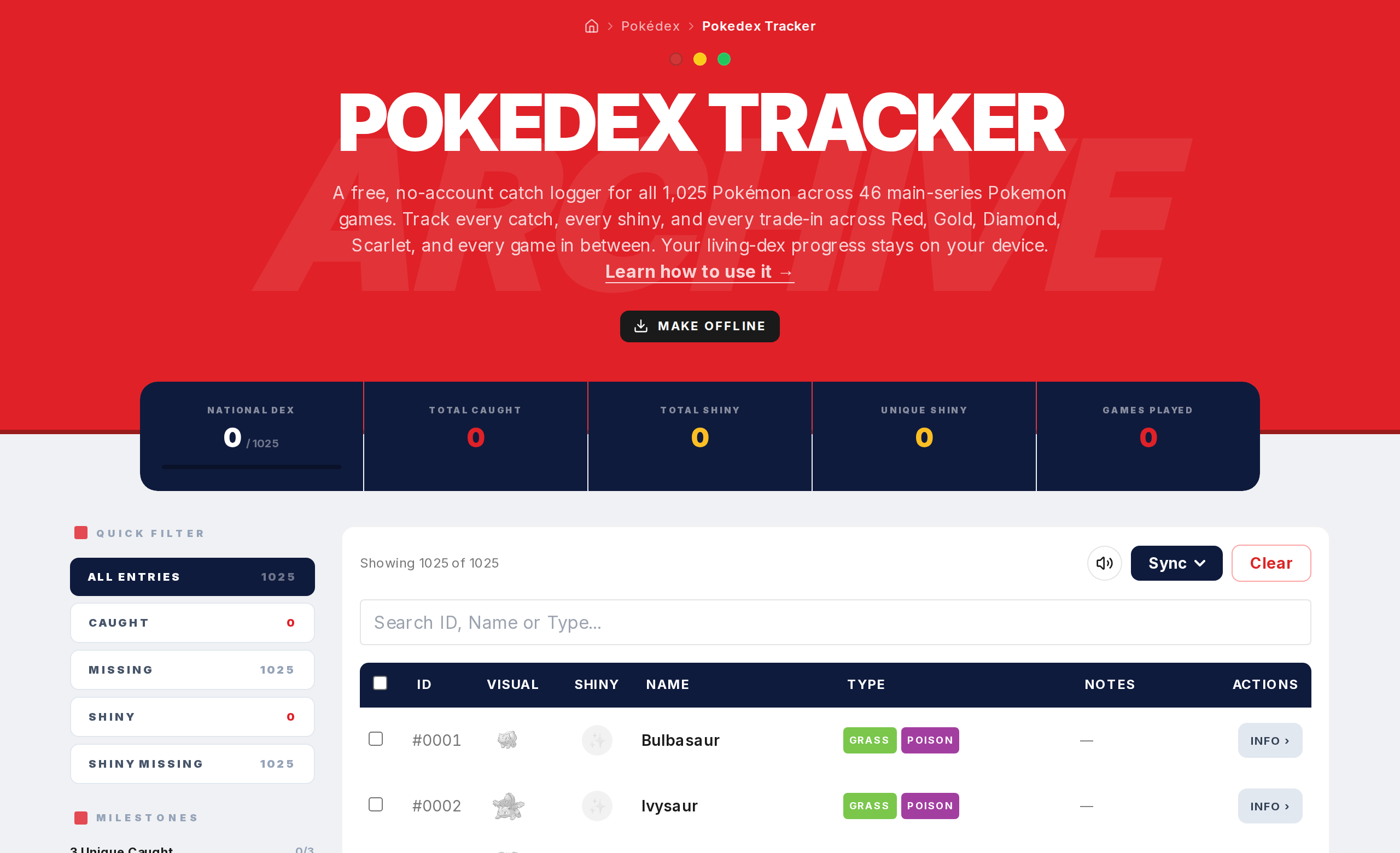
Your Tracker data saves automatically in your browser's local storage. That means your catches, shinies, notes, and progress stay on the browser you're using on your current device. It's private by default.
Step 3
Because your data is local, it's tied to one browser on one device. If you open Pokepedia.com on a different browser or computer, you'll see a blank tracker. To move your data, use export and import.
Step 4
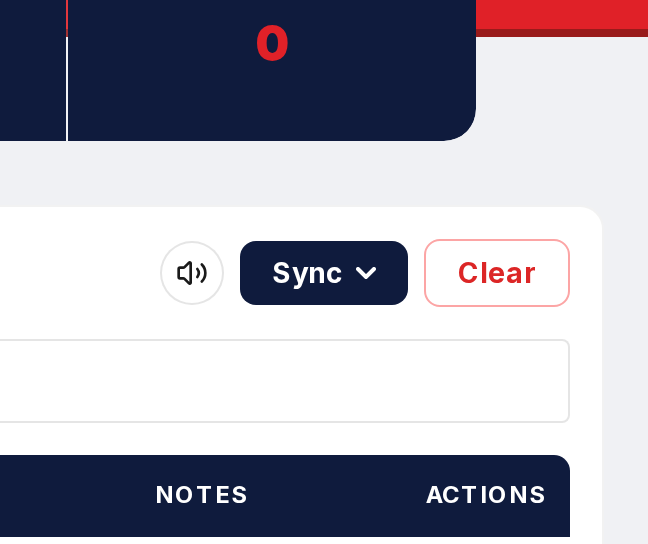
The export function downloads your full collection as a JSON file. Save it wherever you want. To bring it back, use the import function on any browser and everything loads right in.
Step 5
One thing to keep in mind. Clearing your browser data also clears your progress. Export regularly to keep a backup of your collection.