
Whether you have an iPhone or an Android, the answer is yes. Pokepedia.com is a responsive web app. It adjusts for smaller screens automatically. No app to download. Just open it in your phone's browser and you get every feature.
Step 1
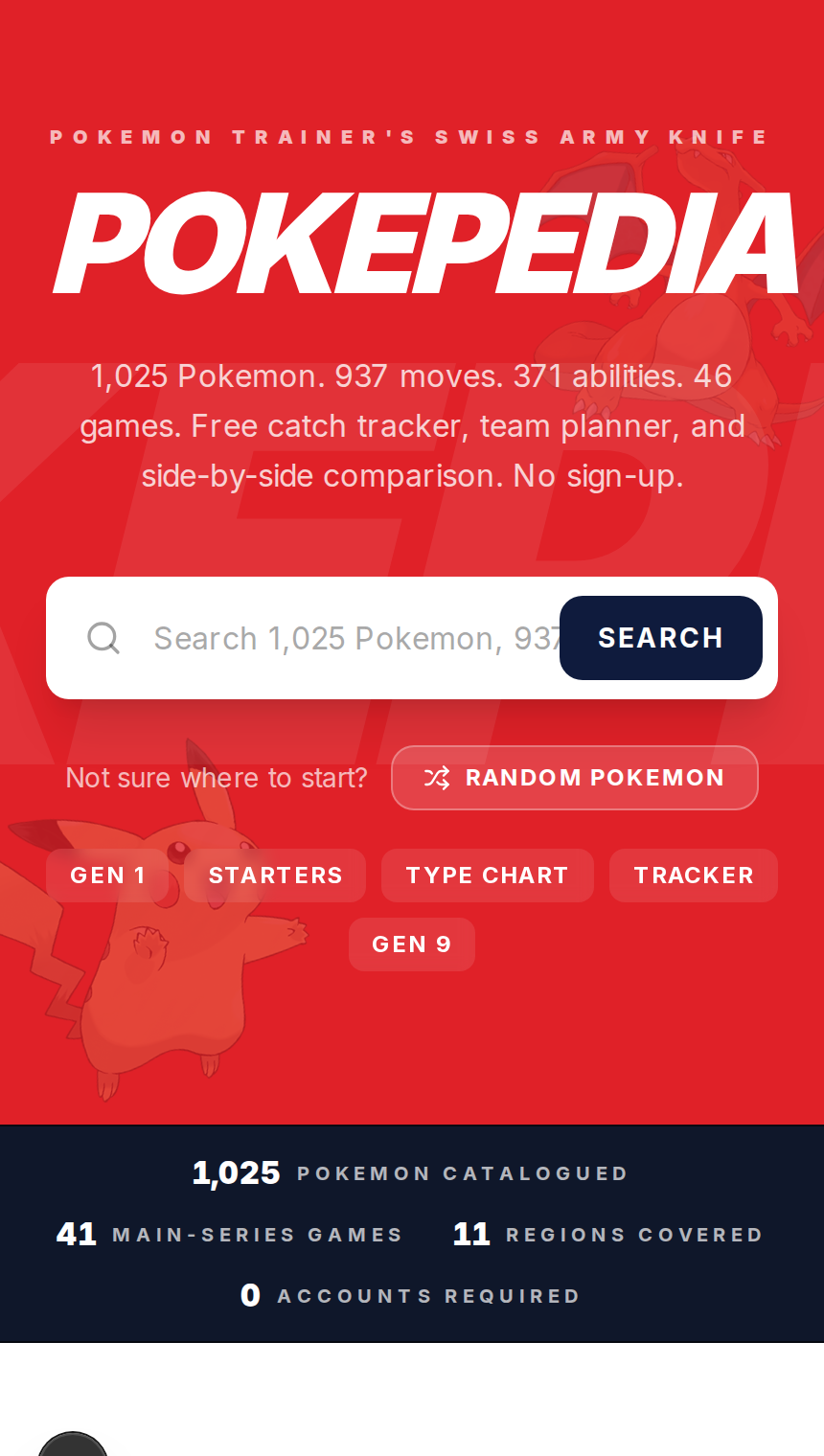
Open Chrome, Safari, Firefox, or Edge on your phone and go to pokepedia.com. Same site, same data, same tools.
Step 2
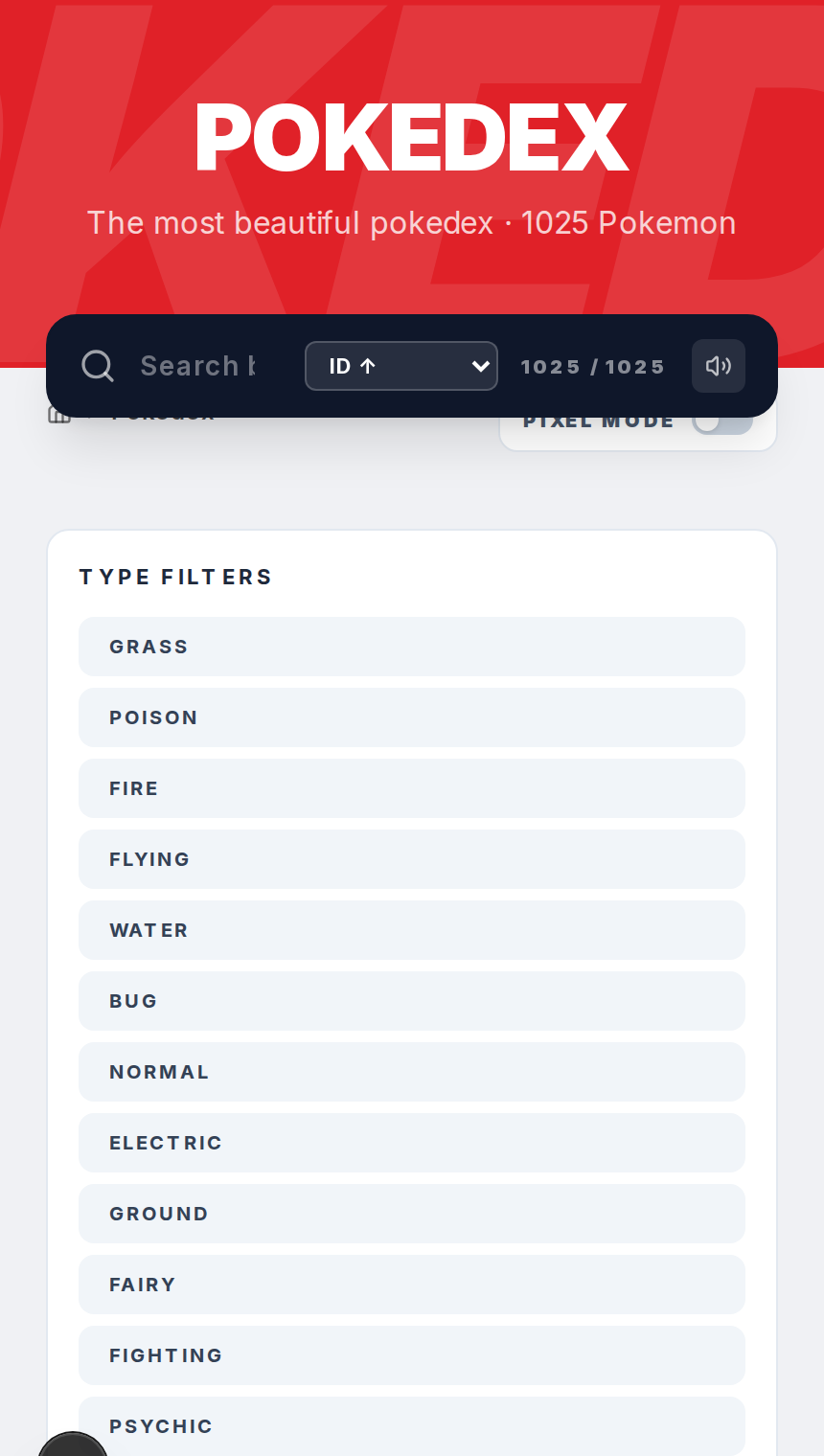
The Pokedex grid switches to a single-column layout on mobile. Search bar and filters are at the top. Tap any card to open its detail page.
Step 3
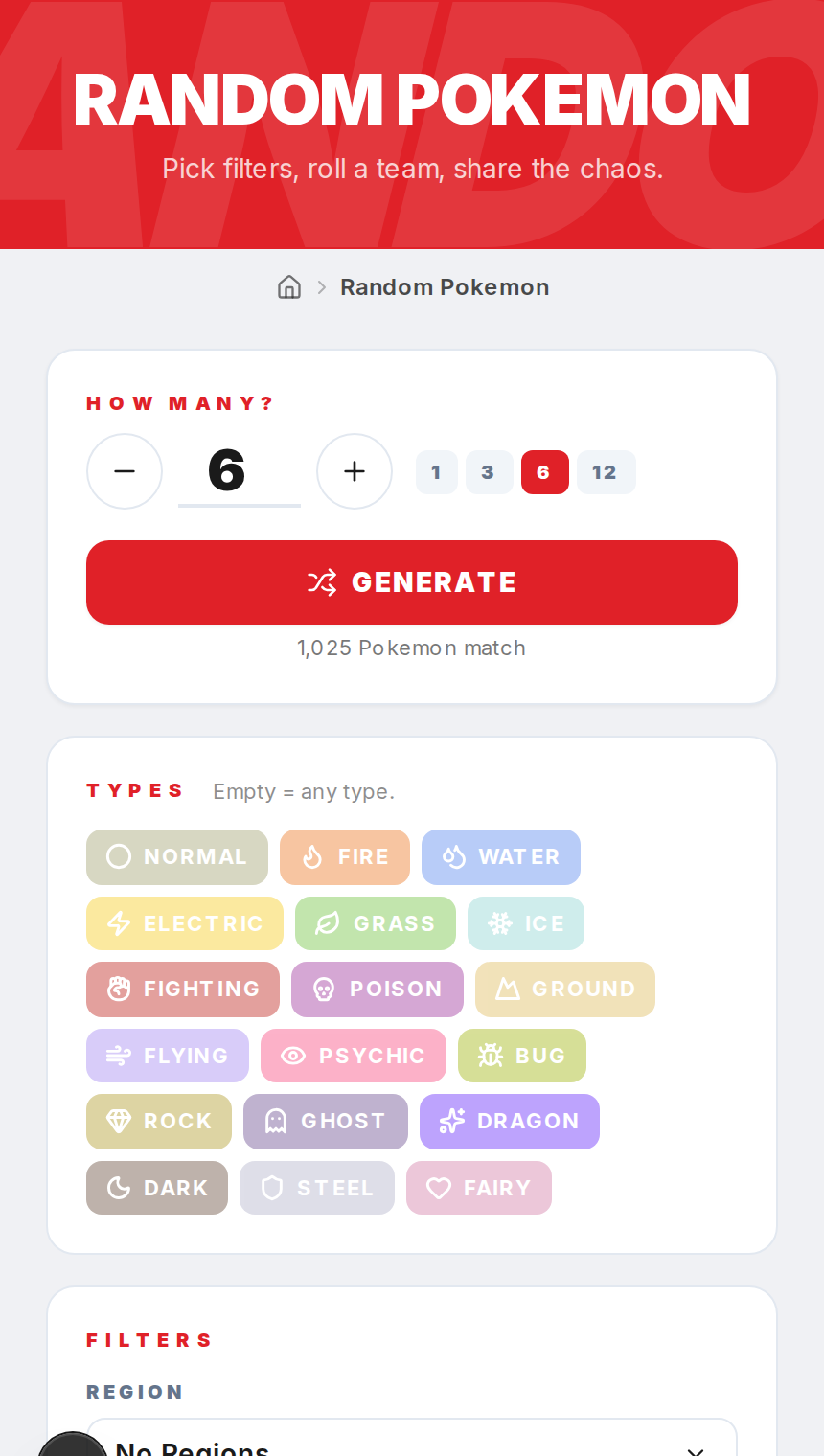
The Random Pokemon generator works the same way. All the filter dropdowns are touch-friendly. Generate single Pokemon or full teams of six.
Step 4
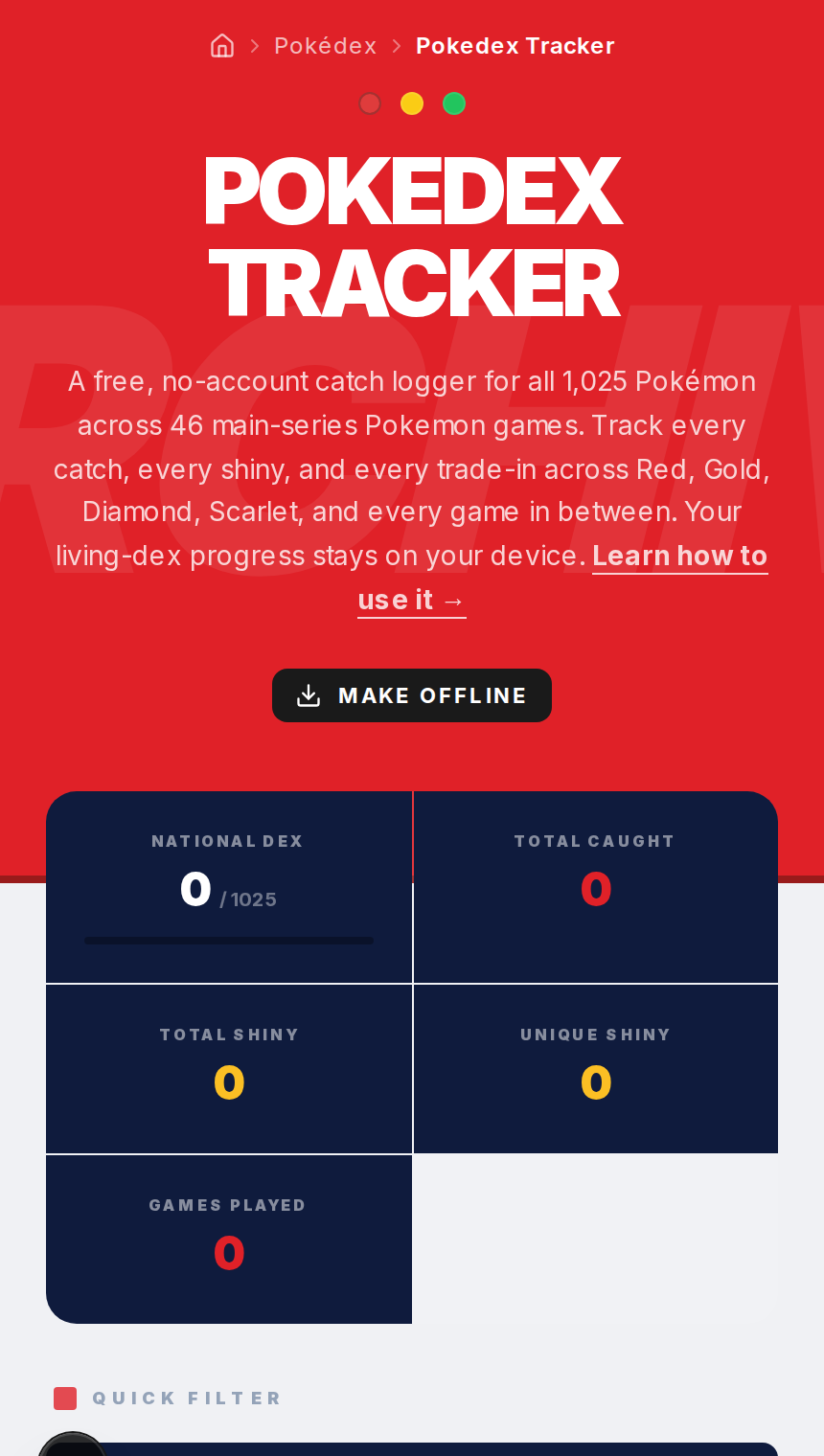
The Tracker works fully on mobile too. Mark catches, toggle shinies, add notes, switch between game and region views, check progress.
Step 5
Your data is stored in your phone's browser. If you use Chrome on your phone and Chrome on your laptop, those are separate. Use export and import to move data between devices.