
Pokepedia offers an ad-free upgrade at /ad-free for $1 per month or $10 as a one-time lifetime payment. Checkout is handled by Stripe, and a license key in the format PKPD-XXXX-XXXX-XXXX is issued at the end of checkout so ad-free can be activated on any other device. No Pokepedia account is required.
Step 1

Open /ad-free. The Go Ad-Free hero introduces the two plans.
Step 2
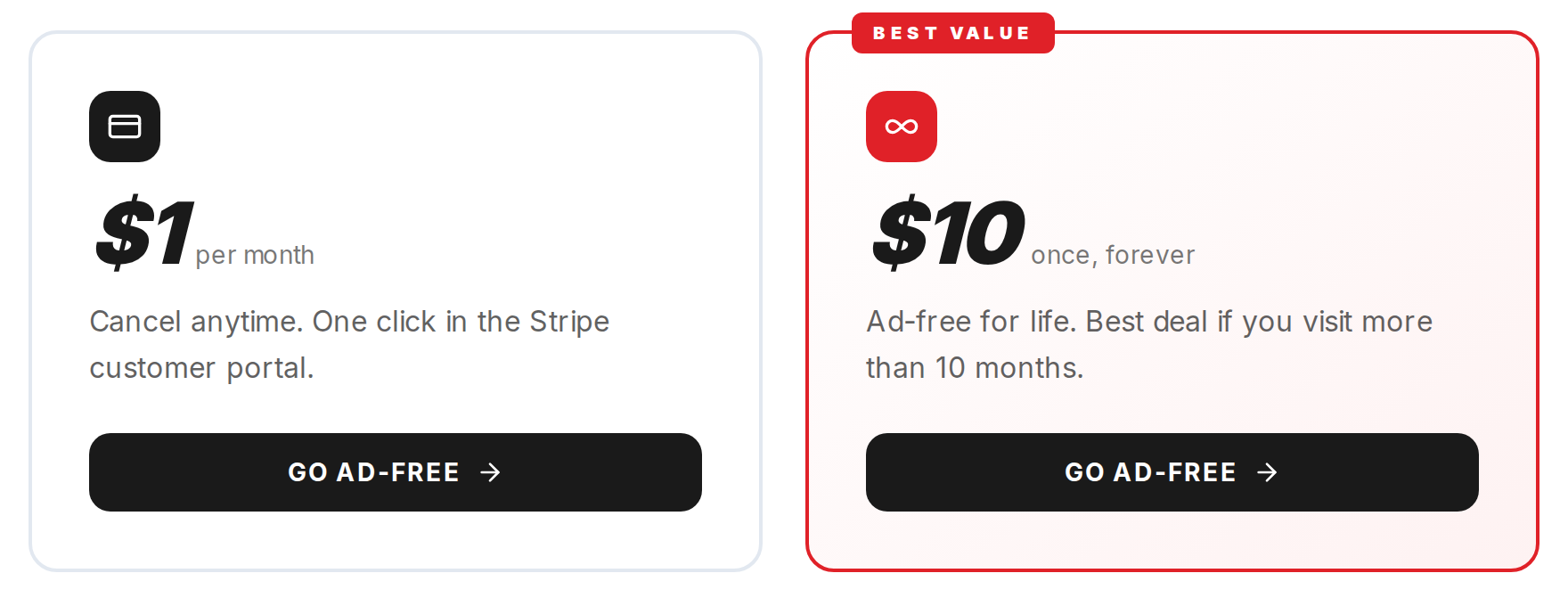
Pick a plan. Monthly is $1 and cancellable from the Stripe customer portal. Lifetime is $10 and covers ad-free for as long as the site is online. The Best value badge sits on the lifetime card.
Step 3
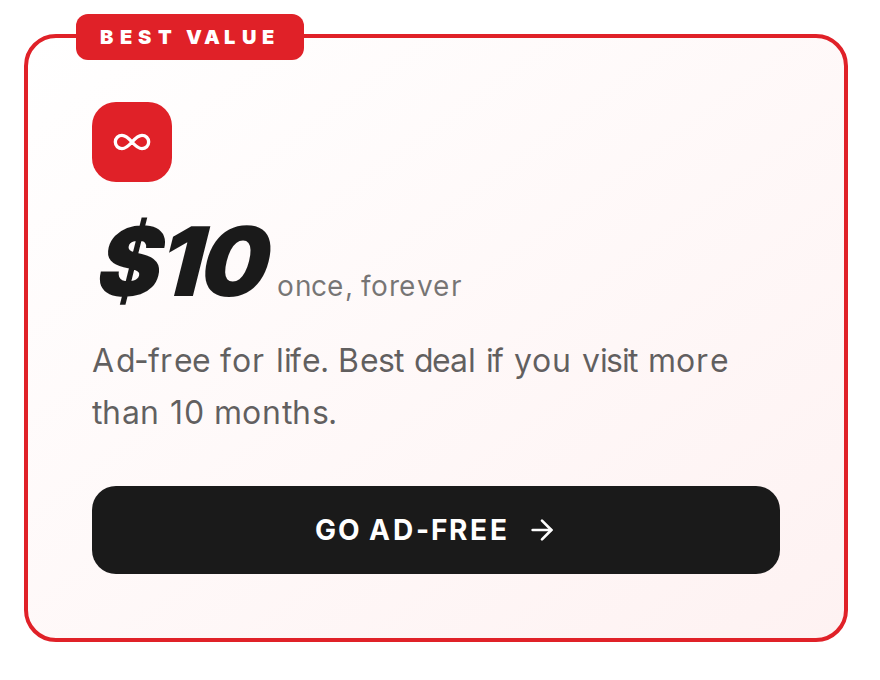
Click Go ad-free on either card. You land on a Stripe checkout page. Pokepedia never sees your card details; the session is created by /api/ad-free/checkout.
Step 4
After payment, Stripe redirects you to /ad-free/success. A license key in the format PKPD-XXXX-XXXX-XXXX appears on screen with a QR code, and Stripe emails the same key on your receipt.
Step 5

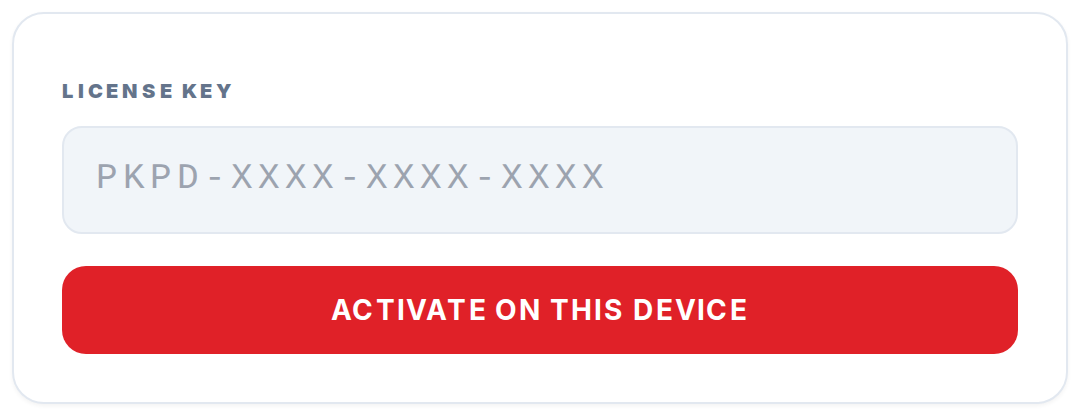
To activate ad-free on a second device, open /ad-free/restore on that device and paste the license key. The Already paid on another device? link at the bottom of /ad-free takes you straight there.