
Every Pokemon has its own detail page. There's a fixed header at the top that stays visible as you scroll, and a tabbed content area below. It's where all the data lives.
Step 1
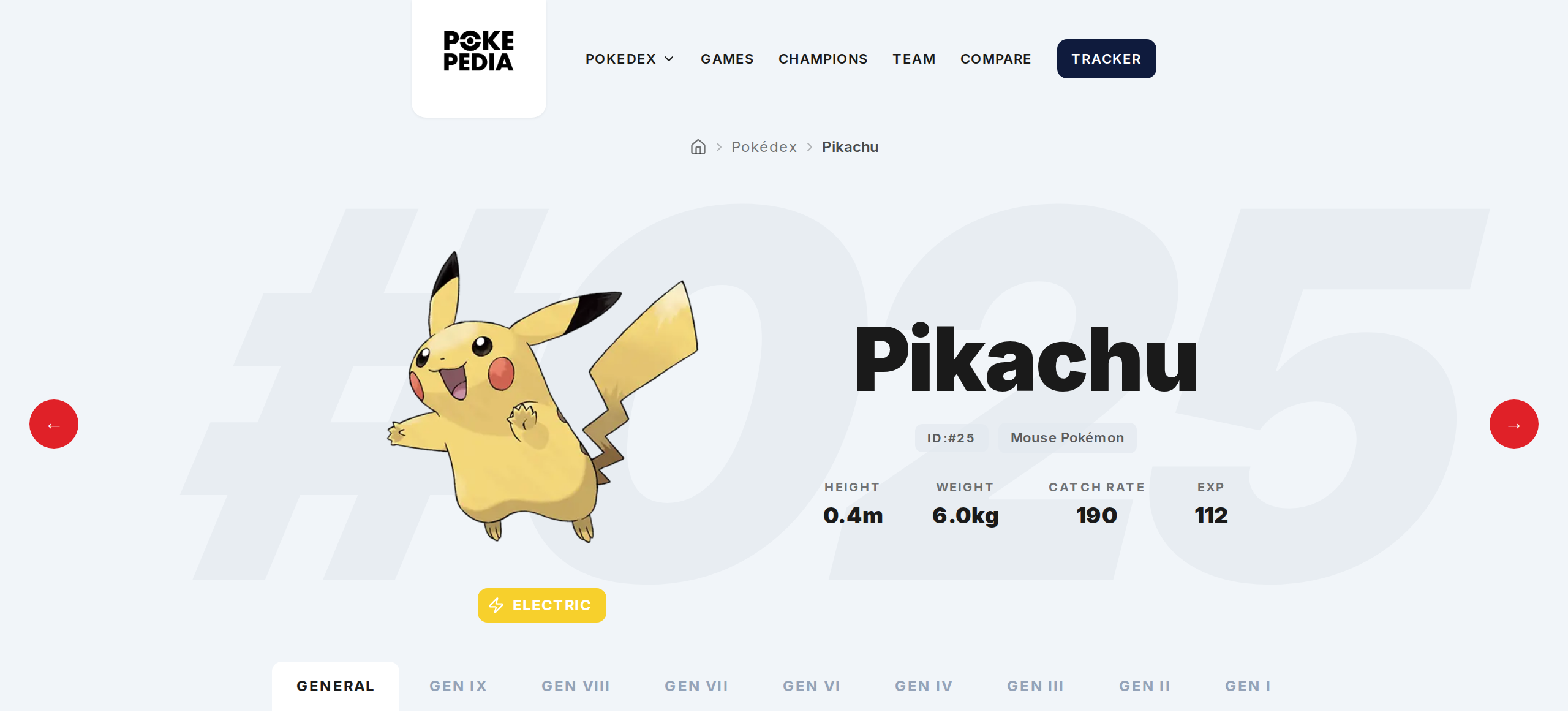
The top section shows the Pokemon's name, main image, National Pokedex number, species type (like "Mouse Pokemon" for Pikachu), height, weight, capture rate, and habitat. Type badges are displayed under the image. Left and right arrows let you jump to the previous or next Pokemon.
Step 2
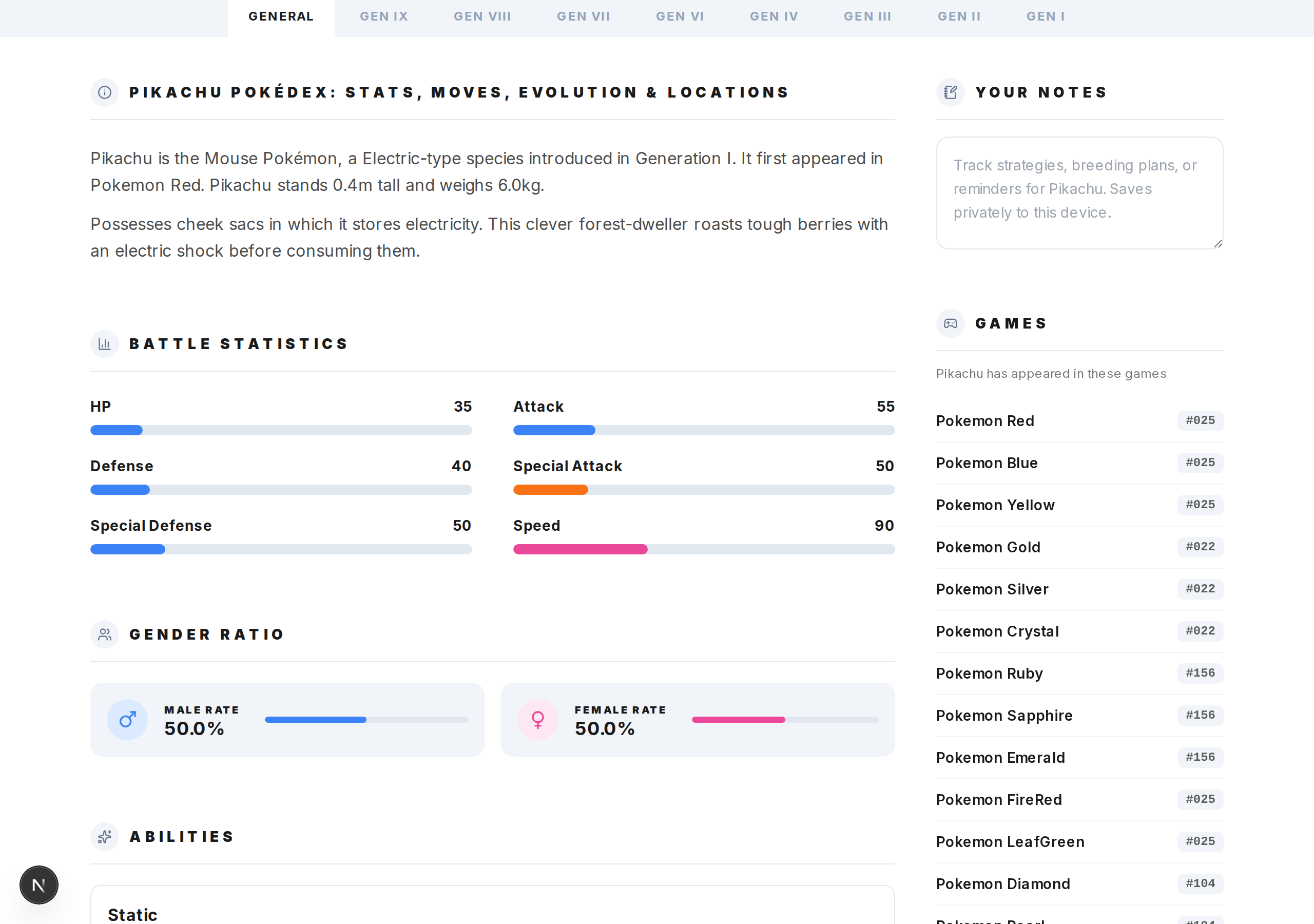
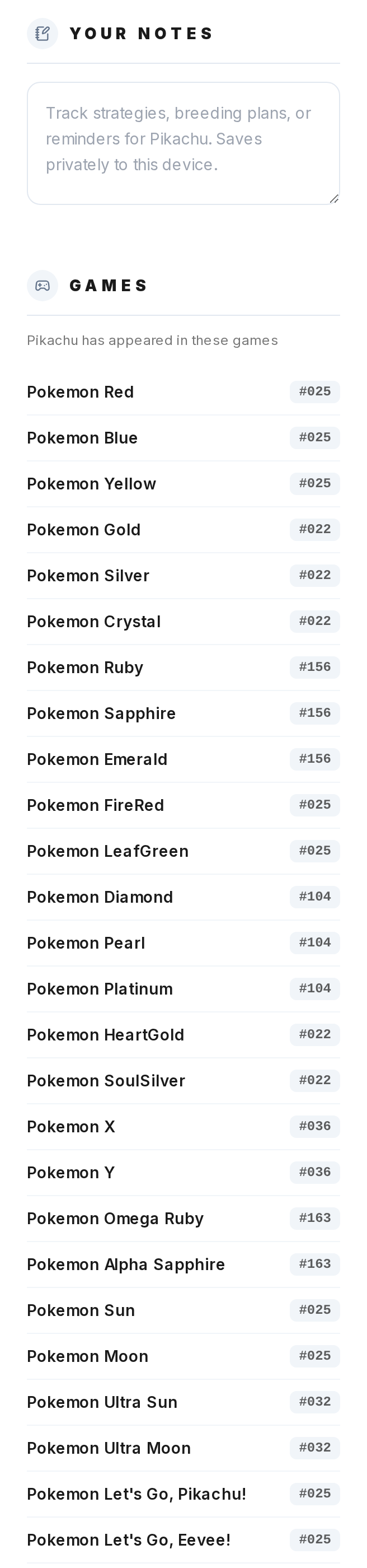
The General tab has an "About" section with flavor text, a list of every game the Pokemon appears in with its number in each game, gender ratios, base stats, evolution growth rate, the full evolution chain (clickable), and all alternate forms and regional variants with images.
Step 3
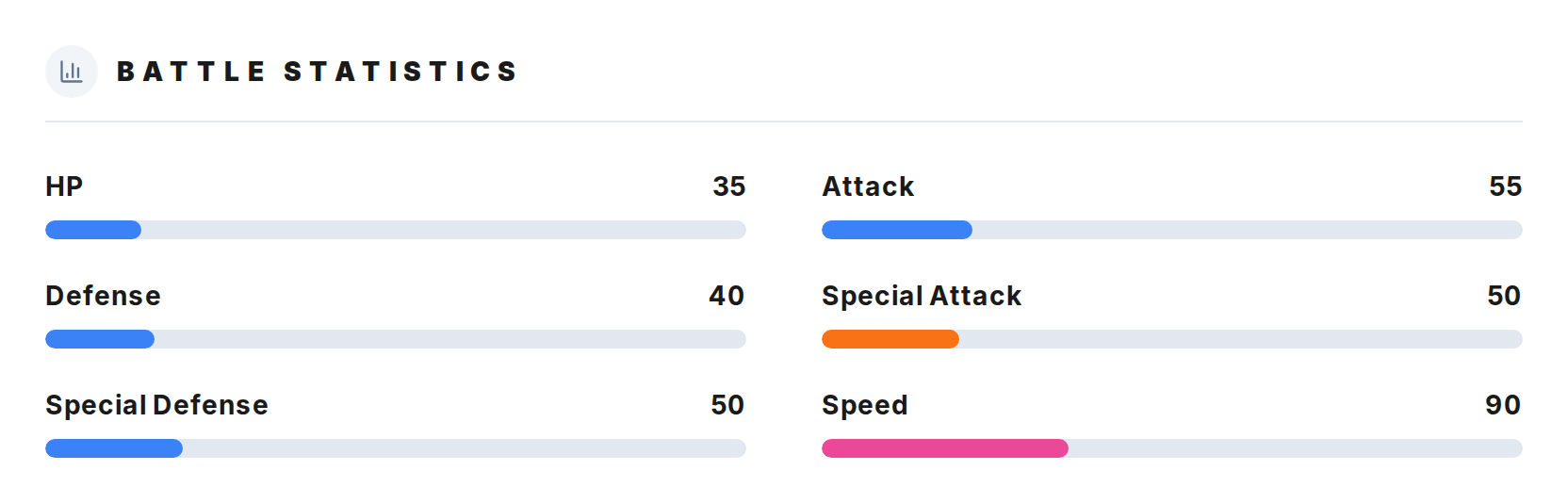
The Generations tab lets you browse the Pokemon across each generation it exists in. Tabs start from the latest generation. Each one shows the games available in that era and game-specific sprites. Generations where the Pokemon doesn't exist are hidden automatically.
Step 4
The Game tab shows game-specific data: sprites (front, back, shiny when available), encounter locations with methods like Walking or Surfing and conditions like time of day, and how the Pokemon learns its moves in that game.
Step 5
The Strengths and Weaknesses section shows the full type effectiveness chart. Weak to (2x), very weak to (4x), resistant to (half), very resistant to (quarter), and immune to (0x). All 18 types are shown for reference.