
Every filter in /random-pokemon-generator except Types and the toggles uses a multi-select dropdown. Each dropdown shows a Select All row at the top, one row per option, and a live label on the trigger that reads All {label}, No {label}, or N {label} depending on the current state. The label is your at-a-glance proof of what the generator is currently filtering on.
Step 1
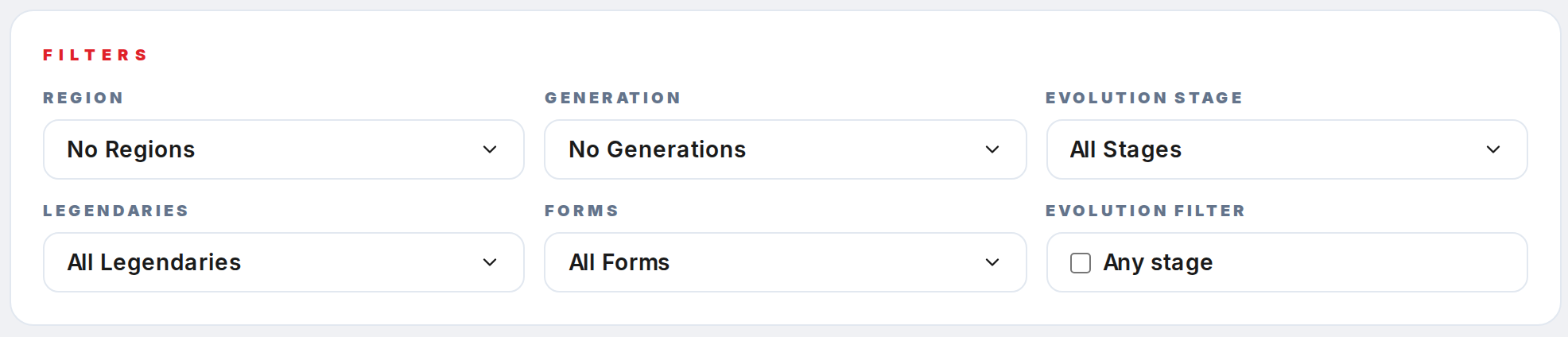
Open /random-pokemon-generator and scroll to the Filters card. Five of the six controls are multi-select dropdowns: Region, Generation, Evolution stage, Legendaries, and Forms.
Step 2
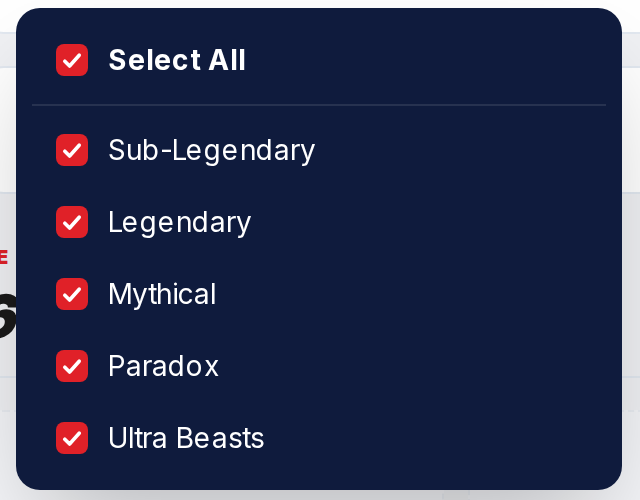
Click any trigger to open its menu. The panel is Pokepedia-navy with white rows, and anchors directly under the trigger.
Step 3
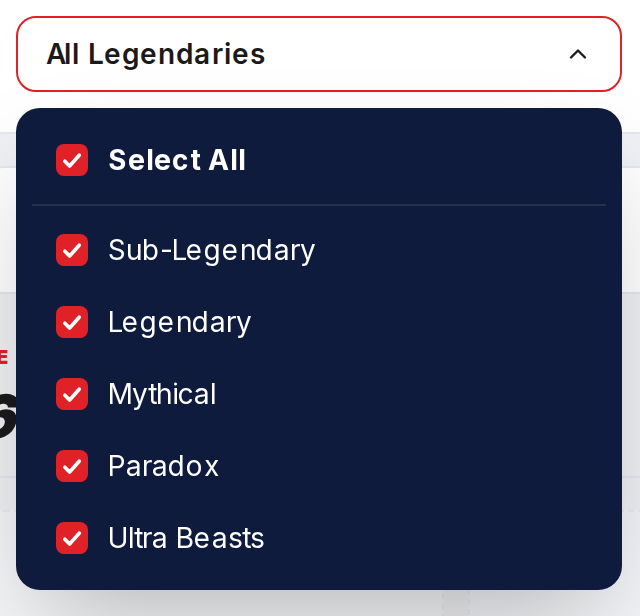
Use Select All at the top to toggle every row at once. A half-filled red square on the trigger and on Select All means some rows are checked and some are not.
Step 4

Click any row to toggle it on or off. The trigger label updates immediately: All Legendaries, 2 Legendaries, or No Legendaries.
Step 5
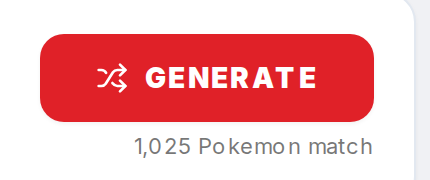
Close the menu by clicking outside, pressing Escape, or clicking the trigger again. The match counter under Generate recomputes on every click so you can see the pool shrink live.