
Pokemon sprites changed across generations and games. You can browse these different versions on the detail page. Front sprites, back sprites, and shiny variants for each game a Pokemon appeared in.
Step 1
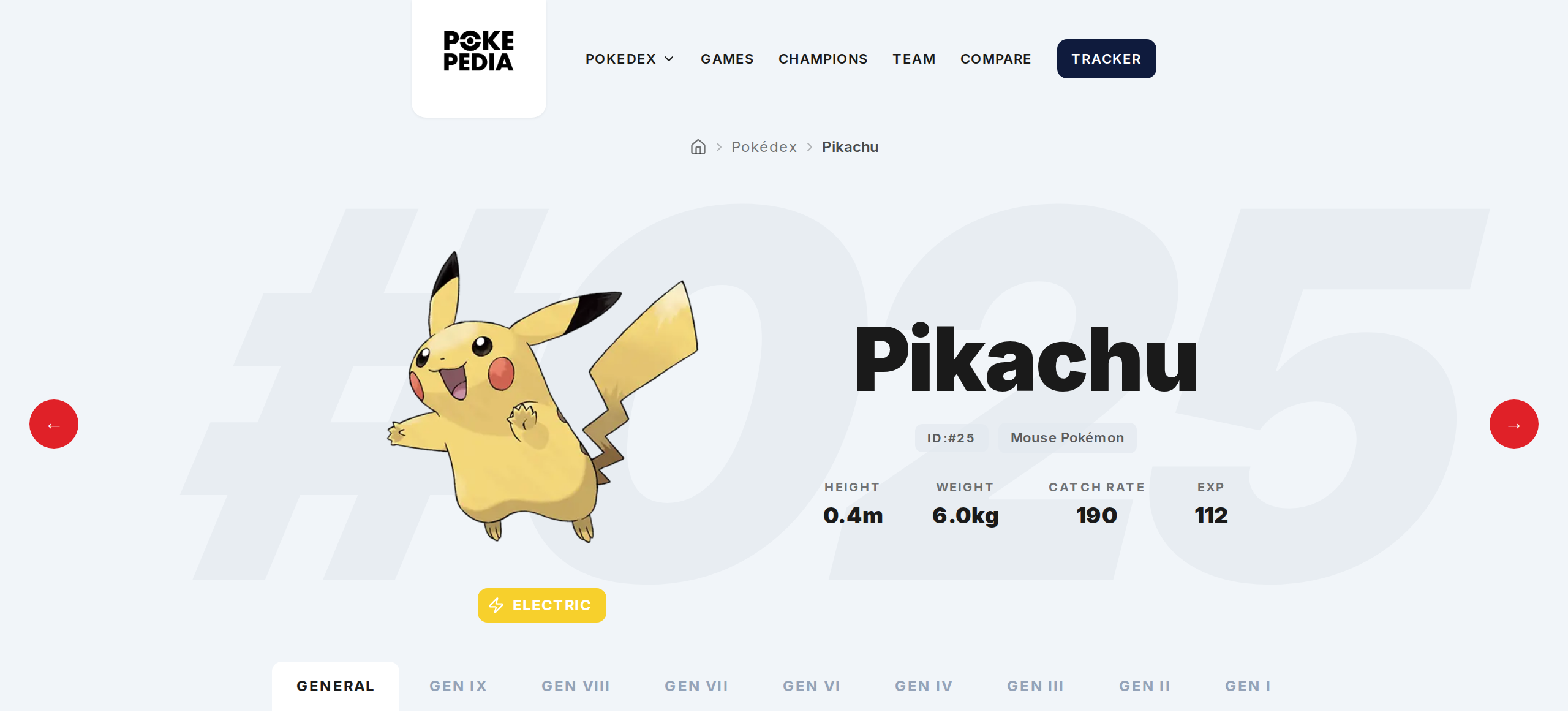
Open a Pokemon's detail page and go to the Game tab, or pick a specific game from the game appearances list.
Step 2
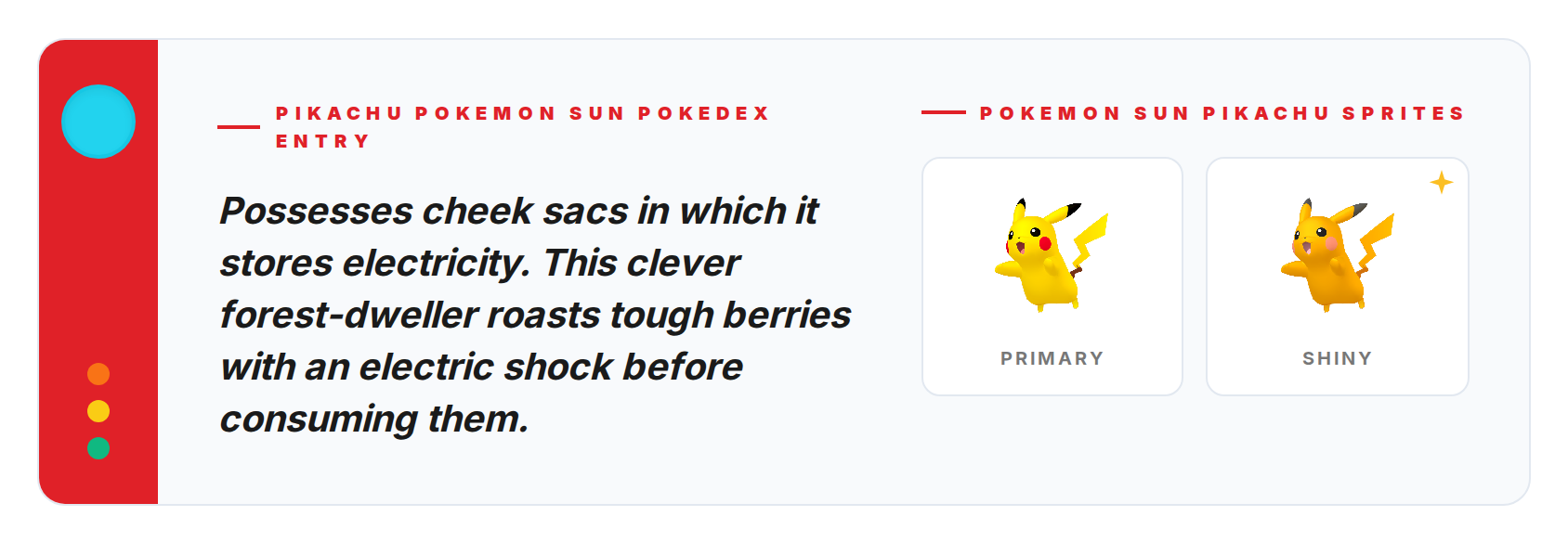
The sprite area shows the art for that game version. Red/Blue sprites look nothing like Scarlet/Violet ones. Each game has its own visual style.
Step 3
Shiny sprites show up when they exist for the selected game. Shiny Pokemon weren't a thing in Generation 1, so Red, Blue, and Yellow don't have shiny sprites.
Step 4
Each sprite has alt text in the format "Pokemon [Game] [Pokemon Name] Sprite Front" for accessibility.
Step 5
Switch between game tabs or generation tabs to compare how a Pokemon looked in different eras.