
Every detail page shows which games a Pokemon can be found in, along with its Pokedex number in each one. Useful for knowing which titles include a specific Pokemon.
Step 1
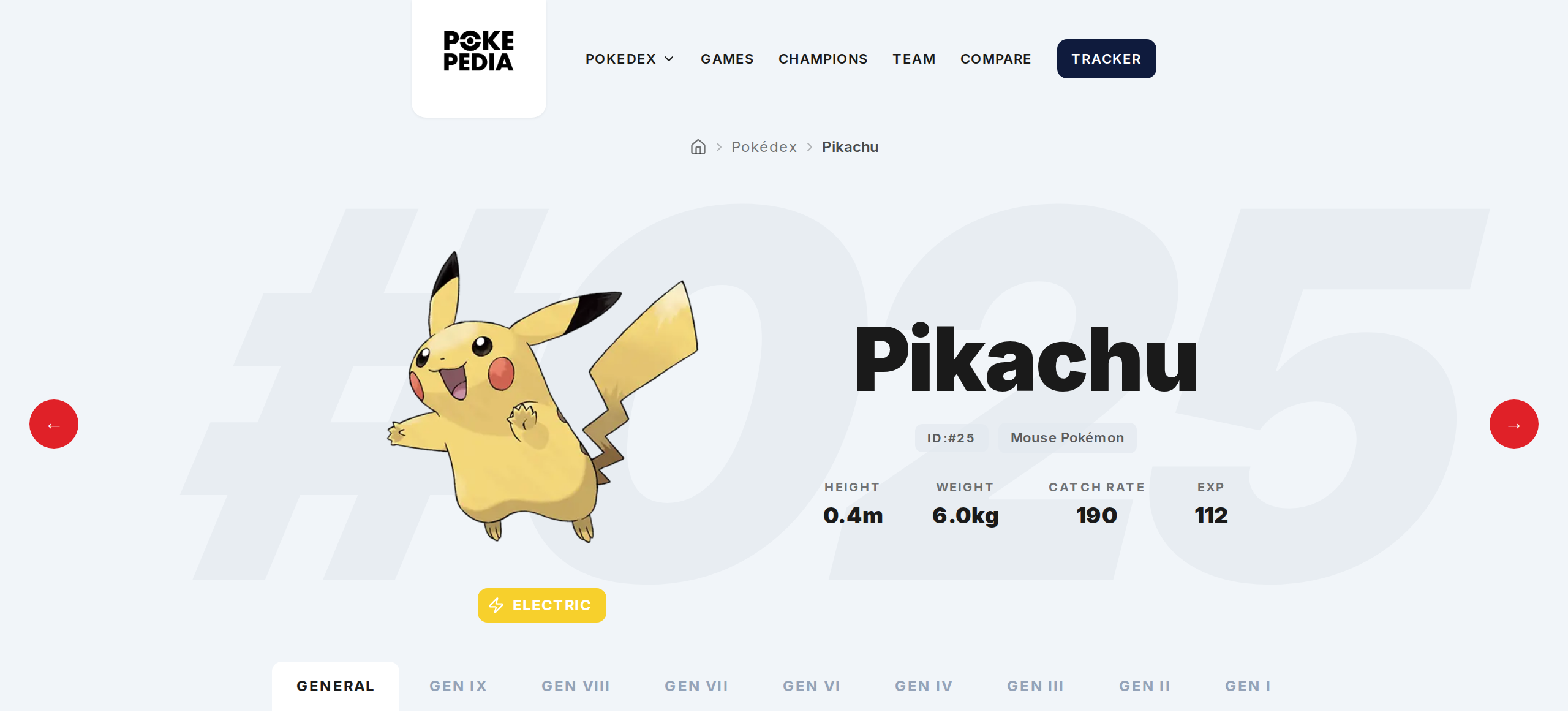
Open any Pokemon's detail page by clicking its card.
Step 2
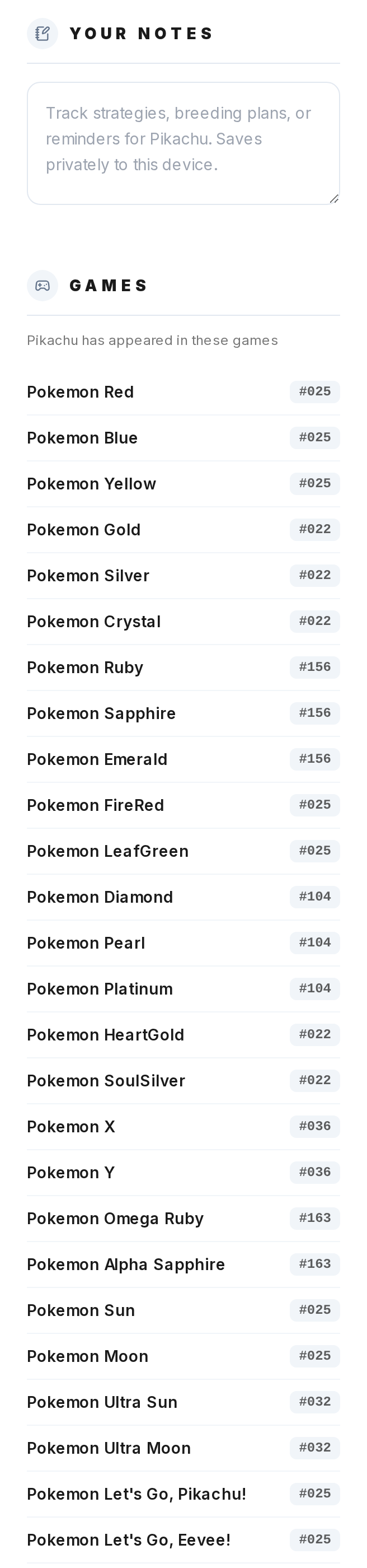
On the General tab, look at the game appearances list. It shows every game the Pokemon is found in, organized by generation and title.
Step 3
Each entry has the game name (or group like Red/Blue/Yellow) and the Pokemon's number in that game. Pikachu shows IDX: 0025 in Red/Blue/Yellow but IDX: 0156 in Ruby/Sapphire/Emerald because the Hoenn Pokedex numbers are different.
Step 4
Click any game entry to switch the detail page to that game's context. Sprites, encounter locations, and move data all update to match the selected game.
Step 5
The Generations tab lets you browse by generation instead. Each tab shows the available games in that era and you can switch between them. Generations where the Pokemon doesn't exist are hidden.