
The Pokedex page on Pokepedia.com has a search bar that filters Pokemon as you type. It works with names and National Pokedex numbers, and it covers every Pokemon from Kanto to the latest generation. You don't need to press Enter or wait for the page to reload. Results show up instantly.
Step 1

Go to pokepedia.com/pokedex. Every Pokemon is listed here as a card with its sprite, name, National Pokedex number, and type badges.
Step 2
Look for the search bar at the top of the page. It says "Search Pokemon..." Just start typing. The grid updates on its own as you go.
Step 3

You can search by name or by number. Typing "Pikachu" or "25" both work. Partial names work too. "Char" brings up Charmander, Charmeleon, and Charizard all at once. Numbers are exact though. "25" only shows Pikachu. It won't pull up #125 or #250.
Step 4

There's a counter above the grid that tells you how many Pokemon match what you typed. You can also add filters on top of your search. Pick a type, a game, or an evolution stage and the results get narrower from there.
Step 5
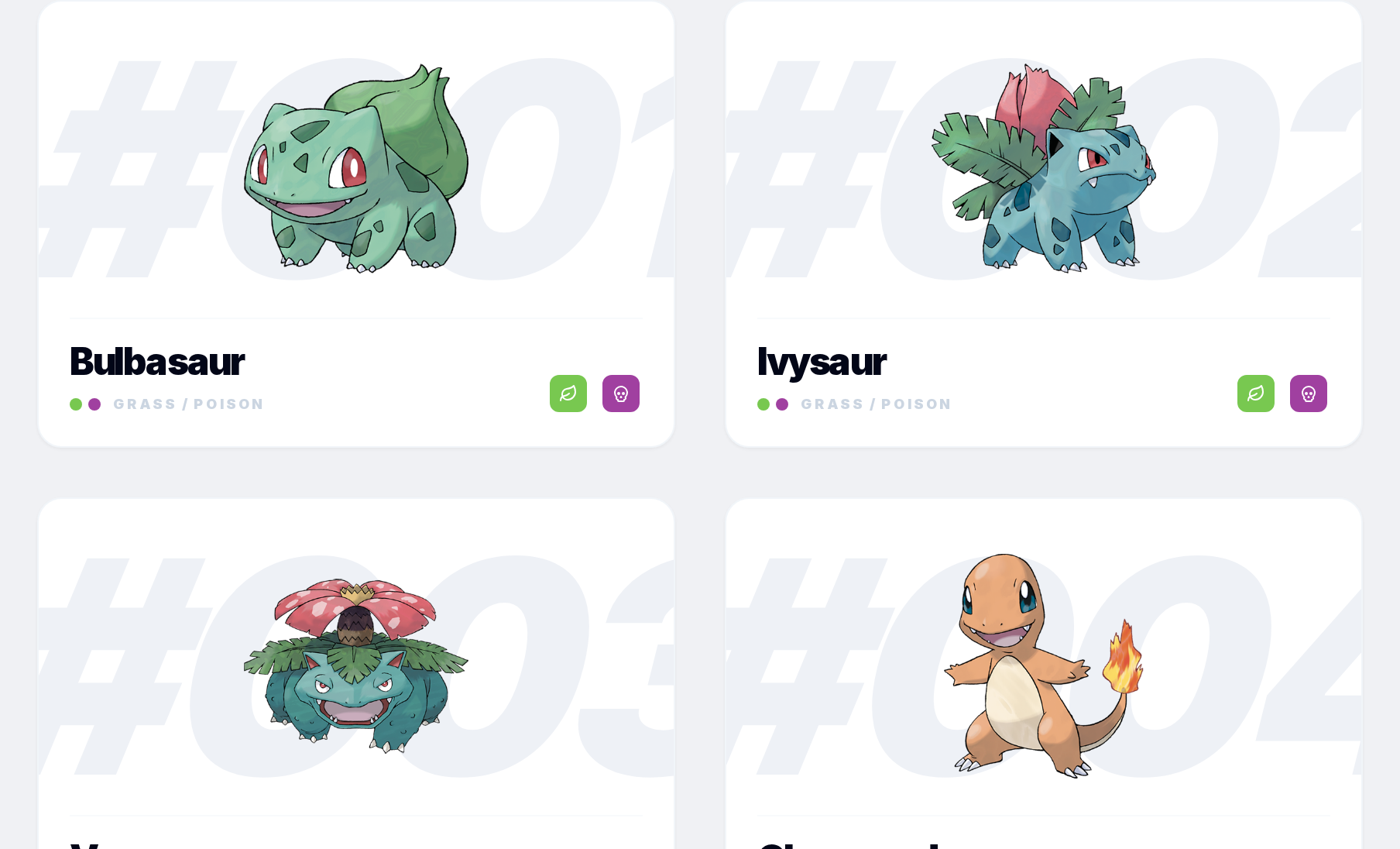
Clicking a card opens that Pokemon's detail page. That's where you'll find base stats, the evolution chain, type matchups, alternate forms, regional variants, game appearances with game-specific numbers, and how it learns its moves.