
The import feature restores a backup you exported earlier. Useful for switching browsers, setting up a new device, or recovering after clearing your data. It reads the JSON file and loads everything back in.
Step 1
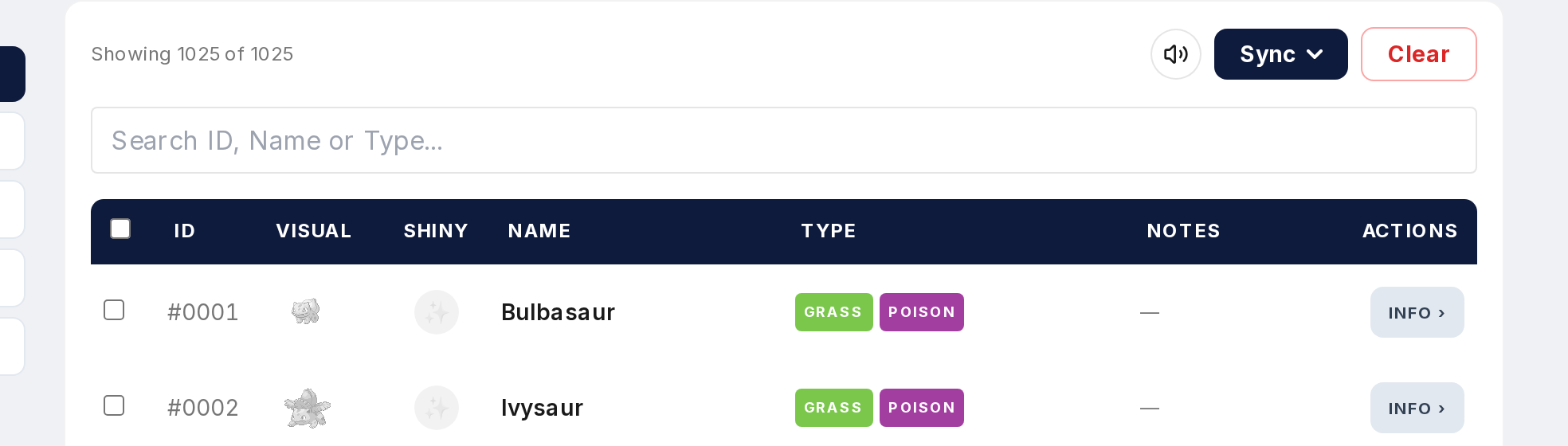
Open the Tracker and find the Import button.
Step 2
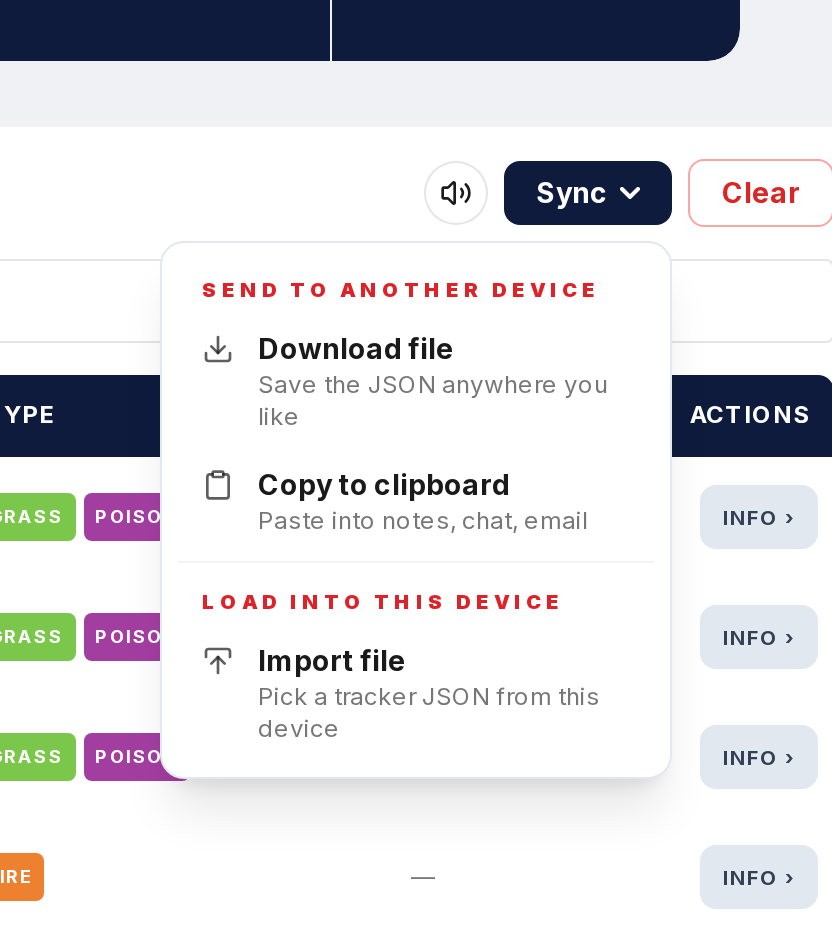
Click Import and select the JSON file you exported before.
Step 3
Heads up: importing replaces all current tracker data in your browser. If you have progress you haven't backed up, export it first.
Step 4
The file is read and everything loads into local storage. Catches, shiny status, notes, all restored.
Step 5
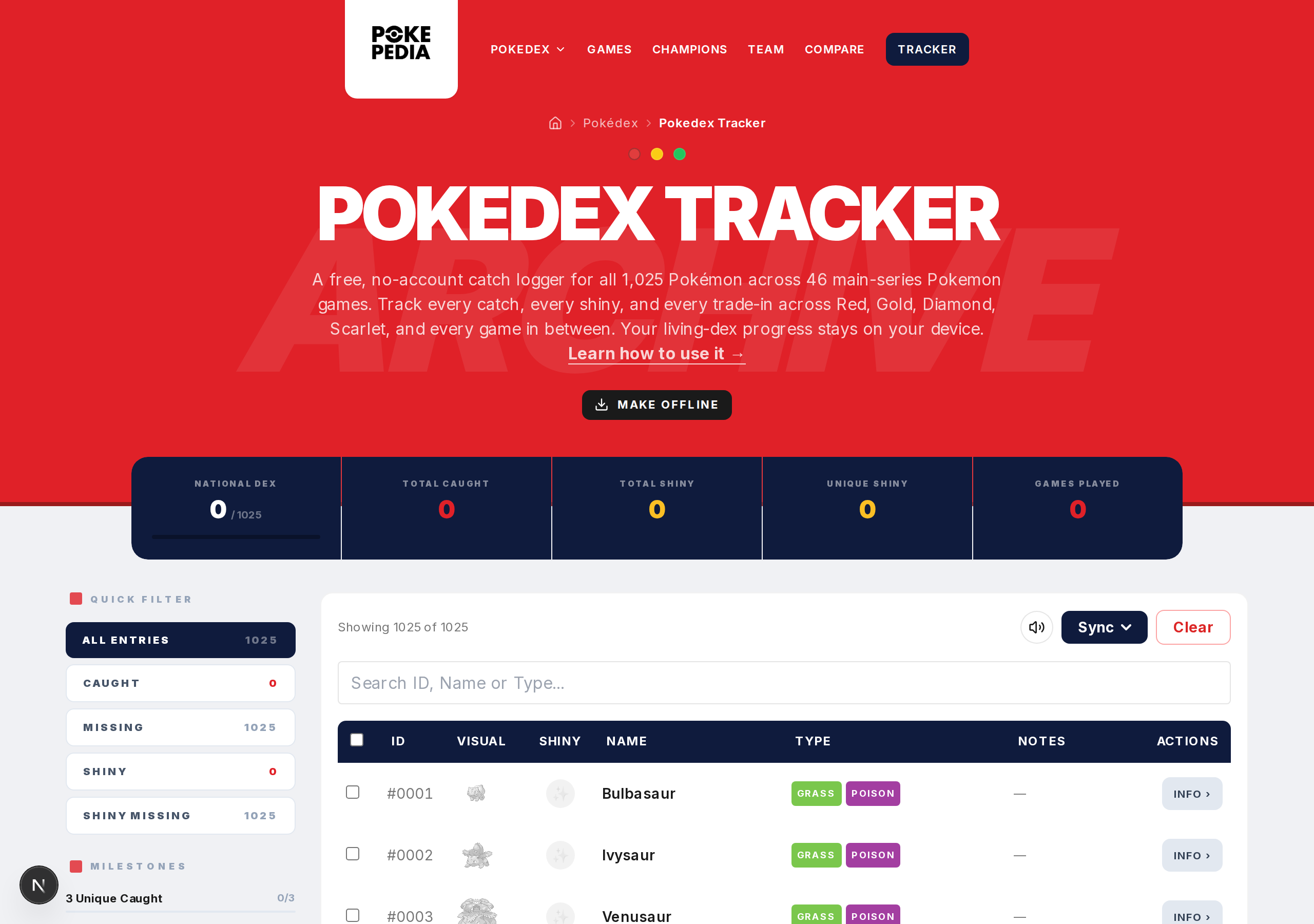
After import, your stats, progress bars, and milestones all update to match the imported data. Check a few Pokemon to make sure everything looks right.
Import and export are your tools for moving data between browsers and devices. No account, no cloud sync. These two buttons give you control.