
You can attach personal notes to any Pokemon in the Tracker. Where you caught it, what method you used, trade details, whatever you want to remember. Notes save alongside your catch data and are included when you export.
Step 1
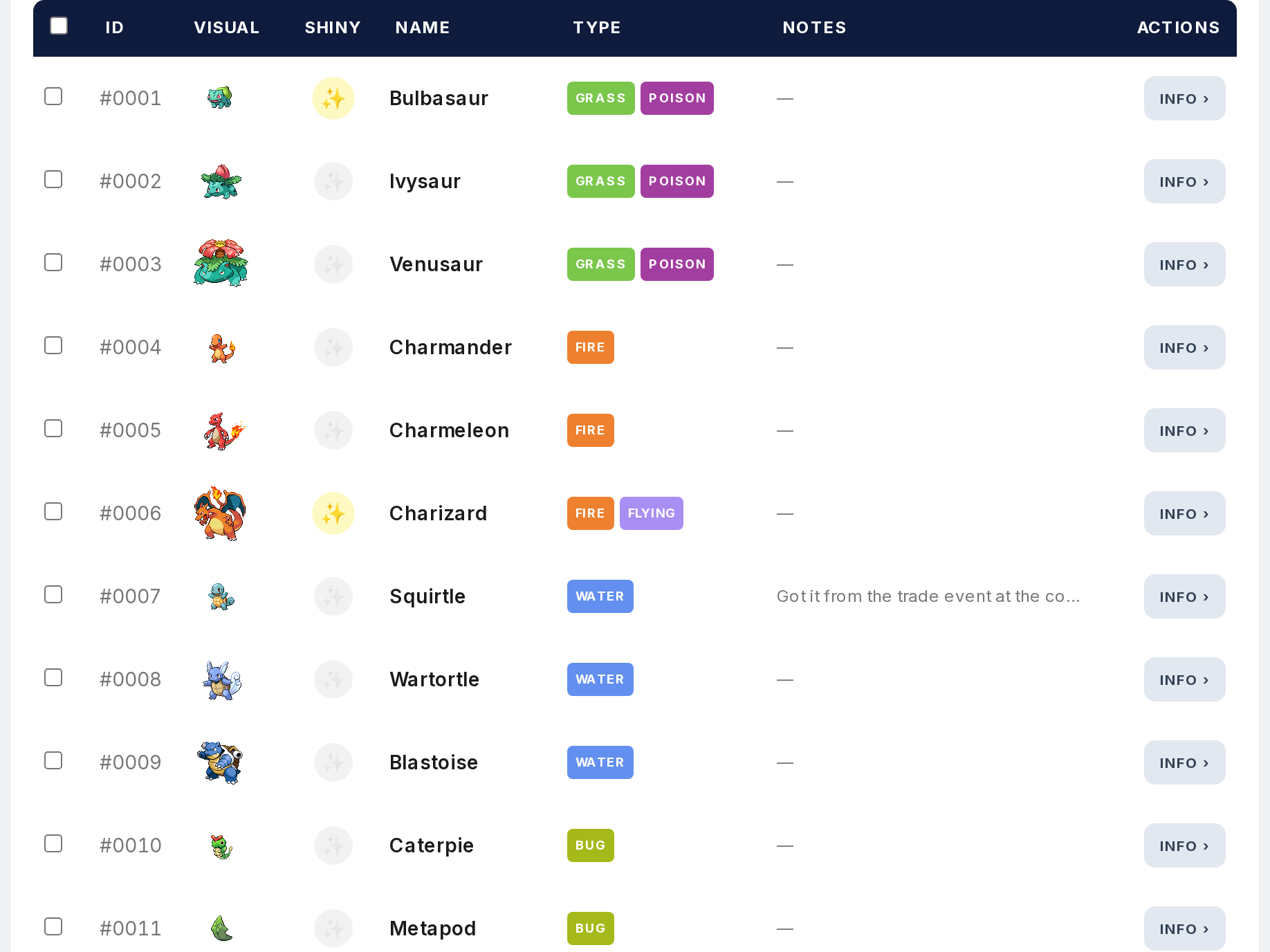
Open the Tracker and click any Pokemon in the main view. This opens the modal.
Step 2
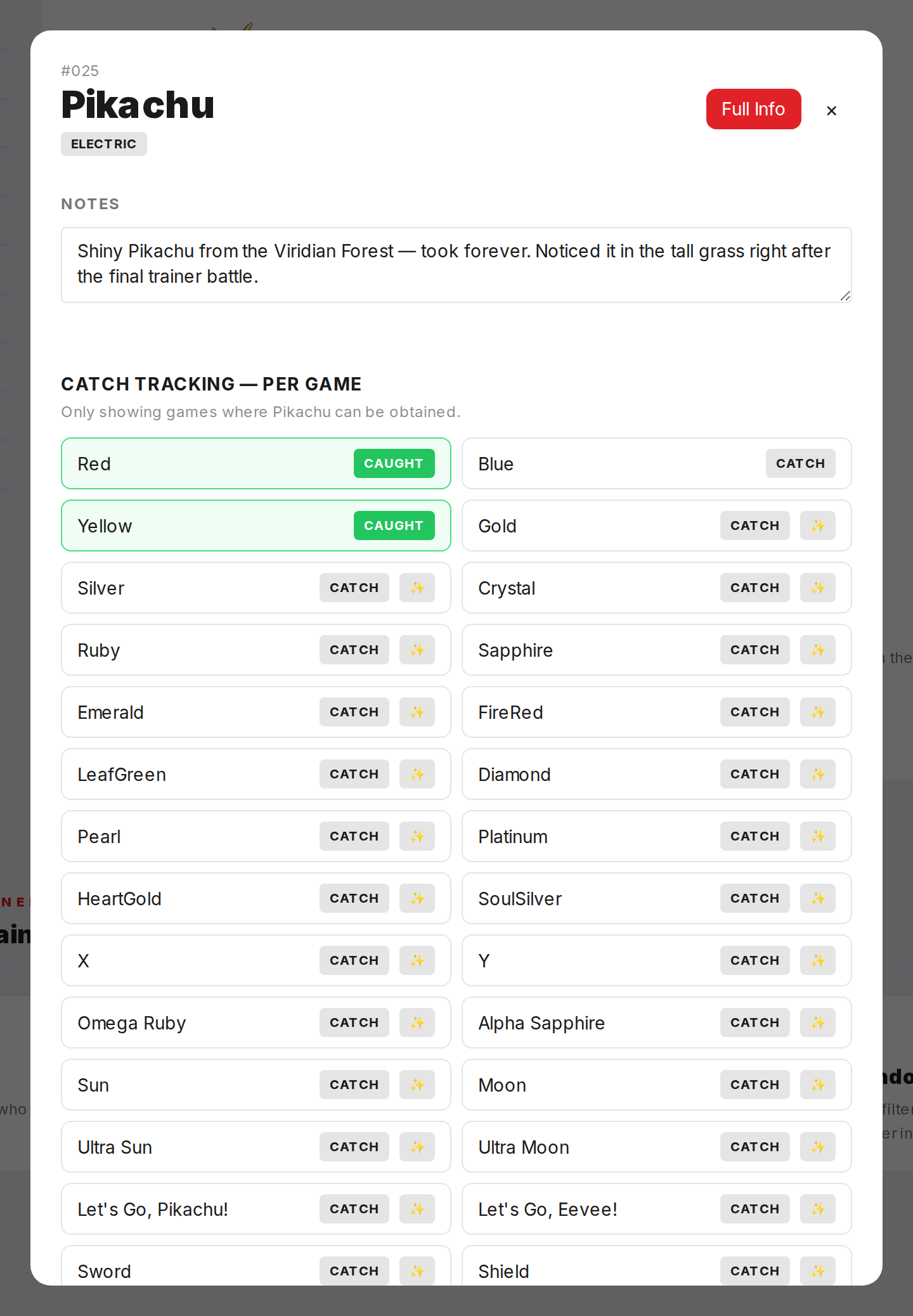
Find the notes field in the modal. Type whatever you want. No character limit.
Step 3
Click Save. The note is stored in your browser's local storage along with your catch data.
Step 4
Notes are visible in the tracker table. When a Pokemon has a note, it shows in its row.
Step 5
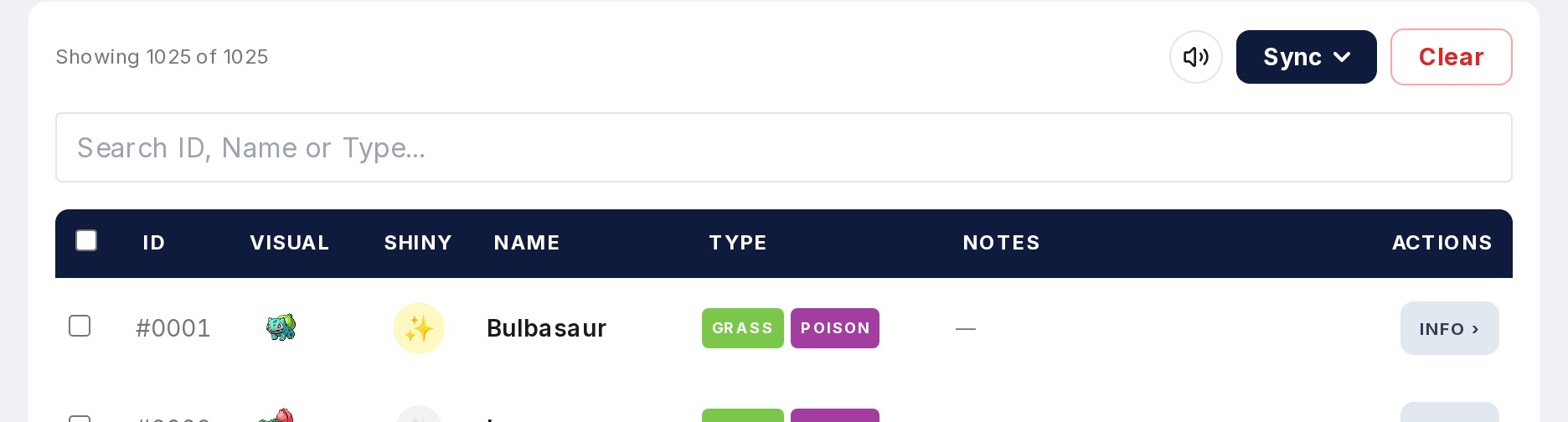
Notes are included in your export file. When you export your tracker as JSON, notes come with it. Import it later and notes come back too.
Notes add a personal layer to your tracking. Use them however you want. Catch method, location, trade partner, or just a reminder for yourself.