
The site works right away. No account, no download, no setup. Open it in your browser and every feature is ready. Here's a quick walkthrough of what's available.
Step 1

Go to pokepedia.com in Chrome, Firefox, Safari, or Edge. Desktop or mobile. The navigation gives you access to the Pokedex, Random Pokemon generator, and Tracker. No signup needed.
Step 2
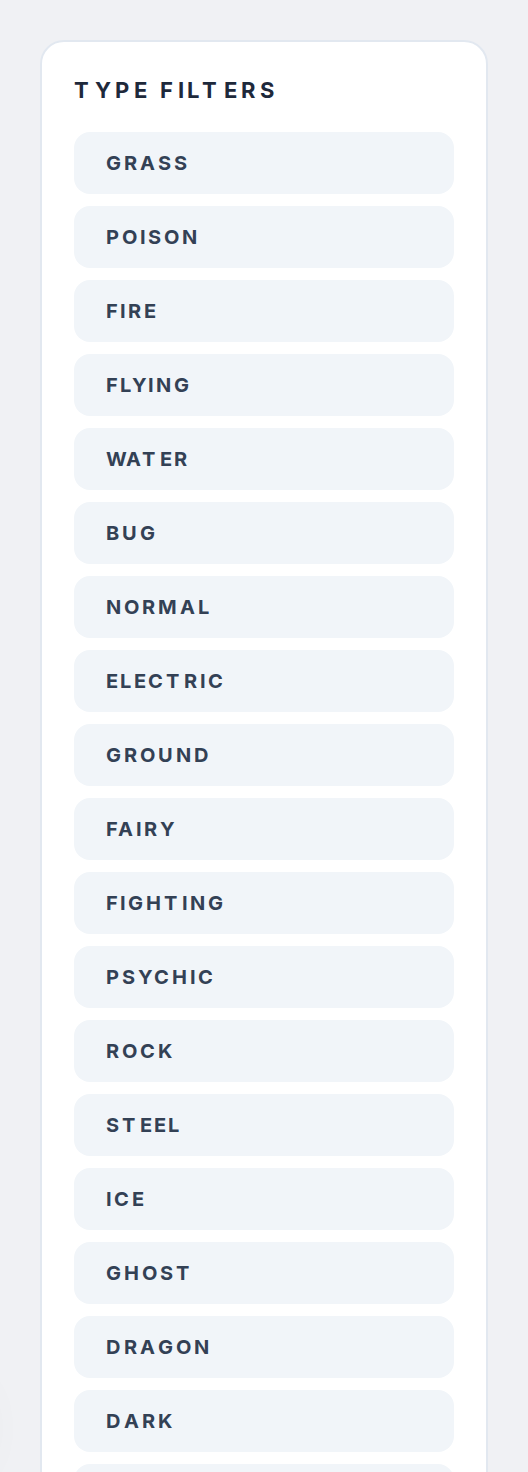
Start with the Pokedex at pokepedia.com/pokedex. Every Pokemon from Kanto to the latest generation is listed as a card. Scroll through, use the search bar to find one by name or number, or use the sidebar filters to narrow by type, game, or evolution stage.
Step 3

Click any card to open its detail page. Stats, evolution chain, type matchups, alternate forms, game appearances, encounter locations, move data. It's all there.
Step 4
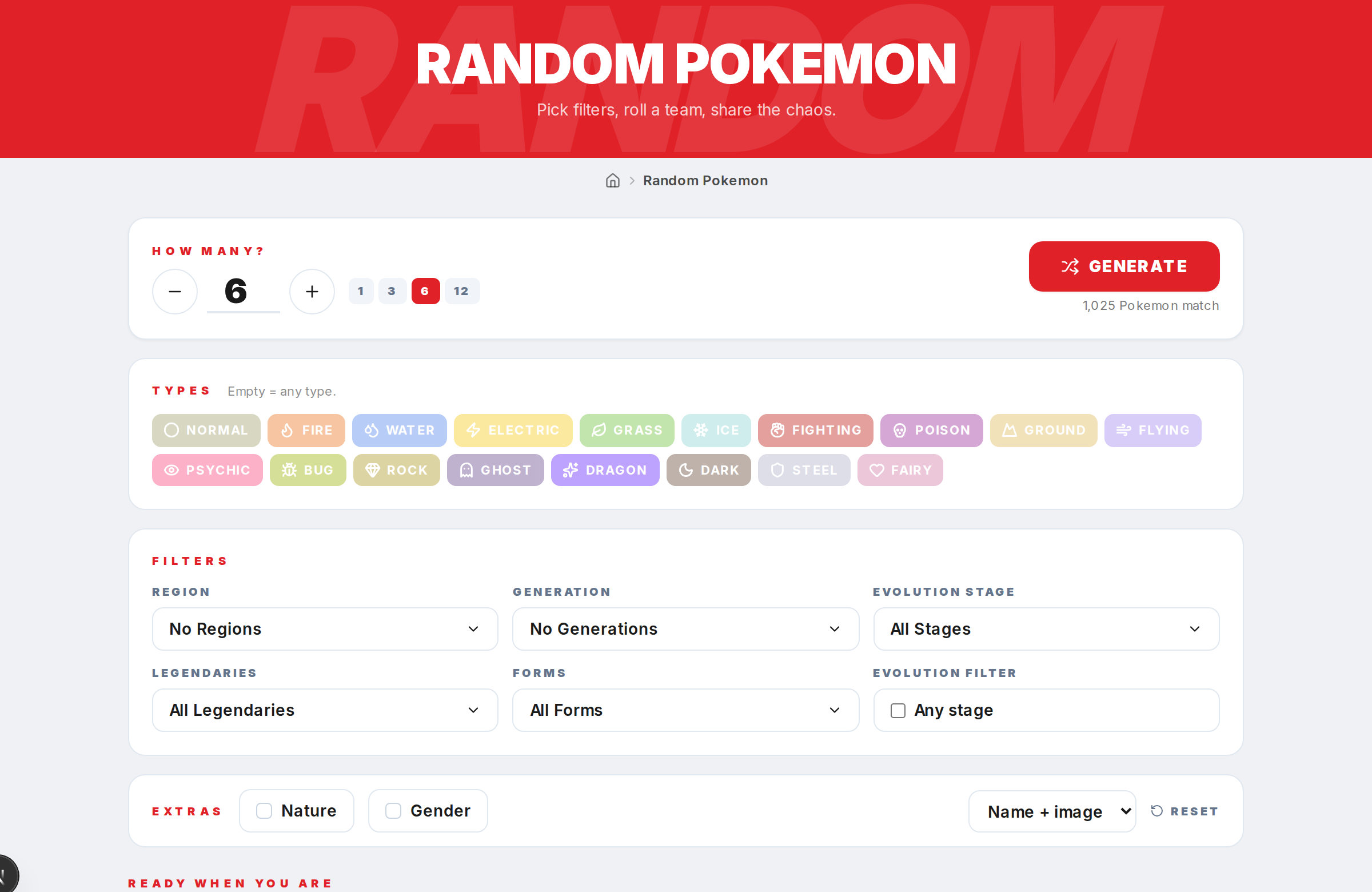
Try the Random Pokemon generator. Pick a single random Pokemon or a full team of six. Add filters for generation, region, type, rarity, or evolution stage if you want to control what gets picked.
Step 5
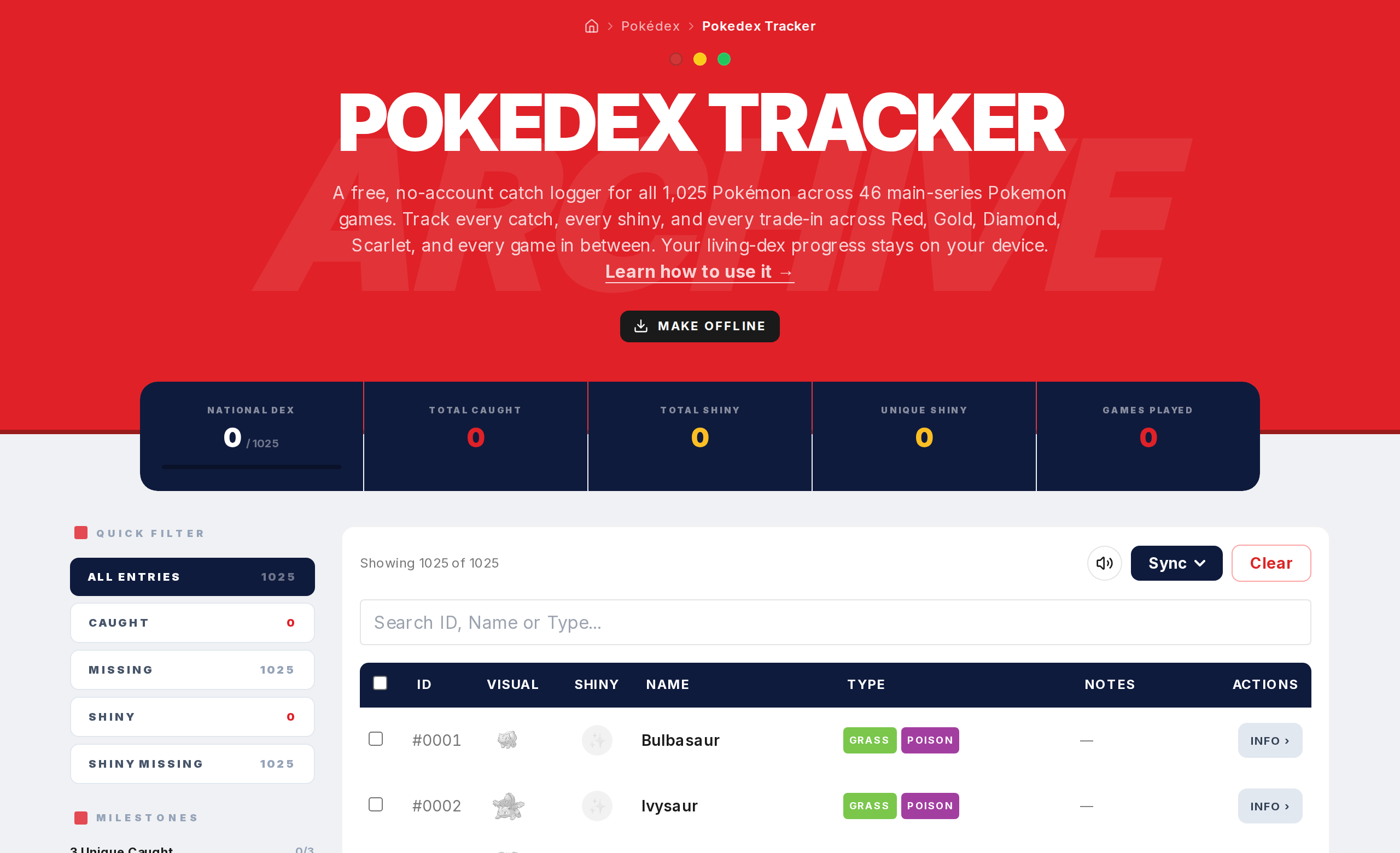
Open the Tracker to start logging your collection. Click a Pokemon to mark it as caught for a specific game. Track shinies, add notes, check progress bars. Your data saves automatically. Export regularly to keep a backup.